Masterpage:Right-NoTitle0
EN
33
Filename [DVS3U_1a-EN.fm]
Page 33 January 14, 2002 10:51 am
Elapsed Recording Time Indication
1
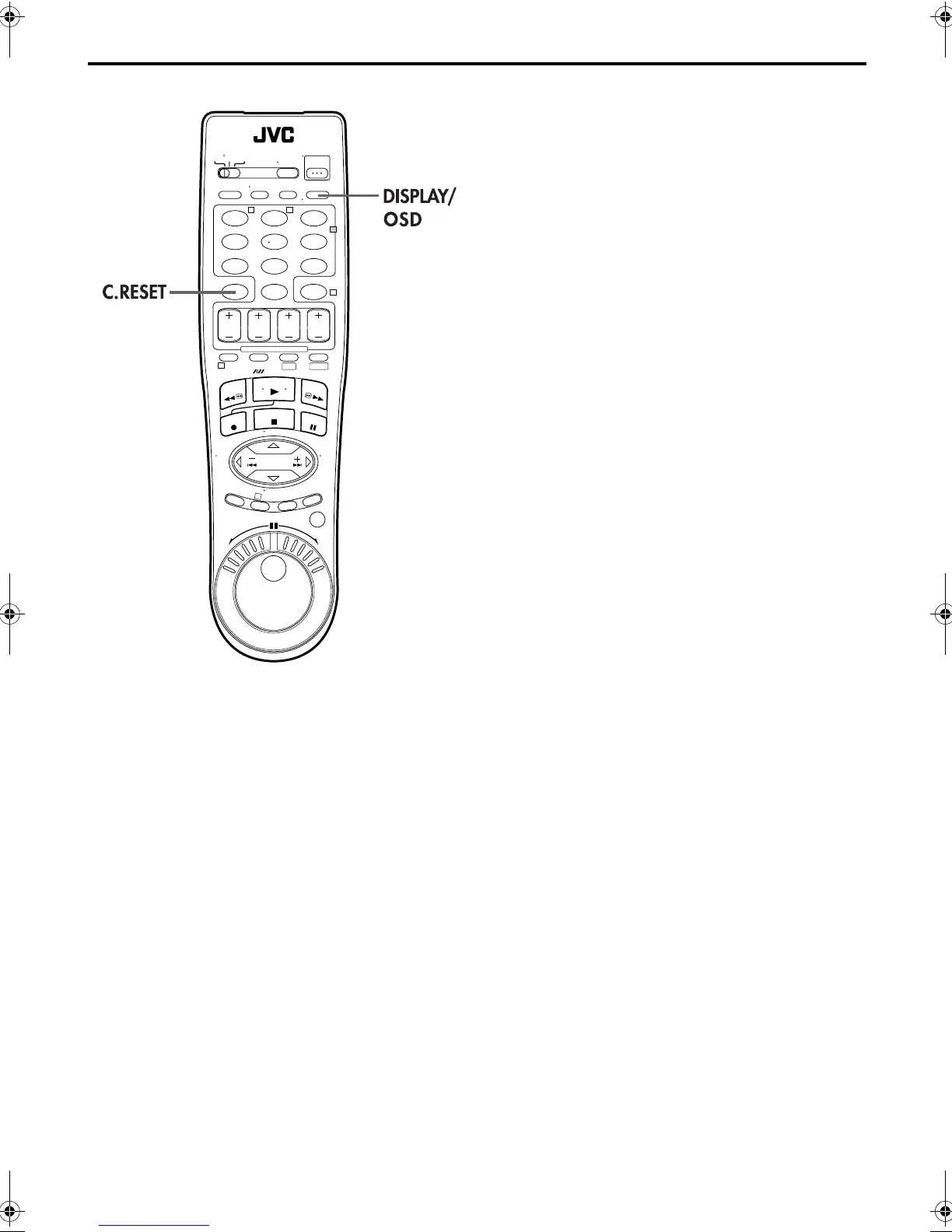
Set the counter display.
Press
DISPLAY/OSD
until a counter reading appears on
the front display panel.
2
Reset the counter.
Press
C.RESET
before starting recording or playback.
● The counter is reset to “0:00:00” and shows the exact elapsed
time as the tape runs. You can check the exact time of a
recording or playback.
Tape Remaining Time
Press
DISPLAY/OSD
until the time remaining on the tape
appears on the front display panel.
● The front display panel shows the tape remaining time with
“
z
” displayed.
● By pressing the
DISPLAY/OSD
button, you can change the
display to show the counter reading, tape remaining time,
channel position* or clock time.
* Channel position is not displayed during playback.
NOTES:
●
When you press
DISPLAY/OSD
, the on-screen display appears
(
墌
pg. 10) on the TV screen for 5 seconds, then the displays
other than the counter disappears. To clear the counter display,
press
DISPLAY/OSD
.
●
Depending on the type of tape being used, the tape remaining
time reading may not appear right away, or is not correct.
“– –:– –” may sometimes appear, or the display may blink on
occasion.
123
456
7
89
0
2
4
1
3
T W
DV S-VHS
DVS3U_1a-EN.fm Page 33 Monday, January 14, 2002 10:51 AM



 To Next Page