Filename [DVS3U_1a-EN.fm]
Masterpage:Left
34
EN
Page 34 January 10, 2002 10:49 am
PLAYBACK/RECORDING ON VHS DECK (cont.)
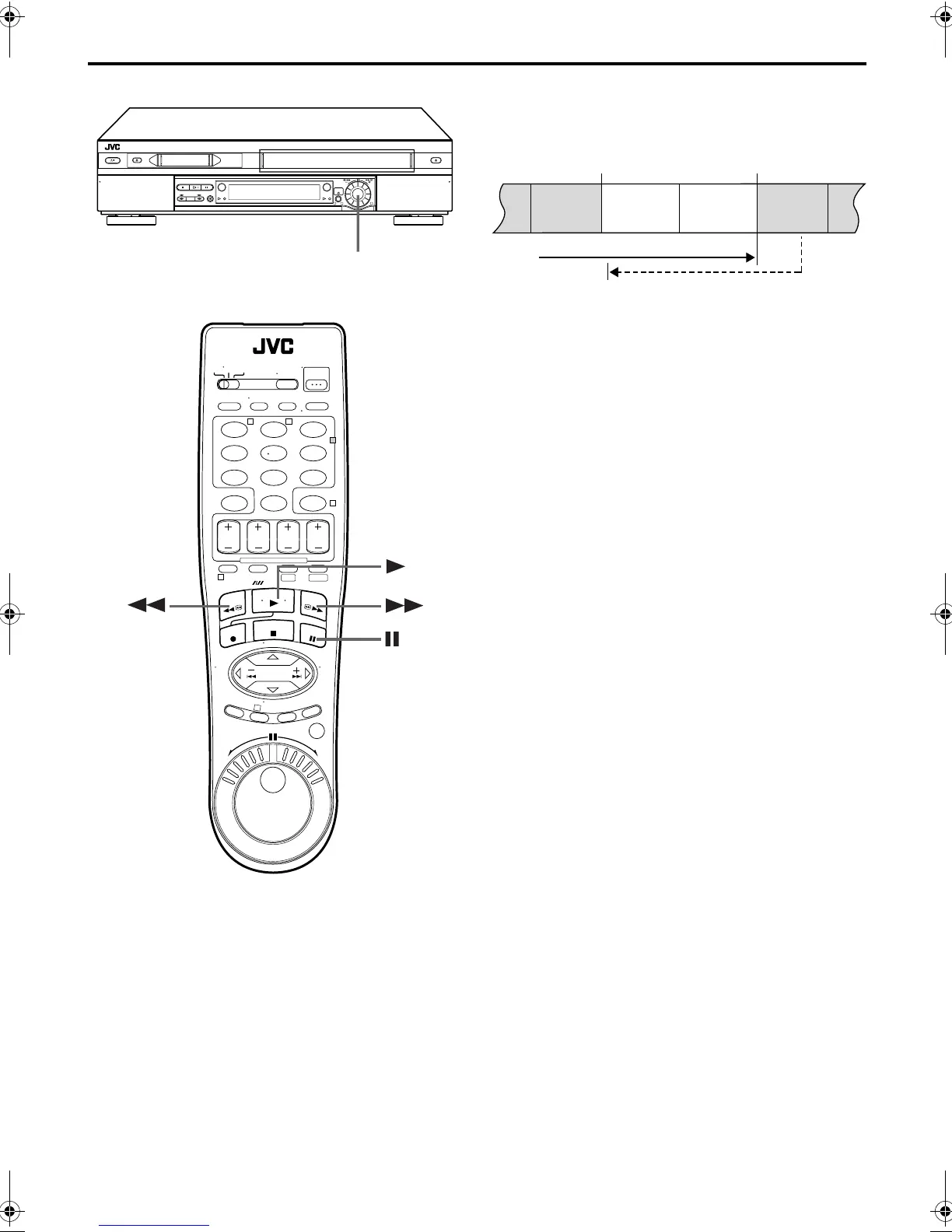
Retake
You can cut out unnecessary parts of a TV program while you are
recording it.
1
Engage the Record-Pause mode.
Press
PAUSE
(
9
) during recording.
2
Locate the start point.
Turn the
ADVANCEDJOG
dial to the left or right (or hold
down
REW
(
3
) or
FF
(
5
)) and release it when you
reach the point where you want to resume recording.
● Your VCR returns to the Record-Pause mode.
3
Resume recording.
Press
PLAY
(
4
) when you wish to resume recording.
Second Audio Recording
This VCR’s built-in MTS decoder enables reception of
Multichannel TV Sound broadcast. To record a SAP
program received, set “2ND AUDIO RECORD” to “ON”.
(
墌
pg. 71)
NOTES:
When the channel is changed on the VCR;
●
The “STEREO” indicator appears on the screen for about
5 seconds if the program is a stereo broadcast.
●
The “SAP” indicator appears on the screen for about
5 seconds if the program is a SAP broadcast.
●
Both indicators appear when a stereo program is accompanied
by SAP sound.
123
456
7
89
0
2
4
1
3
T W
DV S-VHS
1
32
ADVANCED JOG
dial
End of program Beginning of program
Recorded part
Go back to end of program to cut out
unnecessary part
Program Program
Unnecessary
part
Unnecessary
part
DVS3U_1-EN.book Page 34 Thursday, January 10, 2002 10:51 AM



 To Next Page