53
Setting Operation
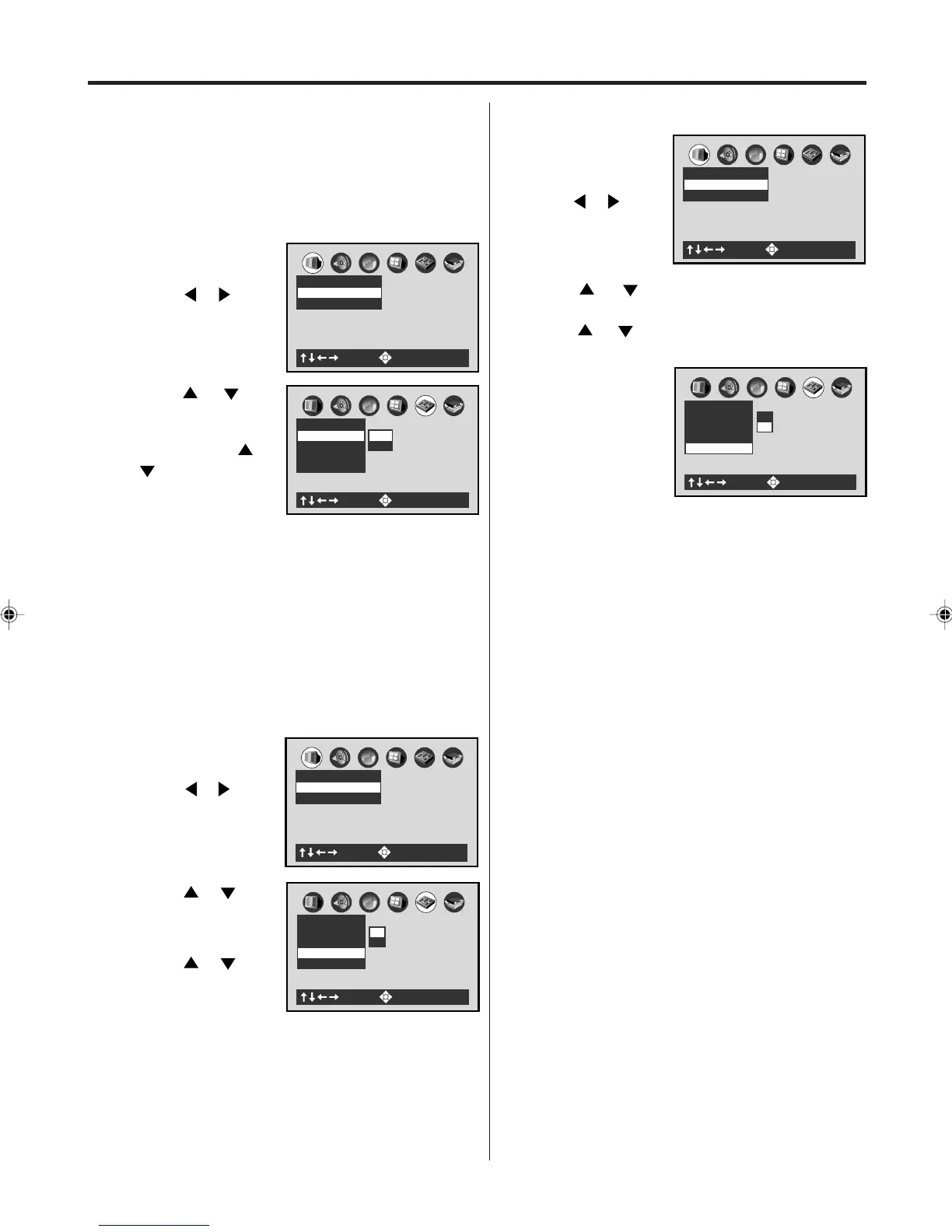
• Turn ON the TV and set to the video input mode.
• Make sure TV/VCR/DVD switch has been slided to
VCR/DVD. Then press DVD to select the DVD mode.
(The DVD indicator will light)
Preparation:
Title Stop
Turn on or off a feature that automatically stops
playback after a title has been viewed.
1
Press SET UP MENU
in the stop mode.
Press or to se-
lect “Operation”.
A
B
C
: Select : Enter
Picture
TV Shape 4:3LB
Video Out Select Video
2
Press or to
select “Title Stop”,
then press OK
(Enter).
Press
or to
select “On” or “Off”,
then press OK
(Enter).
PBC On
A
B
C
Operation
Title Stop Off
Parental Lock Off
Pause/Still Auto
: Select : Enter
On
Off
3
To make the SETUP screen disappear,
press SET UP MENU.
3
To make the SETUP screen disappear, press SET UP
MENU.
Off: The DVD/VCR continues after playback of
a title is completed.
On: The DVD/VCR stops after playback of a title
is completed.
2
Press
or to select “PBC”, then press OK
(Enter).
Press
or to select “On” or “Off”, then press
OK (Enter).
3
Off: When playing a VIDEO CD without using
the menu.
On: To use the menu when playing a PBC-
featured VIDEO CD.
To make the SET UP screen disappear, press SET
UP MENU.
PBC
A
B
C
: Select : Enter
Picture
TV Shape 4:3LB
Video Out Select Video
1
Press SET UP
MENU in the stop
mode.
Press
or to
select “Operation”.
PBC On
A
B
C
Operation
Title Stop Off
Parental Lock Off
Pause/Still Auto
: Select : Enter
On
Off
A
B
C
: Select : Enter
Picture
TV Shape 4:3LB
Video Out Select Video
1
Press SET UP MENU
in the stop mode.
Press
or to
select “Operation”.
Pause/Still
Select the resolution of still pictures.
A
B
C
Operation
Title Stop Off
PBC On
Parental Lock Off
Pause/Still Auto
Frame
Auto
: Select : Enter
2
Press or to
select “Pause/Still”,
then press OK
(Enter). Press
or
to select “Auto”
or “Frame”, then
press OK (Enter).
Auto: For normal use. Still and fast motion images
can be paused.
Frame: The resolution of still pictures is improved,
so that you can make a motionless picture
clearer when you pause it.
2A77501B E(50-53) 5/30/02, 9:24 PM53



 To Next Page
 Loading...








