26
Preparation:
• Turn ON the TV and select the VCR channel on TV.
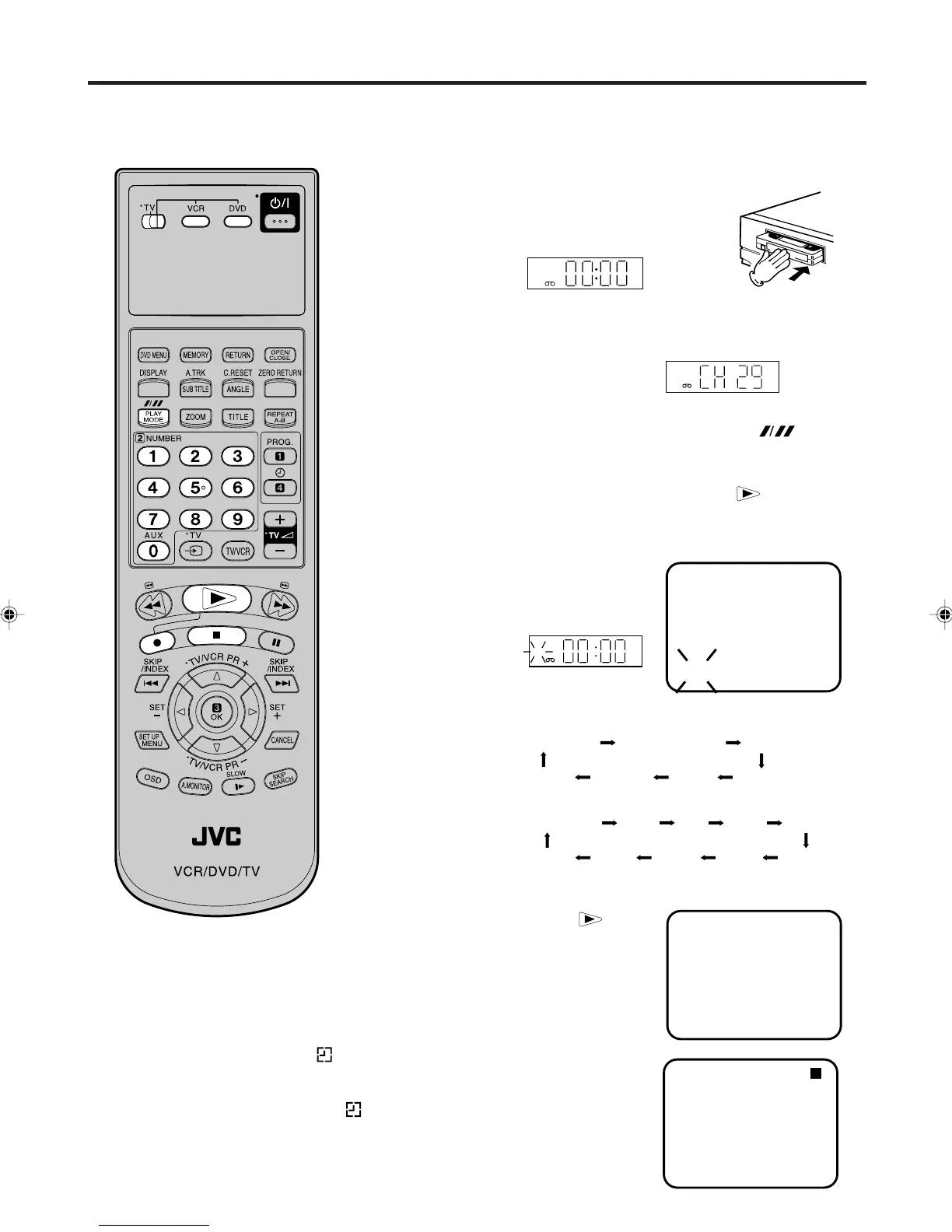
• Make sure TV/VCR/DVD switch has been slided to VCR/DVD. Then
press VCR to select the VCR mode. (The VCR indicator will light)
1
Load a blank cassette tape with the
erase prevention tab intact. (The
DVD/VCR will automatically turn
on.)
2
Select the program (e.g.29) you want to record with PR +/– or
number keys.
1~9 : e.g. 5 = press “5”
10~80 : e.g. 29 = press “2” and “9”.
3
If a recording in Long Play mode is intended, press (TAPE
SPEED) to display "LP". (see note on page 28)
4
Press 2 on the VCR or while holding 2, press on
the Remote to begin recording. Press 2 on the VCR again to
stop recording after 30 minutes. Each additional press of 2 will
increase recording time as shown in the chart below, up to a
maximum of 5 hours. The ITR and
recording time will appear on the
screen for about 4 seconds. And,
REC will keep blinking in the display.
Instant Timer Recording (ITR)
Note:
• If you wish to watch the DVD playback
during the ITR, press DVD to change to
DVD mode and perform the DVD play-
back (see page 38).
• If the tape supply has not sufficed for
ITR recording, the clock symbol ( ) will
blink at the tape-end and then VCR
mode will change to DVD mode.
In this case, press • to cancel the
blink or press EJECT to remove the cas-
sette tape.
The instant timer recording feature
provides a simple and convenient way
to make a timed recording.
To Extend the Recording Time
While holding 2, press .
repeatedly until the desired time
appears on the display.
To stop the ITR
Press 3.
ITR 1 : 30
CH 29
“REC” will keep blinking
in the display.
VCR
Tape speed: SP
Tape speed: LP
CH 29
ITR 0:30
INDEX
STEREO
REC
VCR
2:00
5:00
4:00 3:00
1:30
Recording 0:30
1:00
Recording 0:30
1:00
1:30
10:00
2:00
3:00
4:00
5:00
.......
2A77501B E(24-29) 5/30/02, 9:22 PM26



 To Next Page
 Loading...








