24
ENGLISH
4
5
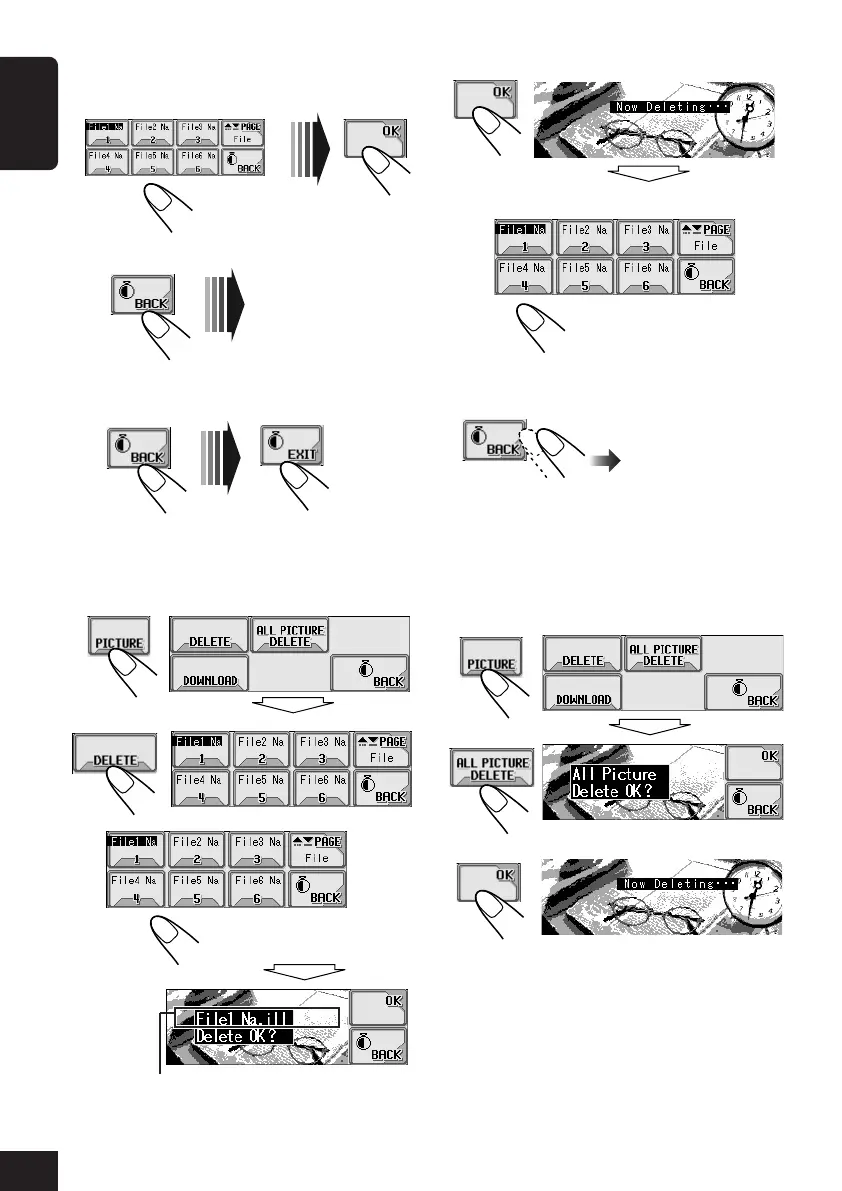
Delete more files if you want.
6
After deleting all the files you do not
want...
To delete all the stored pictures at a time:
1
Repeat steps
1
to
4
on page 21, then in
step
5
...
2
3
Select a file.
File name of the selected file appears.
Select a file.
Exit.
6
Download more files if you want.
• To select a file from the same folder:
• To select a file from another folder:
7
After downloading all the files you
want...
To delete the stored pictures:
1
Repeat steps
1
to
4
on page 21, then in
step
5
...
2
3
Repeat steps
3
to
5
.
21-26_KD-AR_LHX5000[J]f.p65 1/27/04, 9:19 PM24



 To Next Page