44
ENGLISH
2
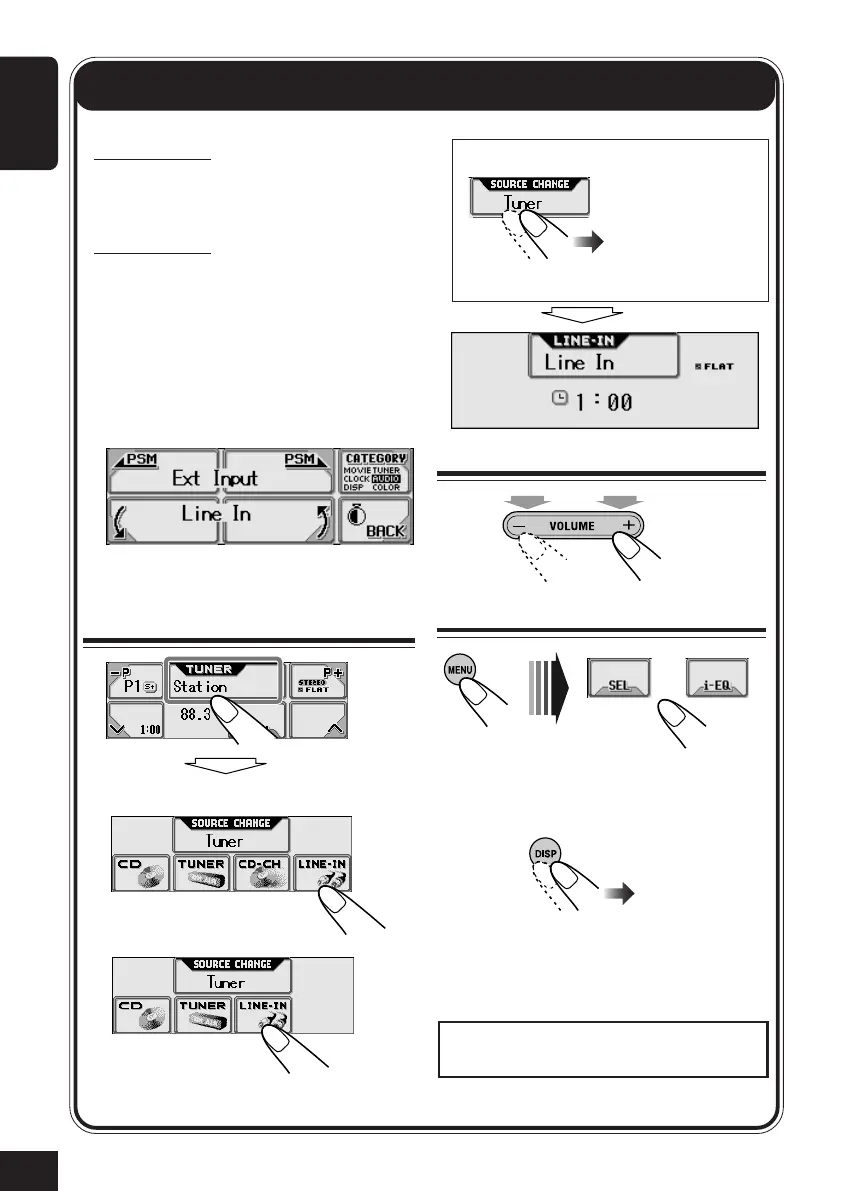
Adjust the volume
3
Adjust the sound
• For details, see pages 18 to 20.
To change the display indication
External Component Operations
Select “LINE-IN.”
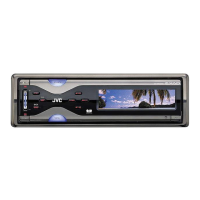
For KD-AR5000:
You can connect an external components
to the LINE IN plugs on the rear.
For KD-LHX500:
You can connect the external component
to the CD changer jack on the rear using
the special adapter for the component (not
supplied). See the Installation/Connection
Manual (separate volume).
• Before operating the external
component, select the “Ext Input”
setting correctly (see page 31).
1
Select the source
KD-AR5000:
KD-LHX500:
You can also change the source by....
Then just wait.
Hold Hold
To use JVC SIRIUS Radio, refer to the SIRIUS
Radio Setup Manual (separate volume).
44-44_KD-AR_LHX5000[J]f.p65 1/27/04, 9:22 PM44



 To Next Page