26
ENGLISH
3
4
5
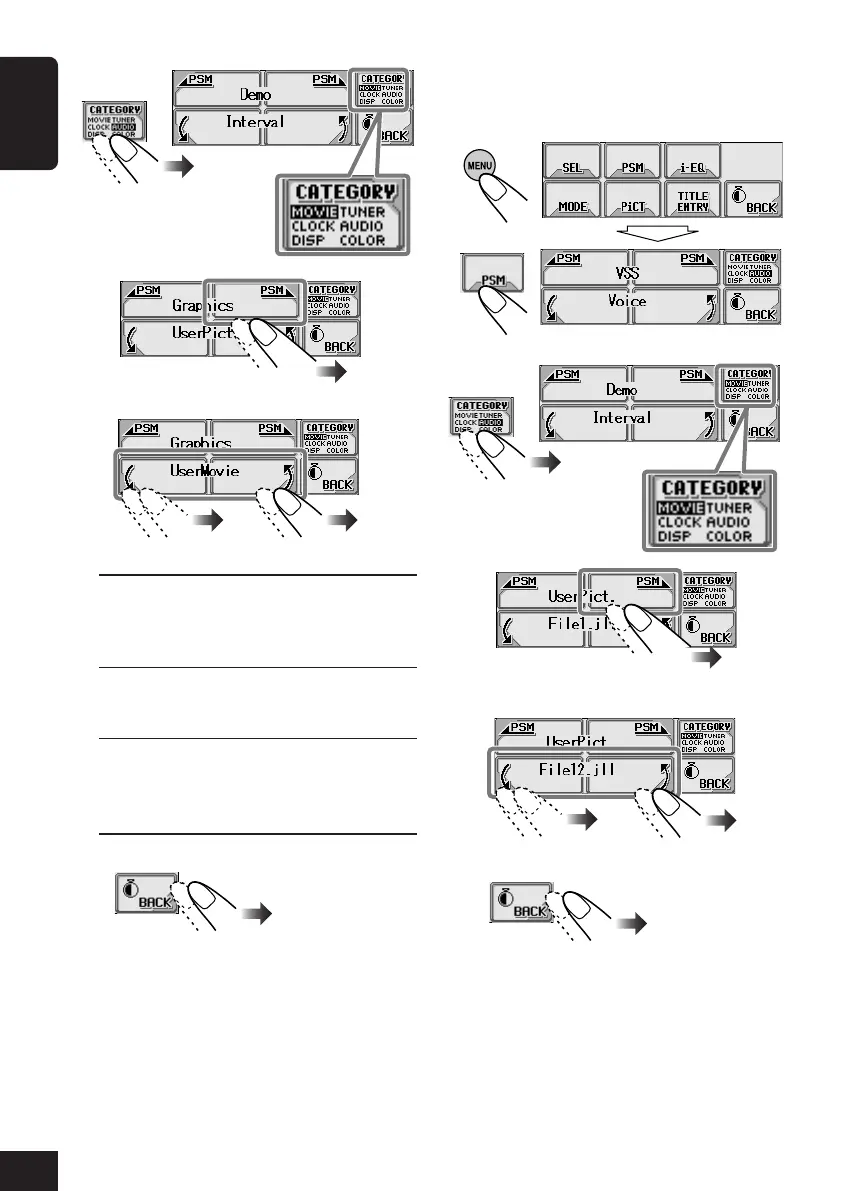
UserPict.: One of your still images stored
in “PICTURE” is activated for
your graphic screen. (To select
an image, see the next column.)
UserMovie:
Your animation stored in
“MOVIE” is activated for your
graphic screen.
UserSlide: Your still images stored in
“PICTURE” are activated and
shown in sequence for your
graphic screen.
6
To select a still image for “UserPict.”
• If “UserPict.” is not selected for “Graphics”
you cannot select “UserPict.” in step
4
below.
1
2
3
4
5
6
The last selected item appears.
Select “MOVIE.”
Now “Demo” setting
appears .
Select “UserPict.”
Select a file you want.
Exit.
Select a setting you want.
Exit.
Select “MOVIE.”
Now “Demo” setting
appears .
Select “Graphics.”
21-26_KD-AR_LHX5000[J]f.p65 1/27/04, 9:19 PM26



 To Next Page