25
ENGLISH
~
Ÿ
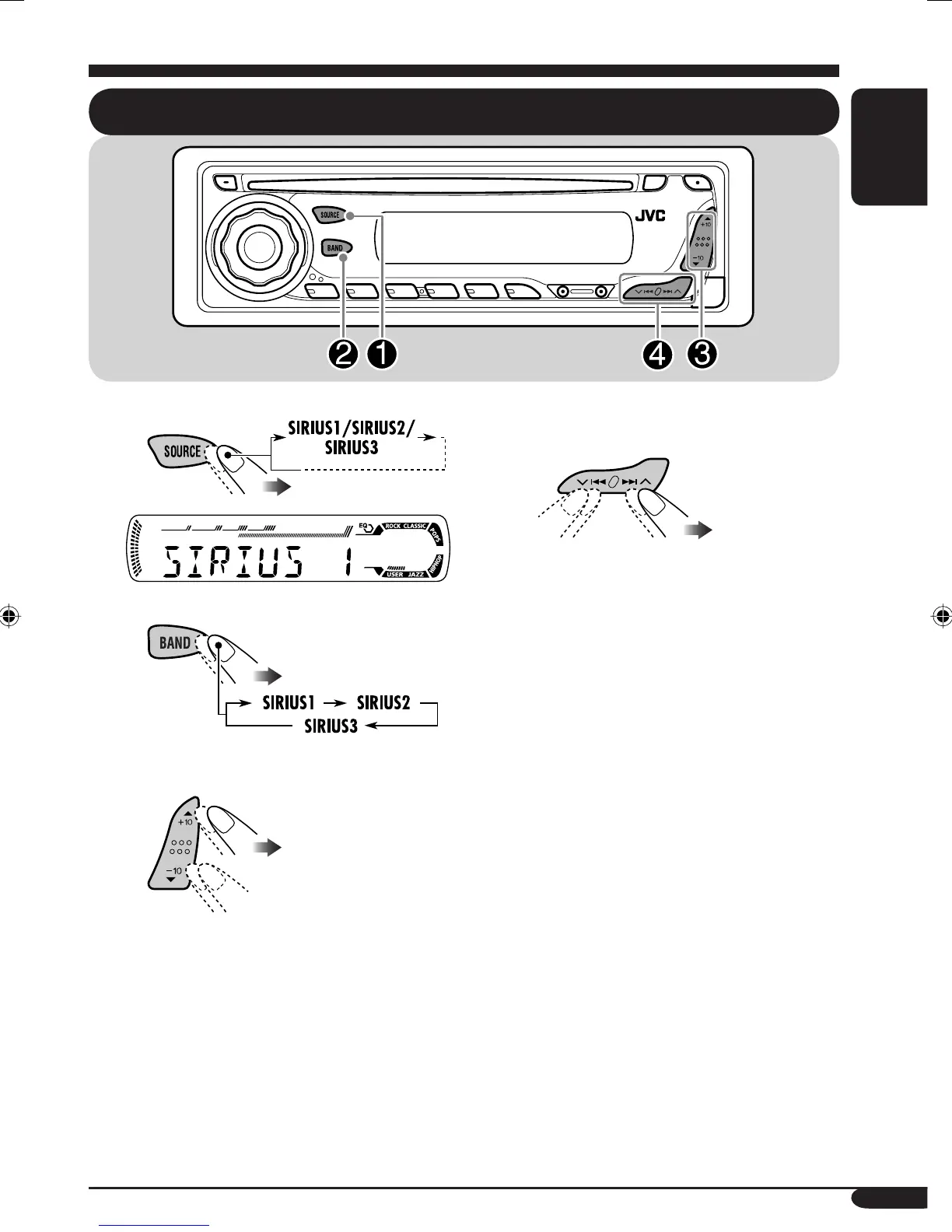
! Select a category.
You can tune in to all the channels of
every category by selecting “ALL.”
Selecting a particular category
(SPORTS, ENTERTAINMENT, etc.)
allows you to enjoy only the channels
from the selected category.
Listening to the SIRIUS
®
radio
⁄ Select a channel for listening.
Press and hold these buttons change the
channels rapidly.
• When changing the category or channel,
invalid and unsubscribed channels are skipped
automatically.
EN25_KD-AR360_G310[J]f.indd 25 10/6/04, 10:06:34 AM



 To Next Page