60
ENGLISH
3
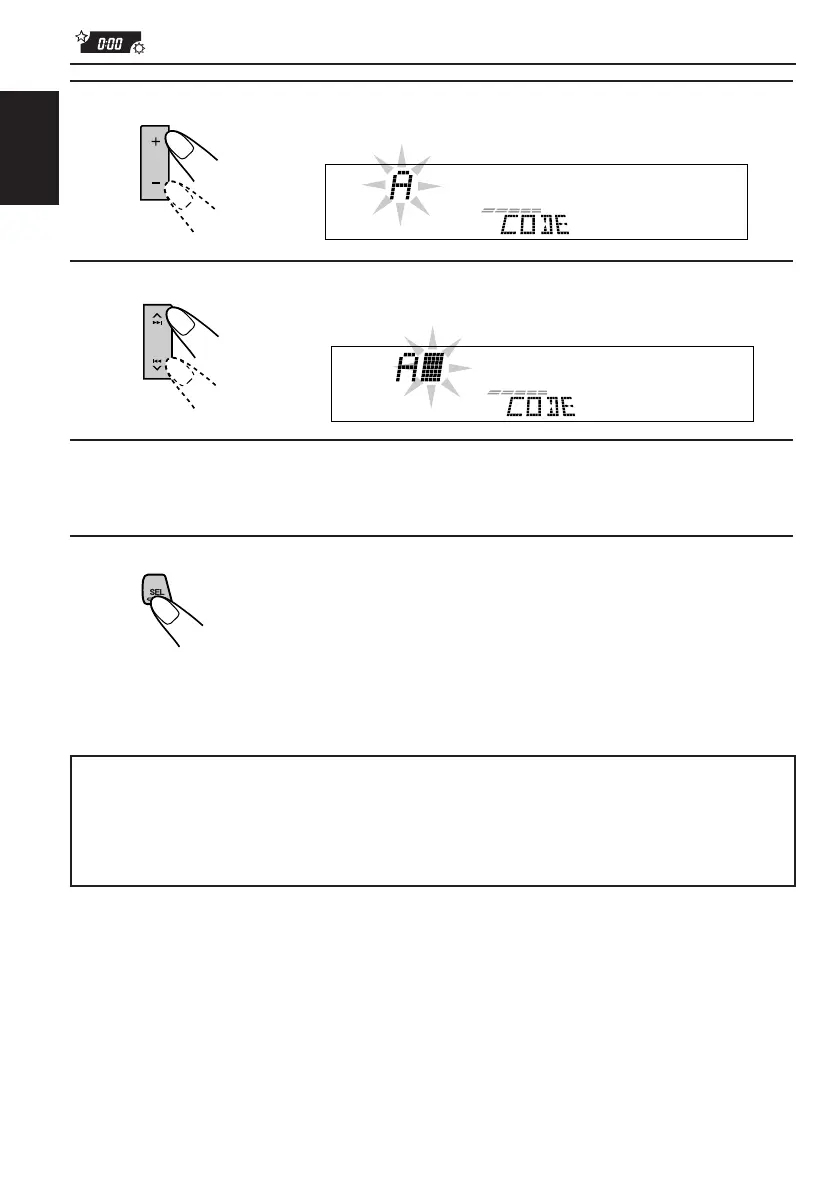
Select a letter.
4
Move the character entry position to the next.
5
Repeat steps 2 to 4 until you enter all 4 characters.
6
Finish the setting.
The password flashes on the display for a while, then the unit returns to
the normal operation mode.
How to Use the Provided CODE Sticker
Attach the provided CODE sticker in a conspicuous position on your car to notify
would-be unauthorized users that the security lock function is provided for this unit
and, therefore, will foil their efforts.
EN59-61.KD-LX50R[E]/f 00.3.22, 10:37 AM60



 To Next Page
 Loading...