ENGLISH
3
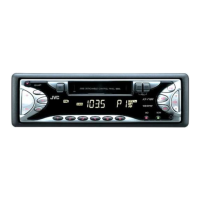
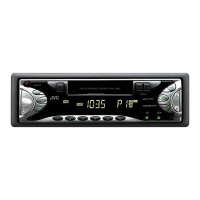
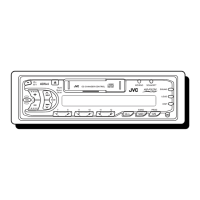
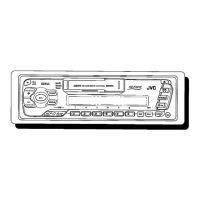
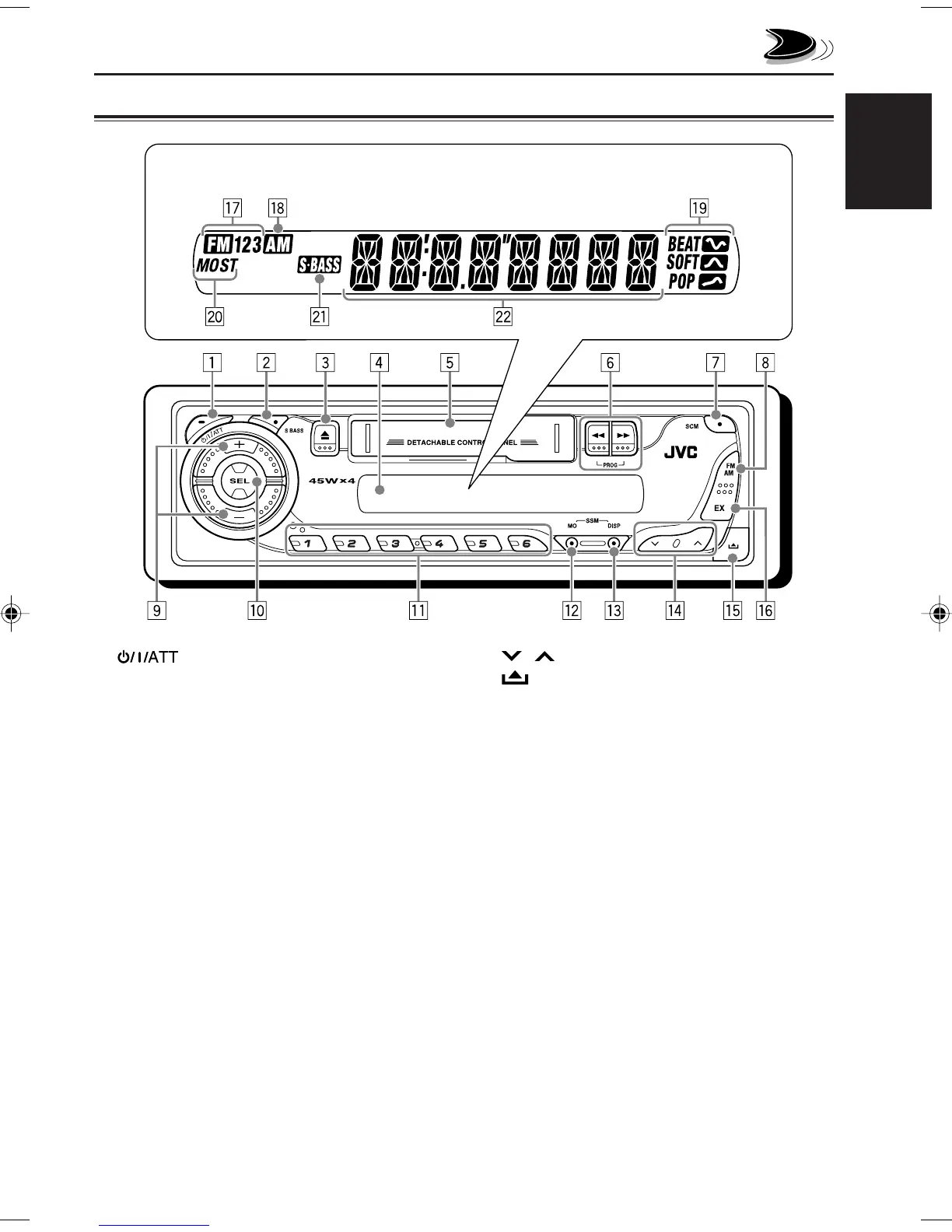
LOCATION OF THE BUTTONS
r / buttons
t (control panel release) button
y EX (extra) button
Display window
u FM band indicators
FM1, FM2, FM3
i AM band indicator
o Sound mode indicators
BEAT, SOFT, POP
; Tuner reception indicators
MO (monaural), ST (stereo)
a S
.
BASS (super bass) indicator
s Main display
Control panel
1 (standby/on/attenuator) button
2 S BASS (super bass) button
3 0 (eject) button
4 Display window
5 Cassette compartment
6 1/¡ PROG (program) button
7 SCM (sound control memory) button
8 FM AM button
9 +/– buttons
p SEL (select) button
q Number buttons
w MO (monaural) button
• Also functions as SSM buttons when pressed
together with DISP (display) button.
e DISP (display) button
• Also functions as SSM buttons when pressed
together with MO (monaural) button.
Display window
EN02-03_KS-F185[U_UH]f.p65 21/5/04, 3:04 PM3


 To Next Page
 Loading...