38
5
Customising TV Settings
Adjusting the Sound Settings
You can adjust the sound settings separately for TV and Composite sources, if you adjust the sound setting on one HDMI source it
will adjust all 4 HDMI sources.
Selecting Sound Settings
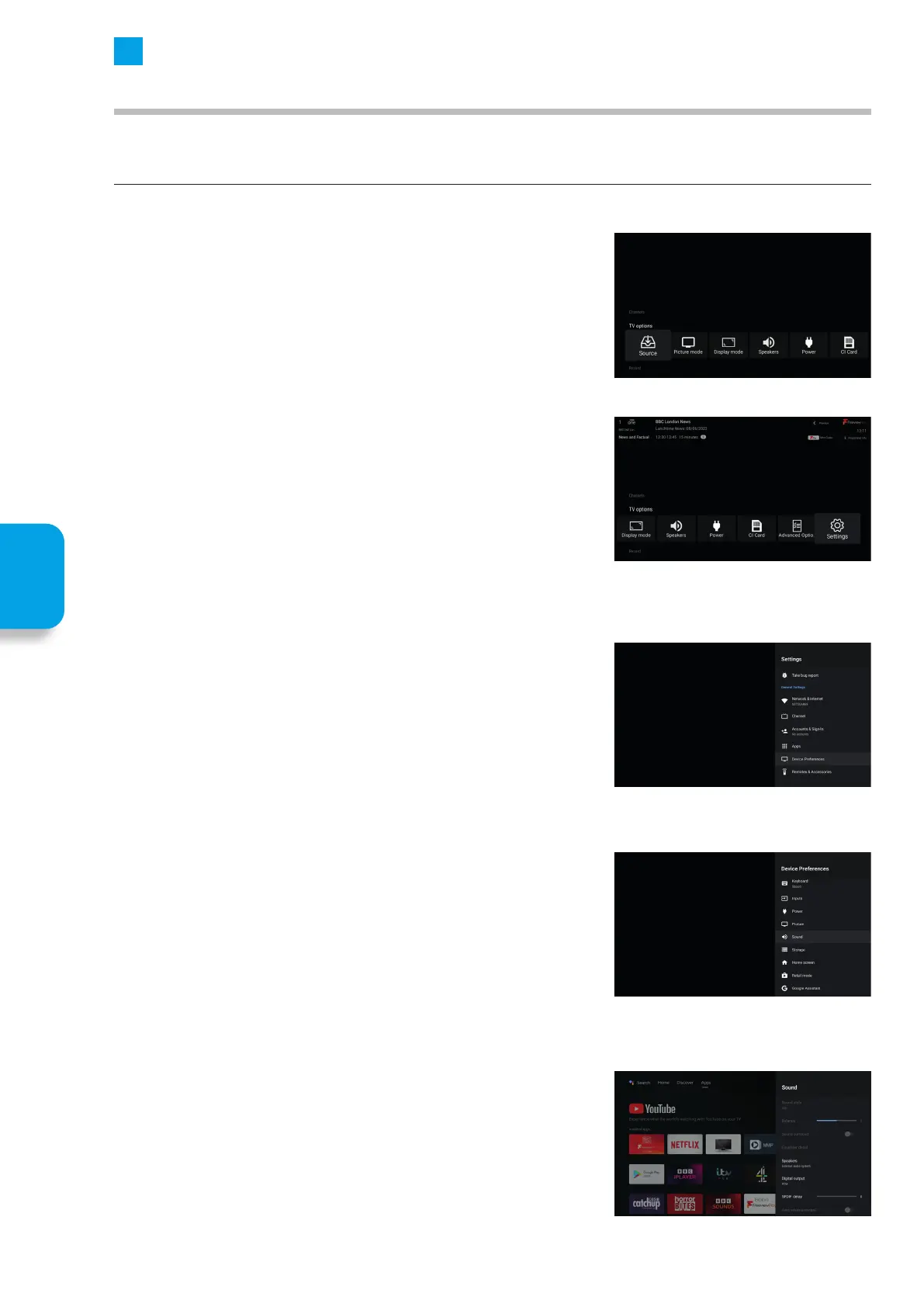
1. First select the source that you wish to adjust the picture settings of.
2. Press the MENU Button.
3. Scroll across to SETTINGS and press OK.
4. The SETTINGS menu will open, Scroll down to DEVICE PREFERENCES and
press OK.
5. Scroll down to SOUND and press OK.
6. The Sound menu will appear on the right hand side of the screen.
Customising
TV Setting



 To Next Page