GB-32
ANALOG CHANNEL SETTING (IN ANALOG TV MODE ONLY)
Manual Search
Select Manual Search.
● Colour System:Auto-PAL-SECAM
● Audio System:BG–I–DK-L
● Band:C(AirChannel)-S(CableChannel)
● Channel:Chooseorenterthechannelnumber.
● Programme No:Chooseorentertheprogrammenumber.
● Name:Enterthenewchannelname.
● Search:Startstosearchchannels.
● Fine Tune:Usetoobtainagoodqualityofthepictureandsound.
● Save:Savesthefoundchannelascurrentsetting.
After the channel searching completes, the Edit Channels menu is displayed automatically. The first found channel,
if only, will be automatically displayed.
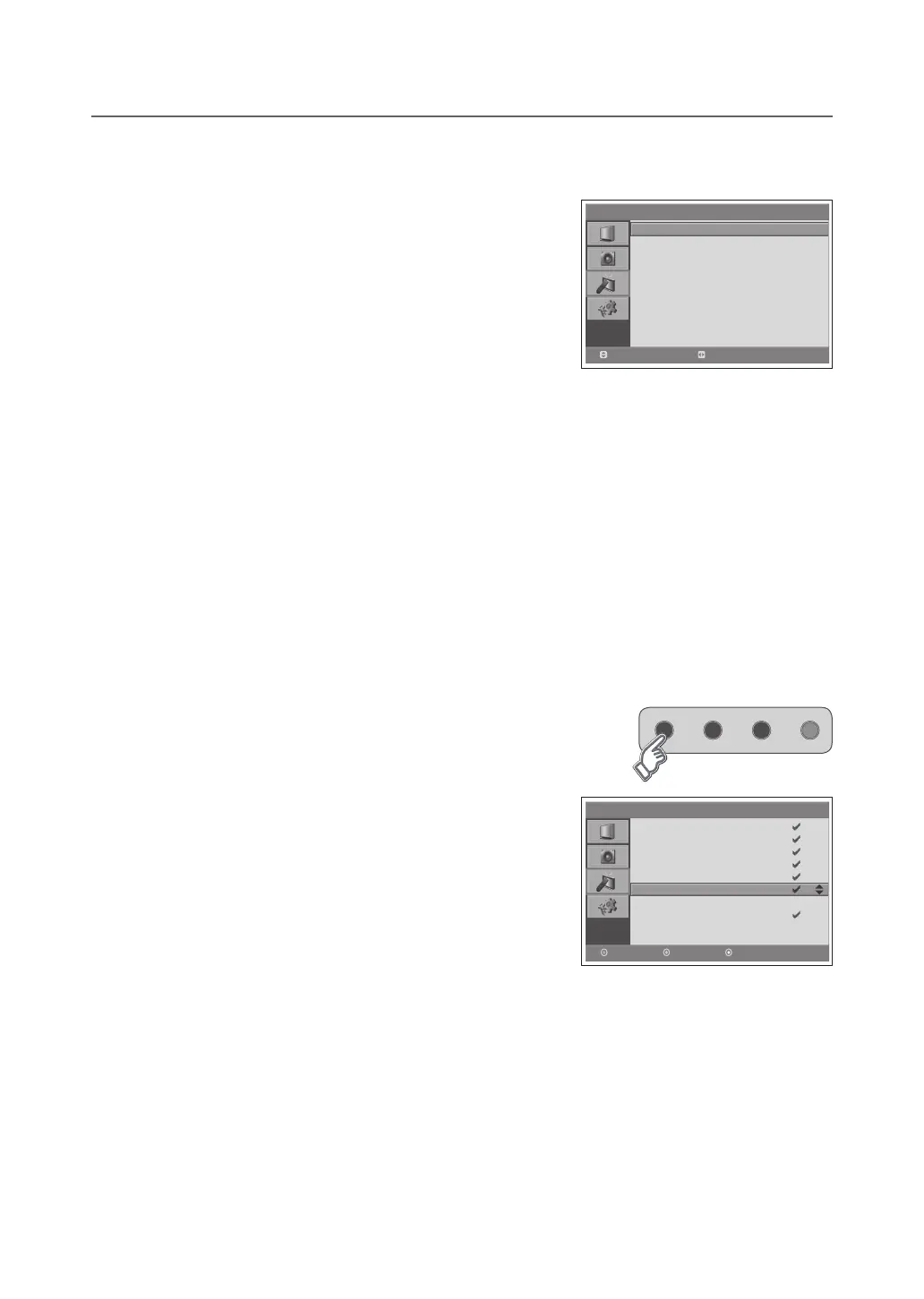
Edit Channels
Select Edit Channels.
● Skip:SetsthechanneltobeskippedusingtheRED button.
Oncechannelsareselectedtoskip,youcanselecttheskippedchannels
using number buttons only.
● Move:ShiftsthechannelusingtheGREEN button.
● Delete:DeletesthechannelusingtheYELLOW button.
> > E d i t C h a n n e l s
P 95 - - -- -
P 96 - - -- -
P 97 - - -- -
P 98 - - -- -
P 99 - - -- -
P 01 - - -- -
P 02 - - -- -
P 03 - - -- -
P 04 - - -- -
Delete
Skip Mo ve
> > M a n u a l S e a r c h
Co lo u r S y s t e m
Au di o Sys t e m
Band
Chan n e l
Pr o g r a mm e No
Name
Sea rc h
Fi n e Tu ne
Save
Au to
BG
C
12
99
C14
◀▶
0
Move
Select



 To Next Page
 Loading...








