GB-39
RECORDING AND PLAYBACK (IN DIGITAL TV MODE ONLY)
Recording Schedule
You can set a programme to record automatically.
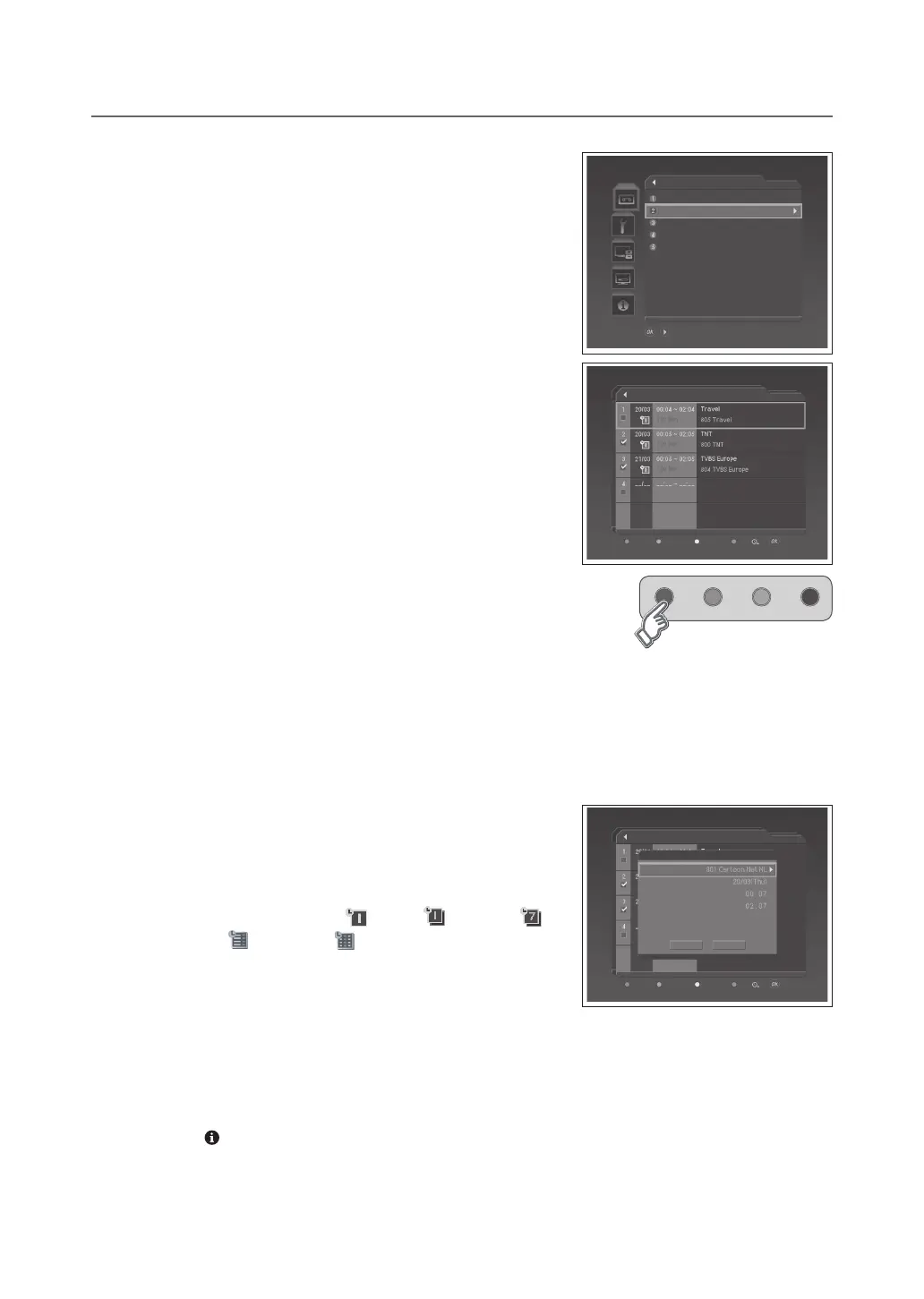
Select DTV Setup > Record > Recording Schedule menu.
● Select:Select/UnselectthereservedprogrammeusingtheGREEN
button. You can select multiple programmes.
● Delete:DeletetheselectedprogrammeusingtheRED button.
● Reserve:AddanewreservationusingtheYELLOW button.
● Sort:Sortthelistbydescendingtime,ascendingtimeornameusing
the BLUE button.
● Edit:EditthereservationinformationusingtheOK button.
NOTE:
You can schedule recording easily using the programme guide. Refer to
Reserving a Recording > Schedule (p.26).
You can delete multi programmes except for the protected programmes.
Adding/Editing a Reservation
1 Press the YELLOW or OK button.
2 Change Channel and Dateusingthe►button.
3 Change Start/End Time using the NUMBER buttons.
4 Change Repeatmode:Once(
).
5 Change Lockmode:Disable–Enable.
6 Select Save and press the OK button to complete.
7 Select Cancel and press the OK button to cancel.
NOTE:
The recording schedule can be overlapped with up to two other programmes.
ThePowerOn/Offtimecanoverlaptherecordingschedule.
The recording icon will be displayed when the programme is being recorded.
Press the button to see the detailed information about the programme you have selected if provided.
If the lock option of a programme is configured to Enable, you have to enter a PIN code to playback the programme.
▪
▪
▪
▪
▪
▪
▪
/ Move to the selected submenu
Record
Recorded Programme
Recording Schedule
HDD Control
Recording’s Start Time
Recording’s End Time
On Time
On Time
Delete
Recording Schedule
Select Reserve Sort Edit
Add Reservation
Recording Schedule
Select
Reserve Sort Edit
Delete
Save Cancel
Channel
Date
Start Time
End Time
Repeat
Lock
Once
Disable



 To Next Page
 Loading...








