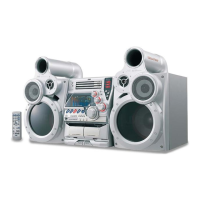
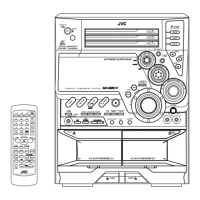
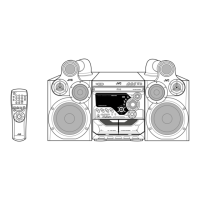
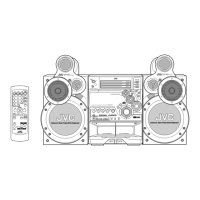
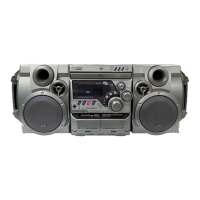
MX-G50/MX-G56
1-5
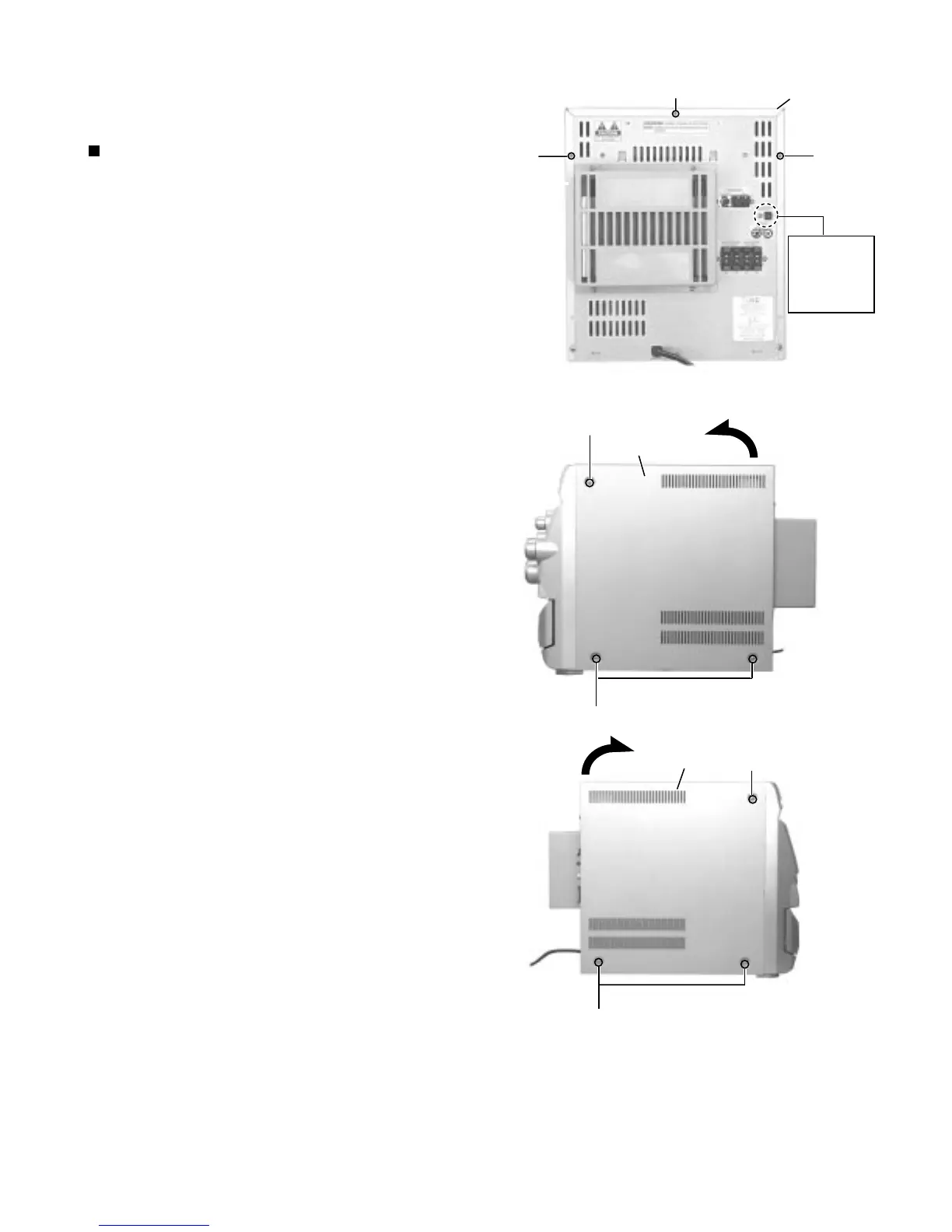
Remove the three screws A attaching the metal
cover on the back of the body.
Remove the six screws B attaching the metal cover
on both sides of the body.
Remove the metal cover from the body by lifting the
rear part of the cover.
1.
2.
3.
Disassembly method
<Main body>
Removing the metal cover
(See Fig.1 to 3)
Do not break the front panel tab fitted
to the metal cover.
ATTENTION:
Fig.1
Fig.2
Fig.3
Metal cover
A
A
A
Metal cover
B
Metal cover
B
B
B
Optical out
only
MX-G50 J
MX-G56 C


 To Next Page