– 5 –
English
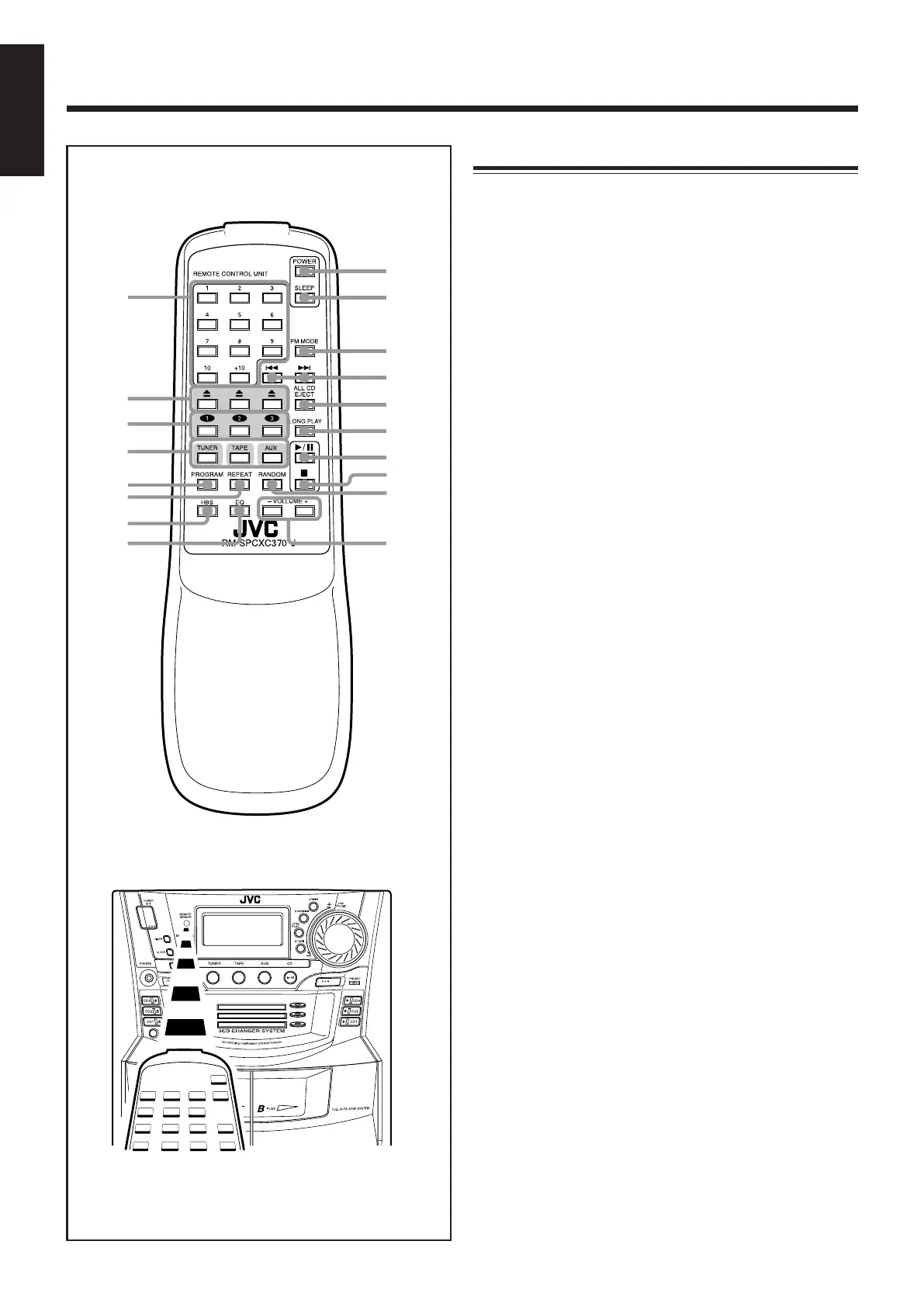
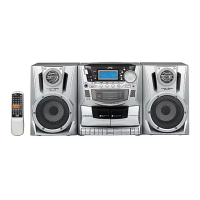
Remote Control
1 Number buttons (11, 12, 14)
2 0 (CD tray open/close) buttons (13)
Pressing one of these buttons also turns on the unit.
3 CD playback buttons (13)
Pressing one of these buttons also turns on the unit.
4 TUNER, TAPE, AUX (source selection) buttons (9)
5 PROGRAM button (14)
6 REPEAT button (15)
7 HBS (Hyper Bass Sound) button (10)
8 EQ button (10)
9 POWER button (9)
p SLEEP button (20)
q FM MODE button (11)
w 4/¢ (down/up) buttons (14)
e ALL CD EJECT button (13)
r LONG PLAY button (14)
t 6 (play/pause) button (14)
y 7 (stop) button (14)
u RANDOM button (15)
i VOLUME + / – buttons (9)
Remote Control
When using the remote control, point it at the remote
sensor on the front panel.
EN01-22_PC-XC370[J]_2.p65 03.5.7, 6:13 PM5


 To Next Page