15
Setting the Time and Date
1. Press MENU button, and then turn the VOLUME/SELECT dial or press button to
select System settings. Press the VOLUME/SELECT dial to conrm.
2. Turn the VOLUME/SELECT dial or press button to select Time/Date. Press the
VOLUME/SELECT dial to conrm.
3. Turn VOLUME/SELECT dial or press button to select options, and then press
VOLUME/SELECT dial to conrm the setting.
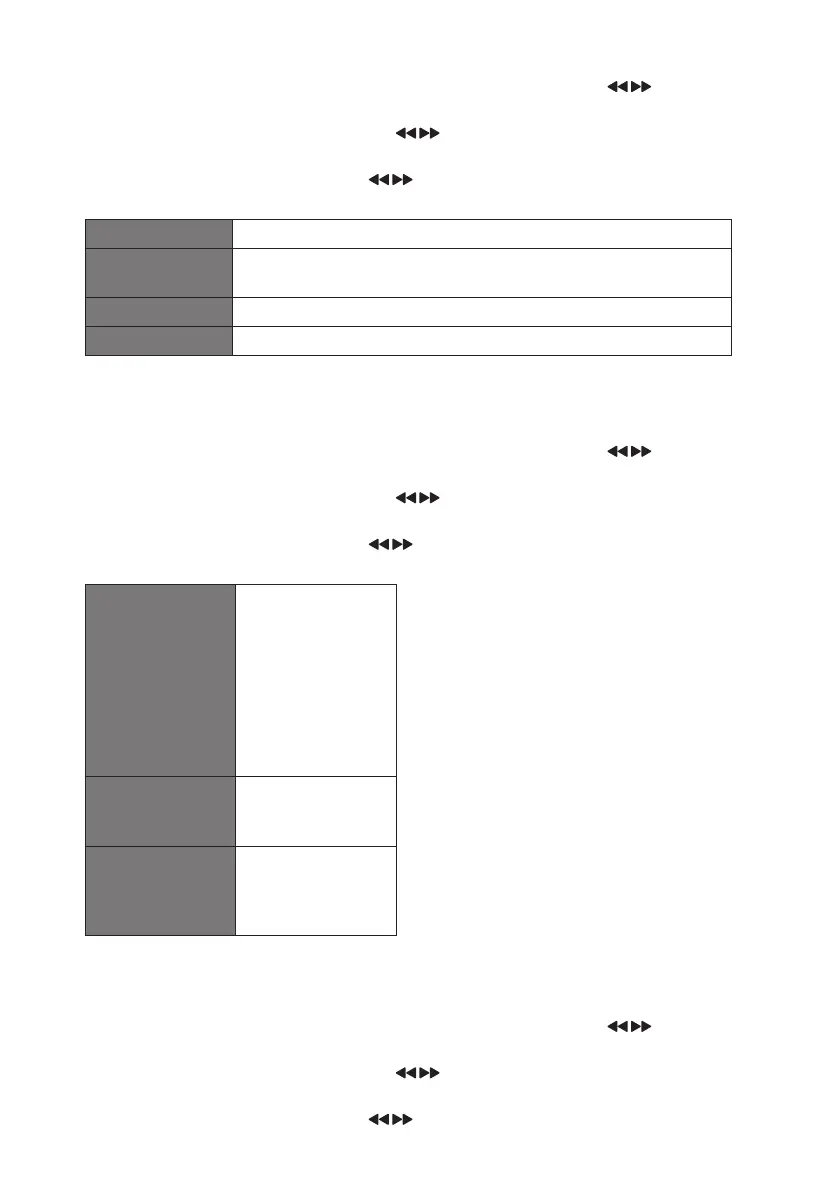
Set Time/Date Here you can manually set the time and date.
Auto Update Choose how you want the time to be automatically updated.
from Any / from Digital Radio / from FM / No Update
Set 12/24 Hour Set 12 Hour or 24 Hour display.
Set Date Format DD-MM-YYYY or MM-DD-YYYY
Backlight
You can set the brightness for the power on screens and the Standby screen.
1. Press MENU button, and then turn the VOLUME/SELECT dial or press button to
select System settings. Press the VOLUME/SELECT dial to conrm.
2. Turn the VOLUME/SELECT dial or press button to select Backlight. Press the
VOLUME/SELECT dial to conrm.
3. Turn VOLUME/SELECT dial or press button to select options, and then press
VOLUME/SELECT dial to conrm the setting.
Timeout • On
• 10 sec
• 20 sec
• 30 sec
• 45 sec
• 60 sec
• 90 sec
• 120 sec
• 180 sec
Power On Level • High
• Medium
• Low
Standby Level • High
• Medium
• Low
• O
Language
This feature enables you to change menu language.
1. Press MENU button, and then turn the VOLUME/SELECT dial or press button to
select System settings. Press the VOLUME/SELECT dial to conrm.
2. Turn the VOLUME/SELECT dial or press button to select Language. Press the
VOLUME/SELECT dial to conrm.
3. Turn VOLUME/SELECT dial or press button to select a language, and then press
VOLUME/SELECT dial to conrm.
RA-D77M_IB_170608_will.indd 15 13/6/2017 4:32 PM



 To Next Page