17
DAB Operation
The rst time you use DAB
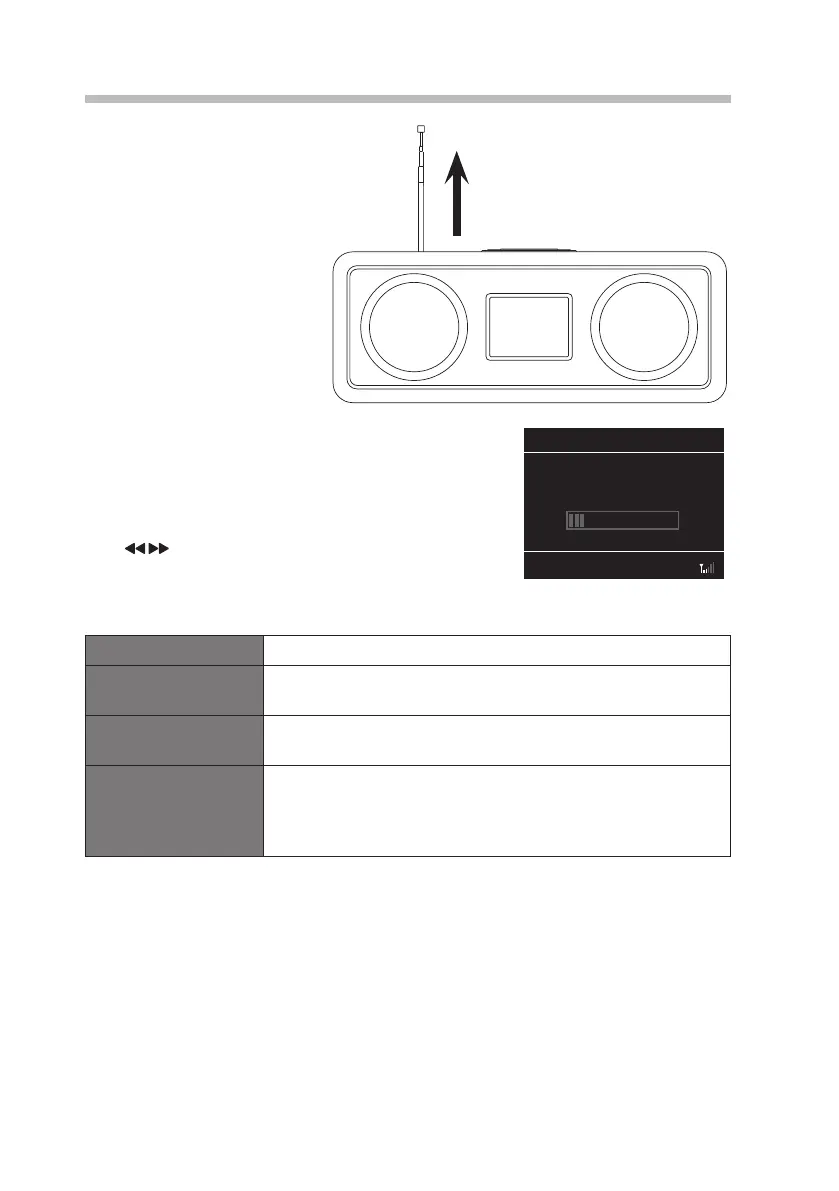
make sure the aerial is fully
extended before selecting DAB
mode, because your radio will
automatically scan for DAB radio
stations. If the aerial is not fully
extended your radio will not tune
in properly.
During the scan the display will show Scanning … together
with a slide bar that indicates the progress of the scan and
the amount of stations that have been found so far.
Once the scan has nished, the unit will broadcast the rst
alphanumerically found station.
Press button to select a scanned DAB station, and
then press VOLUME/SELECT to conrm.
In DAB mode, press MENU to display the Digital Radio menu. The menu items are as
follows:
Station list Show the list of all radio stations.
Full Scan Select Full Scan in the menu and then press VOLUME/SELECT
dial to scan for DAB radio stations.
Manual tune Select Manual Tune to manually tune in radio stations that may
have been missed by the Full Scan.
DRC (Dynamic Range
Compression)
If you are listening to music with high dynamic range in a noisy
environment, you may wish to compress the audio dynamic
range.
Select High, Low or O.
Full Scan 00:00
Scanning...
Stations: 0
RA-D77M_IB_170608_will.indd 17 13/6/2017 4:32 PM



 To Next Page