23
Saving Preset Stations
You can store up to 10 of your favourite stations to the memory. This will enable you to
access your favourite stations quickly and easily.
Presets 1 -3
To store a preset, you must rst be listening to the station
that you would like to save. If you want to store the station
in preset positions 1 - 3 press and hold the PRESET (1, 2 or 3)
buttons for 2 seconds. The words “Preset # Saved” will show
on the display.
Presets 1 -10
1. Press and hold the PRESET 4+ button for 2 seconds. The
“Save to Preset” list will show on the display.
2. Turn the VOLUME/SELECT dial to select the preset
position that you would like to store the station in then
press the VOLUME/SELECT dial to save the station. The
words “Preset # Saved” will show on the display.
Recalling a Preset Station
Recall Presets 1-3
To recall preset stations that are stored in positions 1-3 just press the PRESET 1, 2 or 3
buttons.
Recall Presets 1-10
1. Press Preset 4+, the Preset Recall list will be displayed. Turn the VOLUME/SELECT dial
to select your desired preset station number.
2. Press the VOLUME/SELECT dial to listen to the selection.
If you choose a preset that hasn’t been allocated a station,
“Preset Empty“ will be displayed.
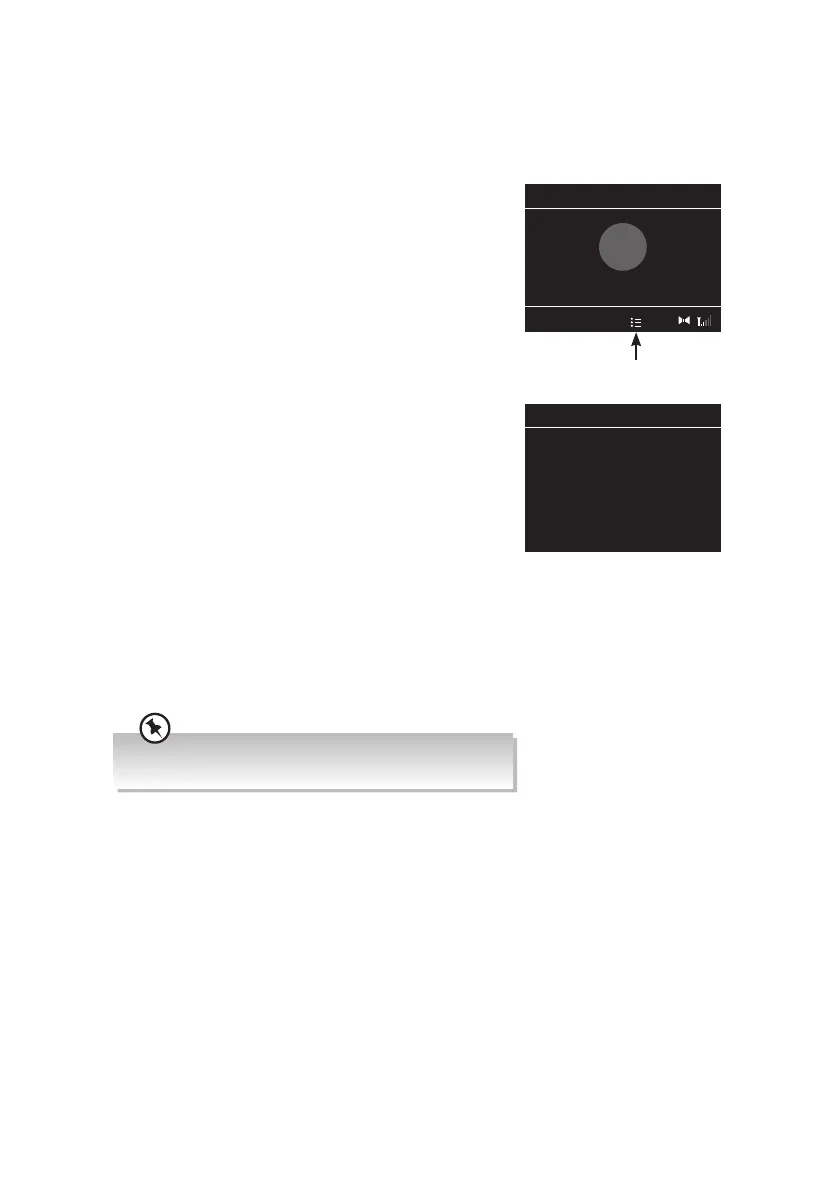
The symbol will appear in the display to show which
preset station number you are listening to.
Save to Preset 10:45
1: 87.50 MHz
2: (Empty)
3: (Empty)
4: (Empty)
5: (Empty)
6: (Empty)
7: (Empty)
10:45
Preset 1 Saved
✓
1
Shows that you are
listening to a preset station
RA-D77M_IB_170608_will.indd 23 13/6/2017 4:32 PM



 To Next Page