19
DRC Setting
You can set the DRC (Dynamic Range Compression) to High, Low or O. This will reduce the
volume of loud sounds and increase the volume of quiet sounds.
1. In the menu select DRC.
2. Turn the VOLUME/SELECT dial to select HIGH / LOW / OFF, and then press VOLUME/
SELECT to conrm.
Saving Preset Stations
You can store up to 10 of your favourite stations to the memory. This will enable you to
access your favourite stations quickly and easily.
Presets 1 -3
To store a preset, you must rst be listening to the station
that you would like to save. If you want to store the station
in preset positions 1 - 3 press and hold the Preset (1, 2 or 3)
buttons for 2 seconds. The words “Preset # Saved” will show
on the display.
Presets 1 -10
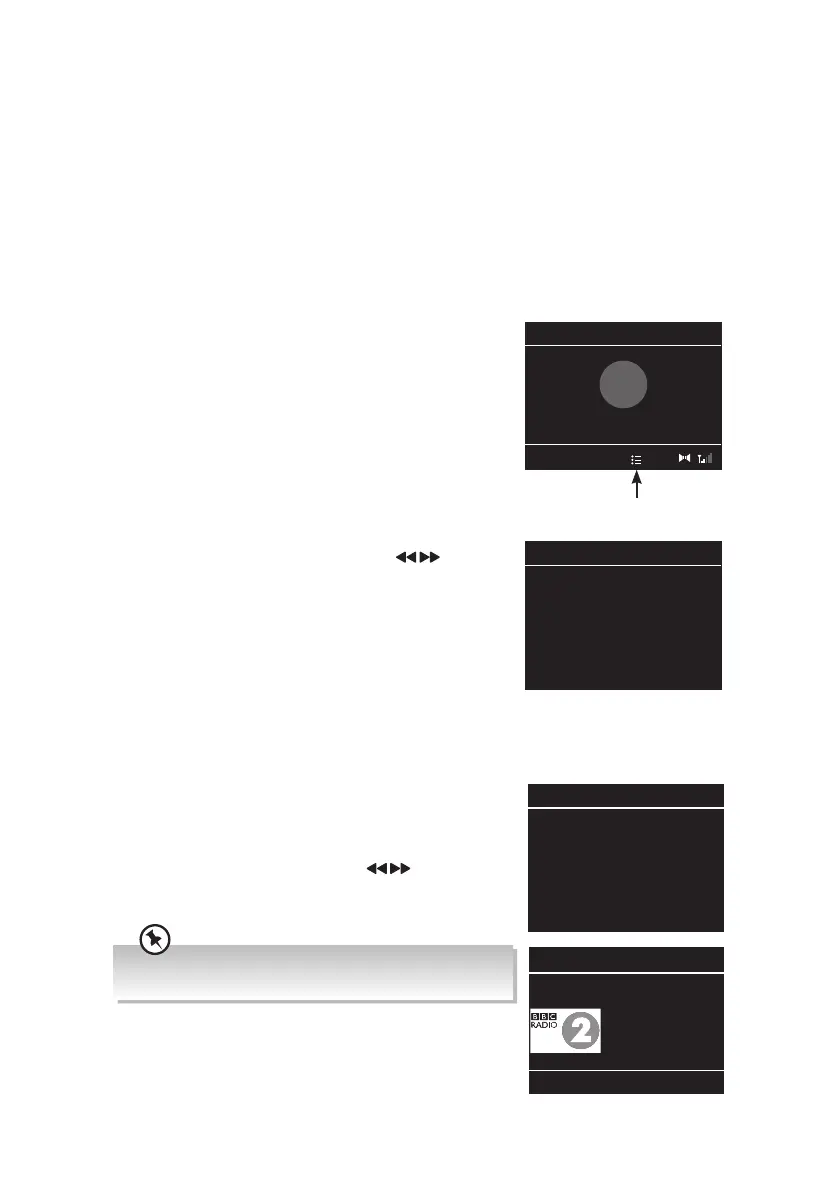
1. Press and hold the 4+ button for 2 seconds. The “Save to
Preset” list will show on the display.
2. Turn the VOLUME/SELECT dial or press button to
select the preset position that you would like to store the
station in then press the VOLUME/SELECT dial to save
the station. The words “Preset # Saved” will show on the
display.
Recalling a Preset Station
Recall Presets 1-3
To recall preset stations that are stored in positions 1-3 just press the PRESET 1, 2 or 3
buttons.
Recall Presets 1-10
1. Press 4+ button, the Preset Recall list will be displayed.
Turn the VOLUME/SELECT or press button dial to
select your desired preset station number.
2. Press the VOLUME/SELECT dial to listen to the selection.
If you choose a preset that hasn’t been allocated a station,
“Preset Empty“ will be displayed.
The symbol will appear in the display to show which
preset station number you are listening to.
Save to Preset 10:45
1: BBC Radio 2
2: (Empty)
3: (Empty)
4: (Empty)
5: (Empty)
6: (Empty)
7: (Empty)
10:45
Preset 1 Saved
✓
1
Shows that you are
listening to a preset station
Preset Recall 10:45
1: BBC Radio 2
2: (Empty)
3: (Empty)
4: (Empty)
5: (Empty)
6: (Empty)
7: (Empty)
Digital Radio 12:08
BBC Radio 2
Description:
Amazing music.
Played by an
amazing line-up.
RA-D77M_IB_170608_will.indd 19 13/6/2017 4:32 PM



 To Next Page