FM Operation
Press SOURCE repeatedly to select FM mode.
Auto Scan
Press and hold the SCAN/ button until the tuner starts searching for a station. Once a
station has been found, the scanning will stop automatically.
The search may not stop at a station with a very weak signal.
Manual Scan
Press repeatedly until your desired frequency is reached.
With FM radio it may be necessary to ne tune each station by pressing the buttons repeatedly.
Each press will adjust the frequency by 0.05MHz. If reception is still poor adjust the position of the aerial
or try moving the radio to another location.
For Better Reception
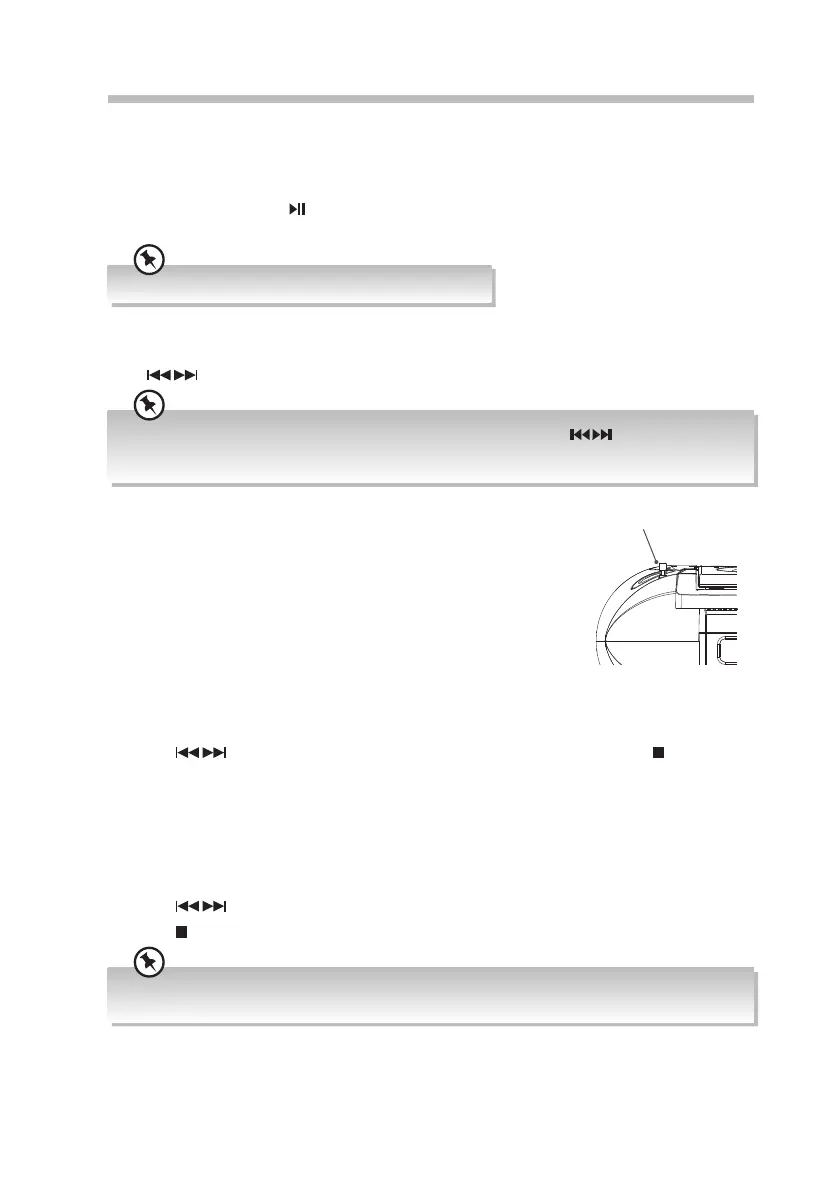
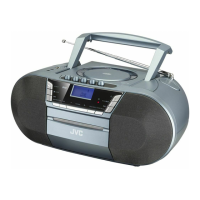
Fully unwind the aerial. Extend the aerial and place it in the position
that oers the best sound reception.
Presetting Stations
You can store up to 10 of your favourite FM stations to the memory.
This will enable you to access your favourite stations quickly and
easily.
1. To store a preset, you must rst be listening to the station that
you would like to save, press and hold MENU/PRESET/CLOCK.
The display will show ‘Preset Store <1: Empty>’.
2. Press
to select your desired preset station number and then press /ENTER to
conrm.
3. The station will be stored and the screen will then show ‘Preset # Stored’.
Recalling a Preset Station
1. Once you have saved a station to one of the preset buttons, you can recall it by pressing
FOLDER/RECALL.
2. Press
to select your desired preset station number.
3. Press
/ENTER to conrm the selection.
The stored stations will be saved into the memory and power o will not erase it. Storing a new station
into a preset location will erase the previously stored station in that location.
Aerial
Rear View of Unit
18
RC-D327B_IB_Final190408V4.indd 18 09/04/2019 12:24


 To Next Page