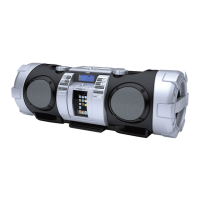
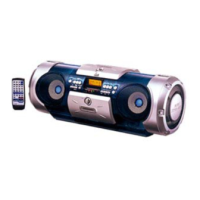
Turning on/off the System
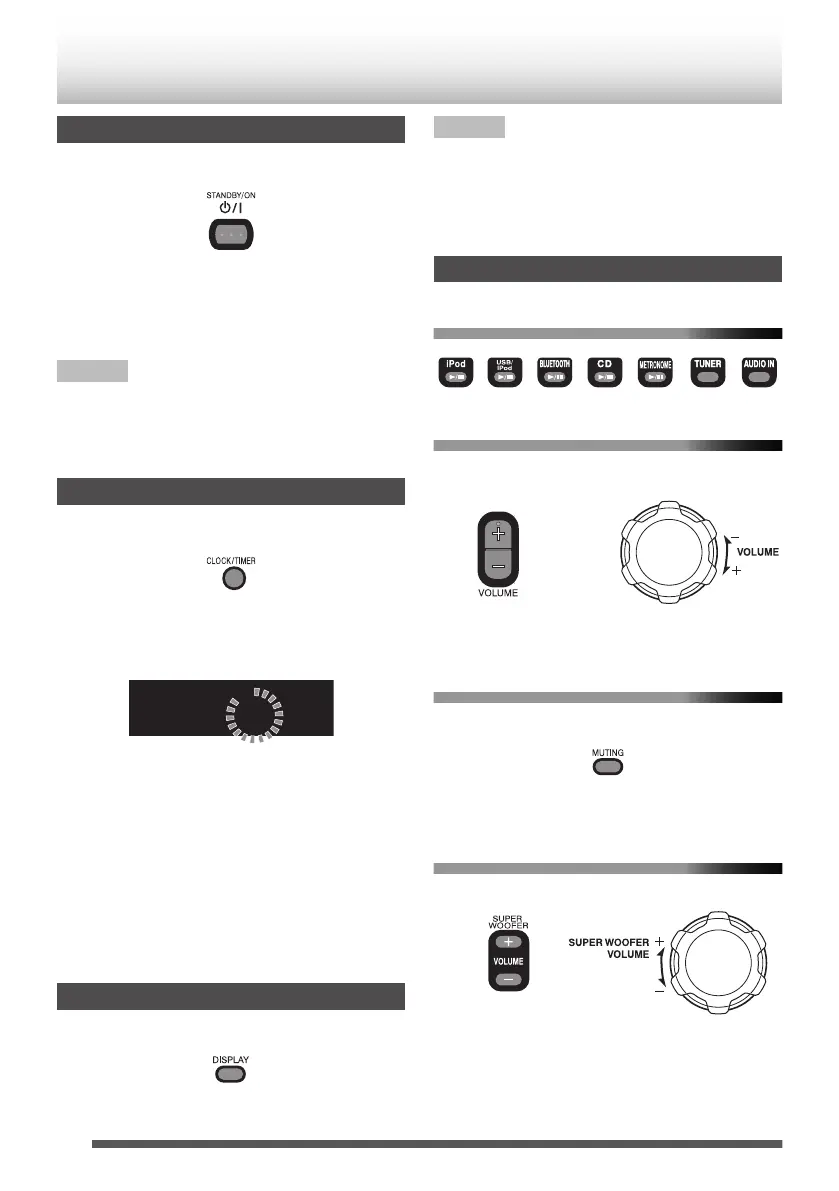
Press [STANDBY/ON D].
.
The STANDBY indicator goes off.
Press the button again to turn off the System.
0
You can also turn on the System by pressing the
source buttons.
NOTE
When the power is supplied using the batteries, the
System is turned on by pressing [D] or the source
buttons on the main unit. You cannot turn on the
System using the remote control.
Setting the clock
1
Press [CLOCK/TIMER].
.
2
Press [UP] or [DOWN] to display
“CLOCK”.
3
Press [SET] to display the clock.
.
0
When setting for the first time, press
[CLOCK/TIMER] once.
4
Press [UP] or [DOWN] to adjust the hour.
0
When you press and hold the button, the
hour digit changes continuously.
5
Press [SET].
6
Repeat 4 and 5 to adjust the minute.
0
To go back to the hour setting, press
[CANCEL].
Displaying the clock
Press [DISPLAY].
.
0
Each time you press the button, the clock and
normal indicator changes alternately.
NOTE
0
The clock setting will be reset about an hour after
the AC power cord has been disconnected.
0
When the power is supplied through the
batteries, the clock does not appear on the
display when the System is turned off.
Getting started
To select a source
.
To adjust the volume
.
You can adjust the volume level between MIN 1 to
29, MAX.
To turn off the sound temporarily
Press [MUTING].
.
0
To restore the sound, press [MUTING] again or
adjust the volume.
To adjust the super woofer volume
.
You can adjust the super woofer volume level
between BASS 1 and BASS 6.
0
If you have adjusted the tone of the guitar on the
System, press and hold [o] on the System for
more than 2 seconds to change to super woofer
volume adjustment. (p. 28)
12
Basic operations


 To Next Page