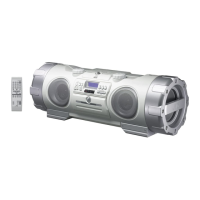
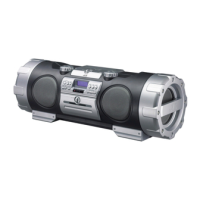
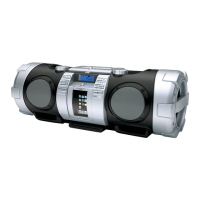
Playback
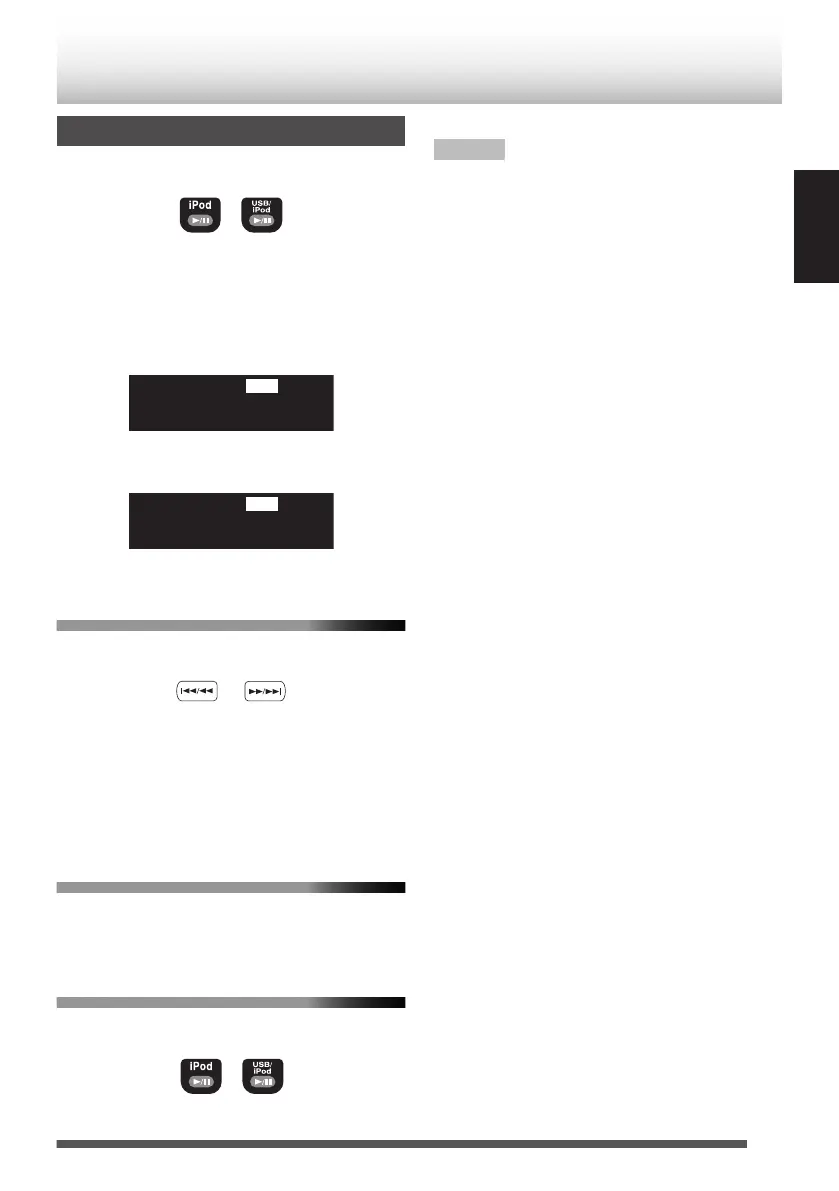
Press [iPod F] or [USB/iPod F].
.
Each time you press the button, playback is
started/paused.
0
Press [USB/iPod F] when iPod is connected
to the USB connector.
Display when connected to the iPod dock
.
Display when connected to the USB connector
.
To select a track
Press [J] or [I].
.
0
Press [I] once to skip to the beginning
of the next track.
0
Press [J] to skip to the beginning of the
track being played. Press [J] twice
quickly to skip to the beginning of the previous
track.
To fast forward/reverse
Press and hold [J] or [I]
during playback.
To put your iPod on sleep mode
Press and hold [iPod F] or [USB/iPod F].
.
NOTE
0
Depending on the type of iPod, iPod may operate
differently.
0
If you are using an iPhone or iPod touch, operate
your iPhone or iPod touch in the following cases:
– when pressing the home button.
– when selecting application icons on the home
screen.
– when dragging the slider.
0
Sound distortion may occur when playing back
audio sources with high recording levels. If
distortion occurs, it is recommended to turn off
the equalizer of iPod.
0
For information on operating iPod, see the
instruction manual for iPod.
15
ENGLISH


 To Next Page