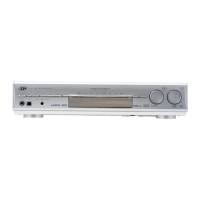
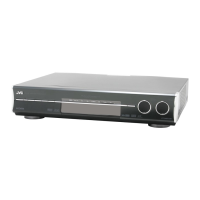
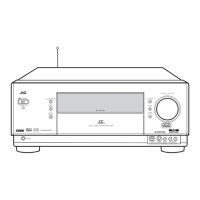
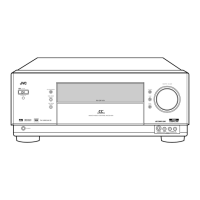
RX-DV3SL
1-11
Push the cam lever toward the center side of the
DVD / CD unit in the direction of the arrow and draw
the DVD / CD tray toward the front.
Push the two tray stoppers marked a on the DVD /
CD tray in the direction of the arrow and draw the
DVD / CD tray toward the front.
1.
2.
Prior to performing the following procedures, remove
the DVD / CD unit.
Removing the DVD / CD tray
(See Fig.1, 2)
<DVD / CD unit>
Removing the DVD / CD servo board
(See Fig.3)
Disconnect the card wire from the connectors
CN101, CN201 and CN202 on the DVD / CD servo
board.
Push the two DVD / CD servo board hooks marked b
and pull out the DVD / CD servo board.
1.
2.
Align the rail with the DVD / CD tray as shown fig.2,
then mount the DVD / CD tray.
1.
Reinstall the DVD / CD tray
(See Fig. 1, 2)
DVD / CD
servo board
DVD / CD tray
Loading
cam
lever
DVD / CD tray
Hook b
CN201
CN202
CN101
Loading cam lever
Fig.2
Fig.1
Fi
.3
Hook b
a (Tray stopper)


 To Next Page
 Loading...