20
Operation
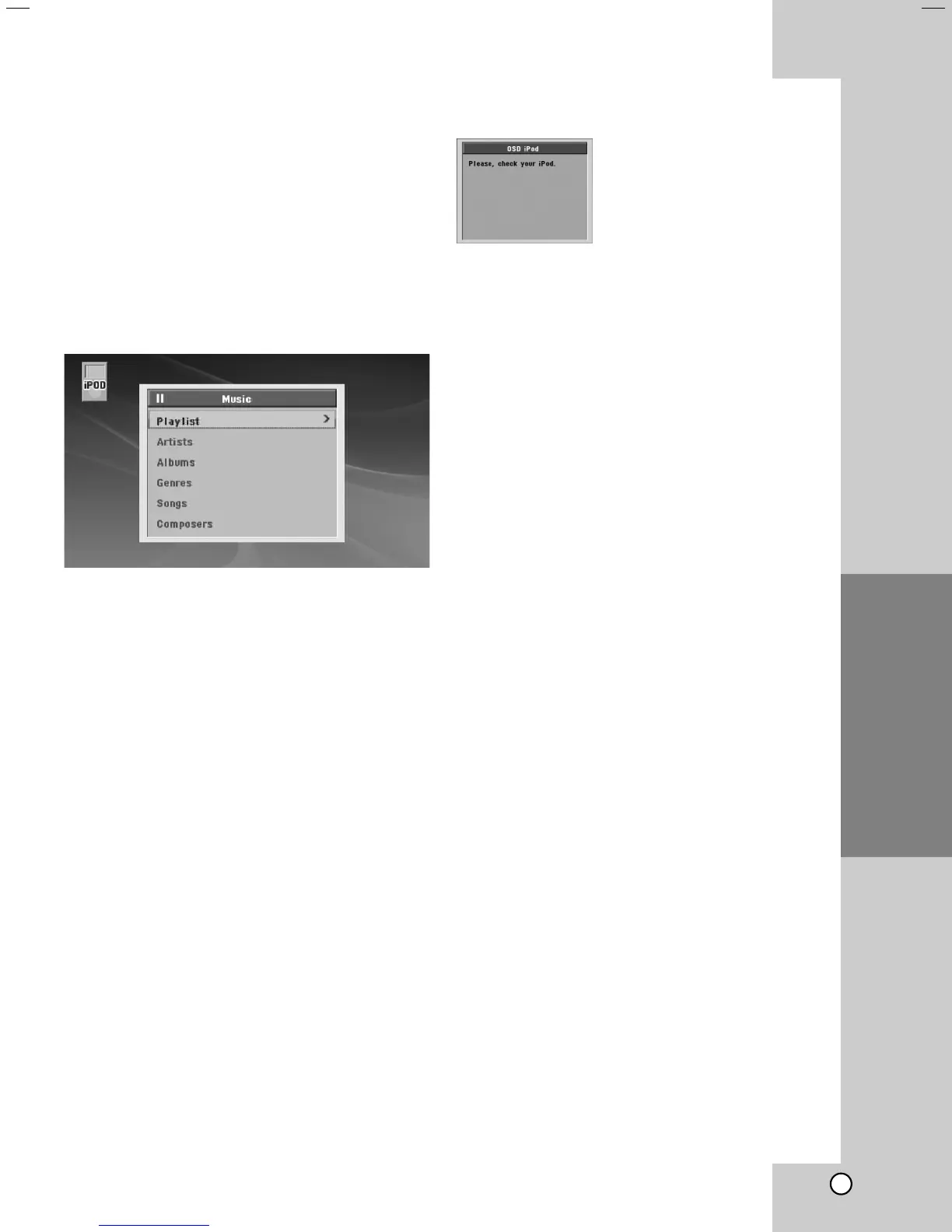
Playing the iPod in the OSD iPod
mode
You can operate your iPod by controlling OSD menu
on the TV screen with the supplied remote control.
The controls on your iPod are not operational in the
OSD iPod mode. If you want to charge the iPod while
listening music, selects the OSD iPod mode.
1. Press INPUT on the Remote Control until “OSD
IPOD” appears in the display window.
2. Use v / V and ENTER on the Remote Control to
display the list of menu.
3. Press ENTER to play.
iPod message
If the power of your iPod is
insufficient or the iPod is
misconnected or unknown
device, the screen on the left
appears.
Reset the iPod if the
iPod is not operated normally
(Refer to
http://www.apple.com/support/)


 To Next Page