(No.MB682<Rev.001>)1-11
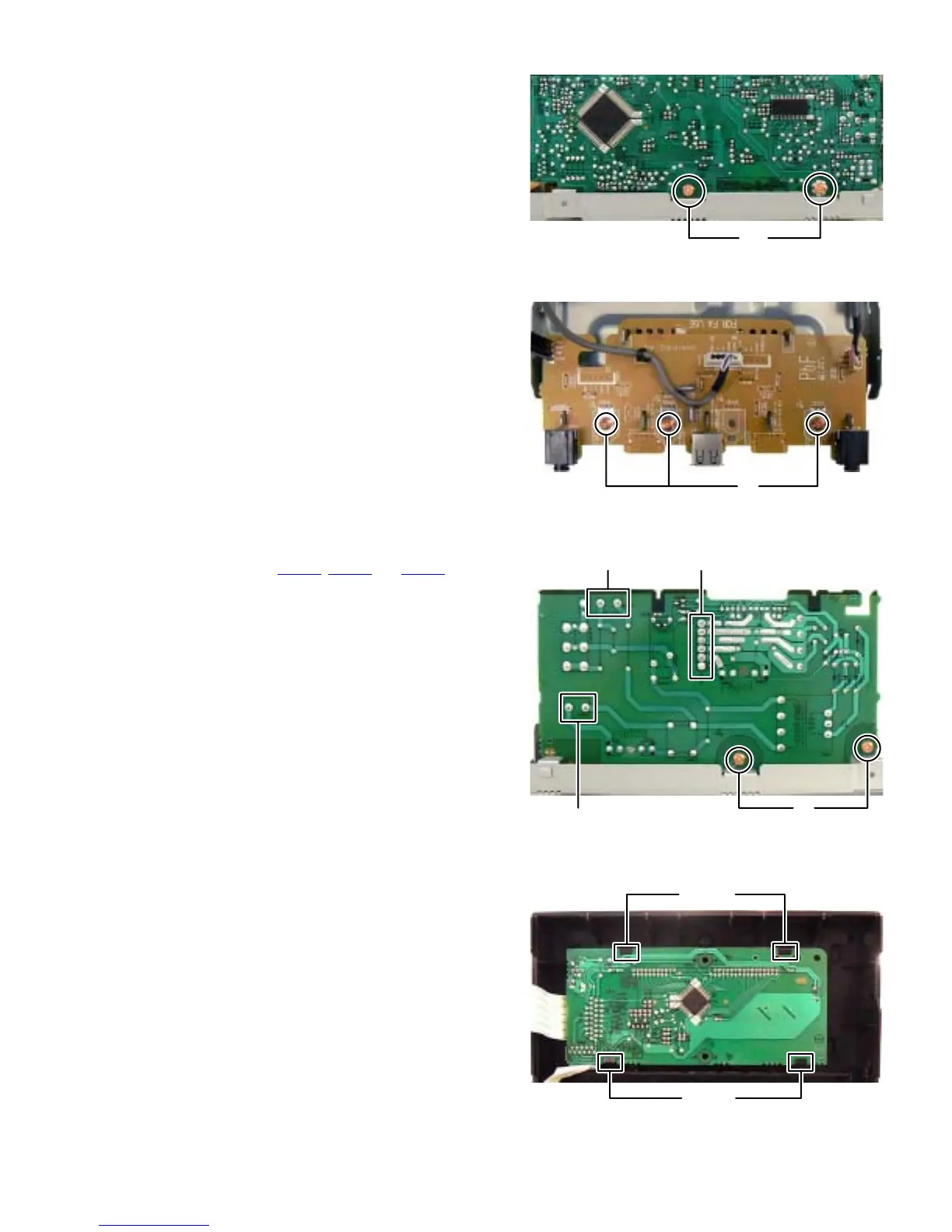
3.1.7 Removing the Micom board (See Fig.14)
(1) Remove the two screws M attaching the Micom board.
Fig.14
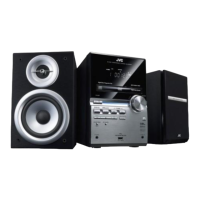
3.1.8 Removing the Front jack board (See Fig.15)
(1) Remove the three screws N attaching the Front jack board.
Fig.15
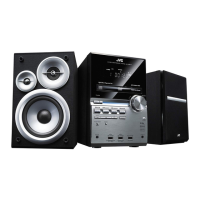
3.1.9 Removing the Power board (See Fig.16)
(1) Disconnect the connector wires from Power transformer
connected to connectors CN800
, CN804 and CN805 of the
Power board.
(2) Remove the two screws P attaching the power board.
Fig.16
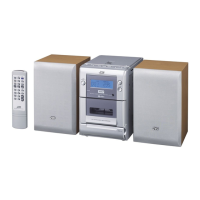
3.1.10 Removing the FL board (See Fig.17)
(1) Disengage four hooks c engaged FL board.
Fig.17
M
N
P
CN800
CN805 CN804
hook c
hook c


 To Next Page