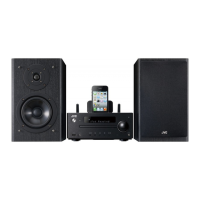
Playing back iPod/iPhone/iPad
.
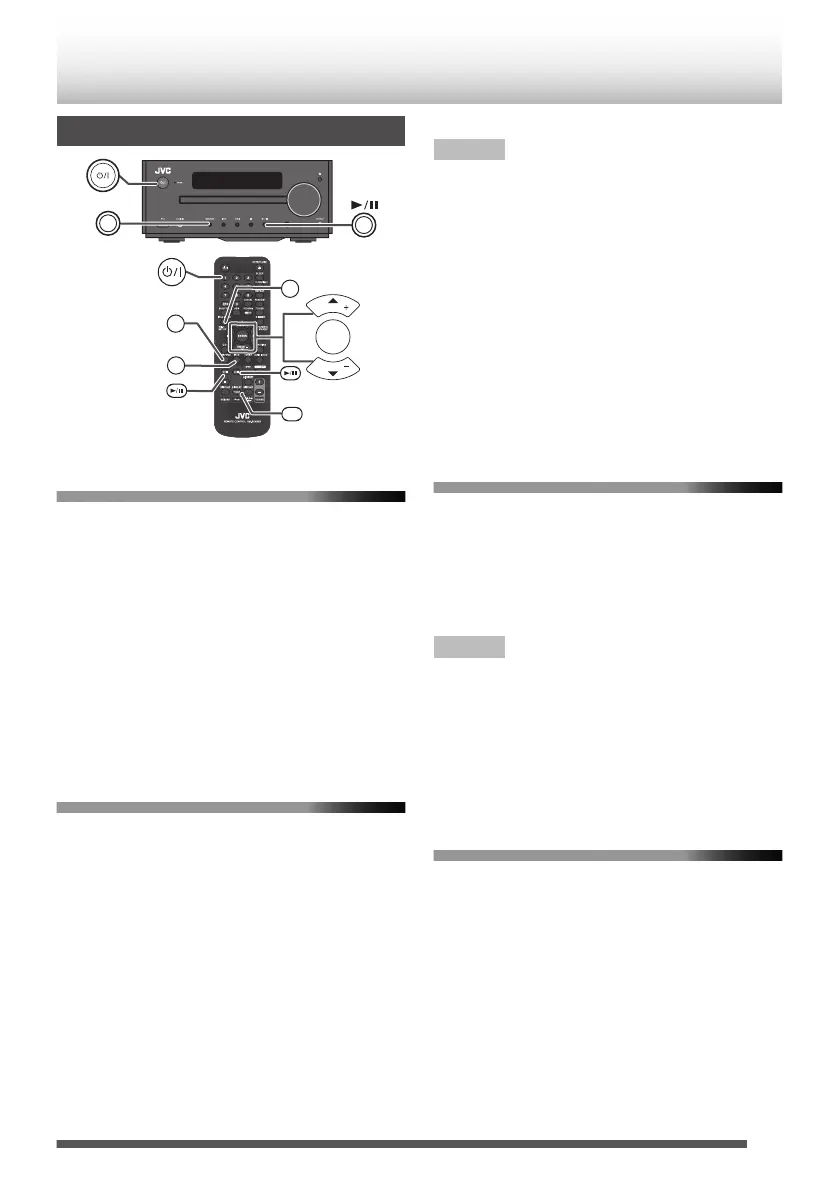
SOURCE
iPod MENU
iPod
iPod
DISPLAY
TV OUT
USB/iPad
CD/USB
iPod
PRESET
PRESET
ENTER
Playing back iPod/iPhone
1
Insert iPod/iPhone unit into the iPod/iPhone
dock of main unit.
2
Press the [A] button to turn on the power.
3
Press the [iPod] button on the remote control
or [SOURCE] button repeatedly on main unit
to select [iPod] function.
4
Press [iPod I/W] button on the remote
control, or [I/W] on main unit.
Playback will start.
Playing back iPod/iPhone/iPad via the
USB/iPad terminal
1
Connect iPod/iPhone/iPad via USB/iPad
terminal.
0
Place iPad to the stand for iPad.
2
Press the [A] button to turn on the power.
3
Press the [USB/iPad] button on the remote
control or [SOURCE] button repeatedly on
main unit to select [USB] function.
“USB/iPod” will be displayed.
4
Press the [CD/USB I/W] button on the
remote control, or [I/W] on main unit.
Playback starts.
Note
0
[o] is not active while playing back iPod/iPhone/
iPad.
0
Display content can be changed by pressing the
[iPod DISPLAY/TV OUT] button.
(About iPhone)
0
Incoming calls will pause the playback.
0
Conversations on the phone is only output from the
iPhone speaker. Start talking on the phone after
turning on the iPhone speaker, or removing iPhone
from the dock for iPod/iPhone.
0
You may also experience brief audio interference
during incoming calls to your iPhone.
Watching videos on a TV connected to
iPod/iPhone
1
Press the [iPod DISPLAY/TV OUT] button for
more than 2 seconds until “TV OUT ON”
appear on display.
0
The video is automatically displayed on the TV
screen.
Note
0
TV out display is not support through USB terminal.
0
Set the video signal for iPod/iPhone to NTSC.
Please visit Apple’s homepage for further
information.
0
To playback videos on iPod/iPhone screen, press
[iPod DISPLAY/TV OUT] for more than 2 seconds,
until “TV OUT OFF” is displayed.
Navigating the iPod/iPhone menus
1
Press the [iPod MENU] button.
0
Press it again to go back to previous menu.
2
Use the [K/J] button to select an item on the
menu and then press the [ENTER] button.
21


 To Next Page
 Loading...