EasyManua.ls Logo

JVC XP-A1000BK - Page 11

JVC XP-A1000BK
73 pages
Print Icon
To Next Page IconTo Next Page
To Previous Page IconTo Previous Page
Loading...
LL-L
(79007
“ON)
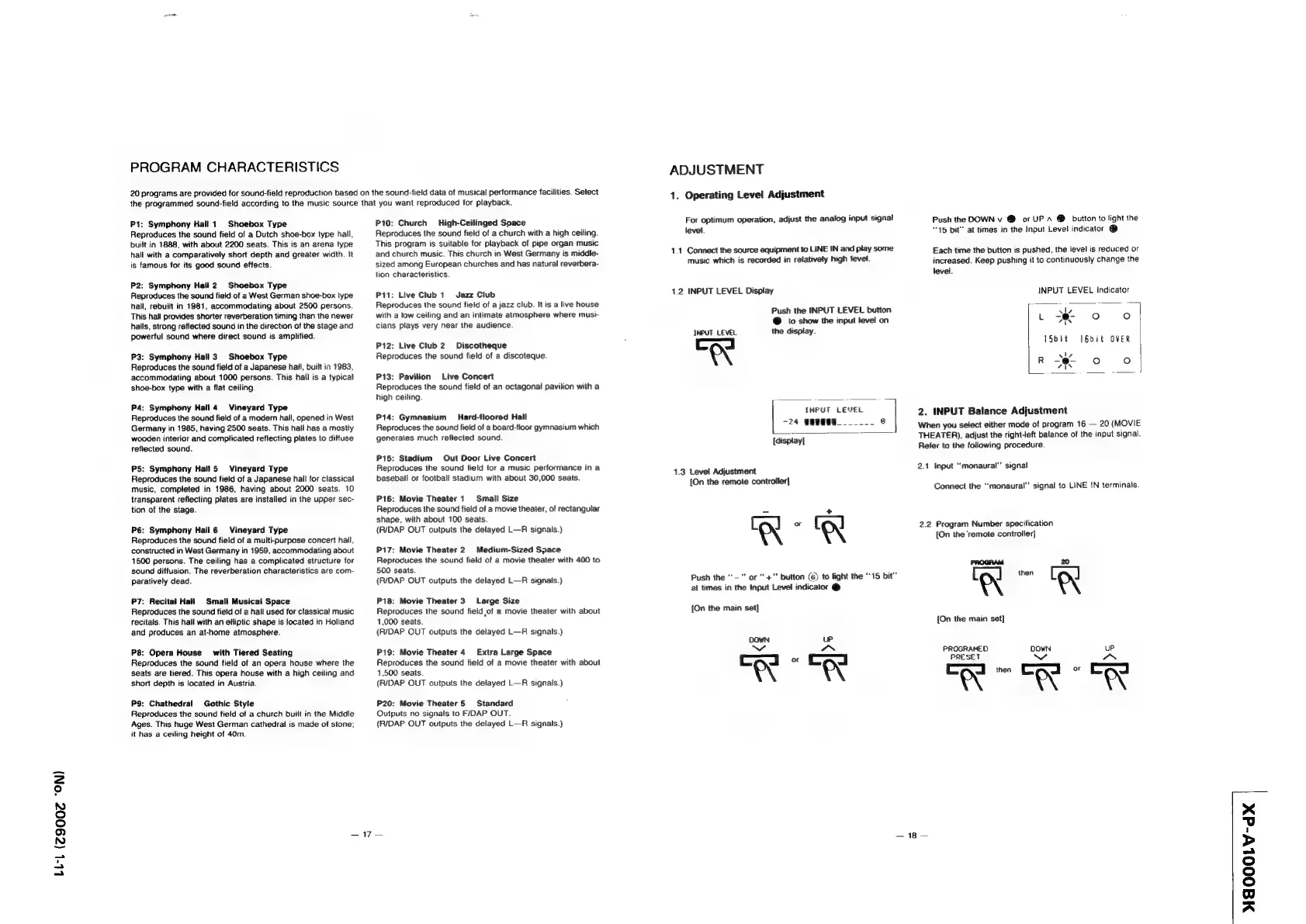
PROGRAM
CHARACTERISTICS
20
programs
are
provided
for
sound-field
reproduction
based
on
the
sound-field
data
of
musical
performance
facilities.
Select
the
programmed
sound-field
according
to
the
music
source
that
you
want
reproduced
for
playback.
P1:
Symphony
Hall
1
Shoebox
Type
Reproduces
the
sound
field
of
a
Dutch
shoe-box
type
hall,
built
in
1888,
with
about
2200
seats.
This
is
an
arena
type
hall
with
a
comparatively
short
depth
and
greater
width.
It
is
famous
for
its
good
sound
effects.
P2:
Symphony
Hall
2.
Shoebox
Type
Reproduces
the
sound
field
of
a
West
German
shoe-box
type
hall,
rebuilt
in
1981,
accommodating
about
2500
persons.
This
hall
provides
shorter
reverberation
timing
than
the
newer
halls,
strong
reflected
sound
in
the
direction
of
the
stage
and
powerful
sound
where
direct
sound
is
amplified.
P3:
Symphony
Hall
3)
Shoebox
Type
Reproduces
the
sound
field
of
a
Japanese
hail,
built
in
1983,
accommodating
about
1000
persons.
This
hail
is
a
typical
shoe-box
type
with
a
flat
ceiling.
P4:
Symphony
Hall
4
Vineyard
Type
Reproduces
the
sound
field
of
a
modern
hall,
opened
in
West
Germany
in
1985,
having
2500
seats.
This
hall
has
a
mostly
wooden
interior
and
complicated
reflecting
plates
to
diffuse
reflected
sound.
P5:
Symphony
Hall
5
Vineyard
Type
Reproduces
the
sound
field
of
a
Japanese
hall
for
classical
music,
completed
in
1986,
having
about
2000
seats.
10
transparent
reflecting
plates
are
installed
in
the
upper
sec-
tion
of
the
stage.
P6:
Symphony
Hall
6
Vineyard
Type
Reproduces
the
sound
field
of
a
multi-purpose
concert
hail,
constructed
in
West
Germany
in
1959,
accommodating
about
1500
persons.
The
ceiling
has
a
complicated
structure
for
sound
diffusion.
The
reverberation
characteristics
are
com-
paratively
dead.
P7:
Recital
Hall
Smalt
Musical
Space
Reproduces
the
sound
field
of
a
hall
used
for
classical
music
recitals.
This
halt
with
an
elliptic
shape
is
located
in
Holland
and
produces
an
at-home
atmosphere.
P8:
Opera
House’
with
Tiered
Seating
Reproduces
the
sound
field
of
an
opera
house where
the
seats
are
tiered.
This
opera
house
with
a
high
ceiling
and
short
depth
is
located
in
Austria.
P9:
Chathedral
Gothic
Style
Reproduces
the
sound
field
of
a
church
buiit
in
the
Middle
Ages.
This
huge
West
German
cathedral
is
made
of
stone:
it
has
a
ceiling
height
of
40m.
P10;
Church
High-Ceilinged
Space
Reproduces
the
sound
field
of
a
church
with
a
high
ceiling.
This
program
is
suitable
for
playback
of
pipe
organ
music
and
church
music.
This
church
in
West
Germany
is
middle-
sized
among
European
churches
and
has
natural
reverbera-
tion
characteristics.
Pit:
Live
Club
1
Jazz
Club
Reproduces
the
sound
field
of
a
jazz
club.
It
is
a
live
house
with
a
low
ceiling
and
an
intimate
atmosphere
where
musi-
cians
plays
very
near
the
audience
P12:
Live
Club
2
Discotheque
Reproduces
the
sound
field
of
a
discoteque.
P13:
Pavilion
Live
Concert
Reproduces
the
sound
field
of
an
octagonal
pavilion
with
a
high
ceiling.
P14:
Gymnasium
_Hard-floored
Hall
Reproduces
the
sound
field
of
a
board-floor
gymnasium
which
generates
much
reflected
sound.
P15:
Stadium
Out
Door
Live
Concert
Reproduces
the
sound
field
for
a
music
performance
in
a
baseball
or
football
stadium
with
about
30,000
seats.
P16:
Movie
Theater
1
Small
Size
Reproduces
the
sound
field
of
a
movie
theater,
of
rectangular
shape,
with
about
100
seats.
(R/DAP
OUT
outputs
the
delayed
L—R
signals.)
P17:
Movie
Theater
2
Medium-Sized
Space
Reproduces
the
sound
field
of
a
movie
theater
with
400
to
500
seats.
(R/DAP
OUT
outputs
the
delayed
L—R
signals.)
P18:
Movie
Theater
3
Large
Size
Reproduces
the
sound
field
of
a
movie
theater
with
about
1,000
seats.
(R/DAP
OUT
outputs
the
delayed
L—RA
signals.)
P19:
Movie
Theater
4
Extra
Large
Space
Reproduces
the
sound
field
of
a
movie
theater
with
about
1,500
seats.
(R/DAP
OUT
outputs
the
delayed
L—R
signals.)
P20:
Movie
Theater
5
Standard
Outputs
no
signais
to
F/DAP
OUT.
(R/DAP
OUT
outputs
the
delayed
L—R
signals.)
247s
ADJUSTMENT
1.
Operating
Level
Adjustment
For
optimum
operation,
adjust
the
analog
input
signal
level.
1.1
Connect
the
source
equipment
to
LINE
IN
and
play
some
music
which
is
recorded
in
relatively
high
level.
1.2
INPUT
LEVEL
Display
Push
the
INPUT
LEVEL
button
@
to
show
the
input
level
on
INPUT
LEVEL
the
display.
“X
INPUT
LEVEL
-24
8
@
[display]
1.3
Level
Adjustment
[On
the
remote
controller}
=
+
Push
the
“-""
or
+"
button
(6)
to
light
the
“15
bit”
at
times
in
the
input
Level
indicator
@
[On
the
main
set]
DOWN
up
cod
«ood
OA
Push
the
DOWN
v
@
or
UP
A
®
button
to
light
the
“15
bit"
at
times
in
the
Input
Level
indicator
@
Each
time
the
button
is
pushed,
the
level
is
reduced
or
increased.
Keep
pushing
it
to
continuously
change
the
level.
INPUT
LEVEL
Indicator
(eo)
fe}
vy
L
—@
vs
15bit
J6bit
OVER
ie)
Oo
2.
INPUT
Balance
Adjustment
When
you
select
either
mode
of
program
16
—
20
(MOVIE
THEATER),
adjust
the
right-left
balance
of
the
input
signal.
Refer
to
the
following
procedure.
2.1
Input
“monaural”
signal
Connect
the
“monaural”
signal
to
LINE
IN
terminals.
2.2
Program
Number
specification
[On
the
‘remote
controller}
PROGRAM
20
[
Ql
then
[
ry
[On
the
main
set]
PROGRAMED
DOWN
uP
PRESET
CS
Ca
eS
WN
—
18
—
MAOOOLV-d@X