16
General
192.168.10.1
Settings
Azimut
Back
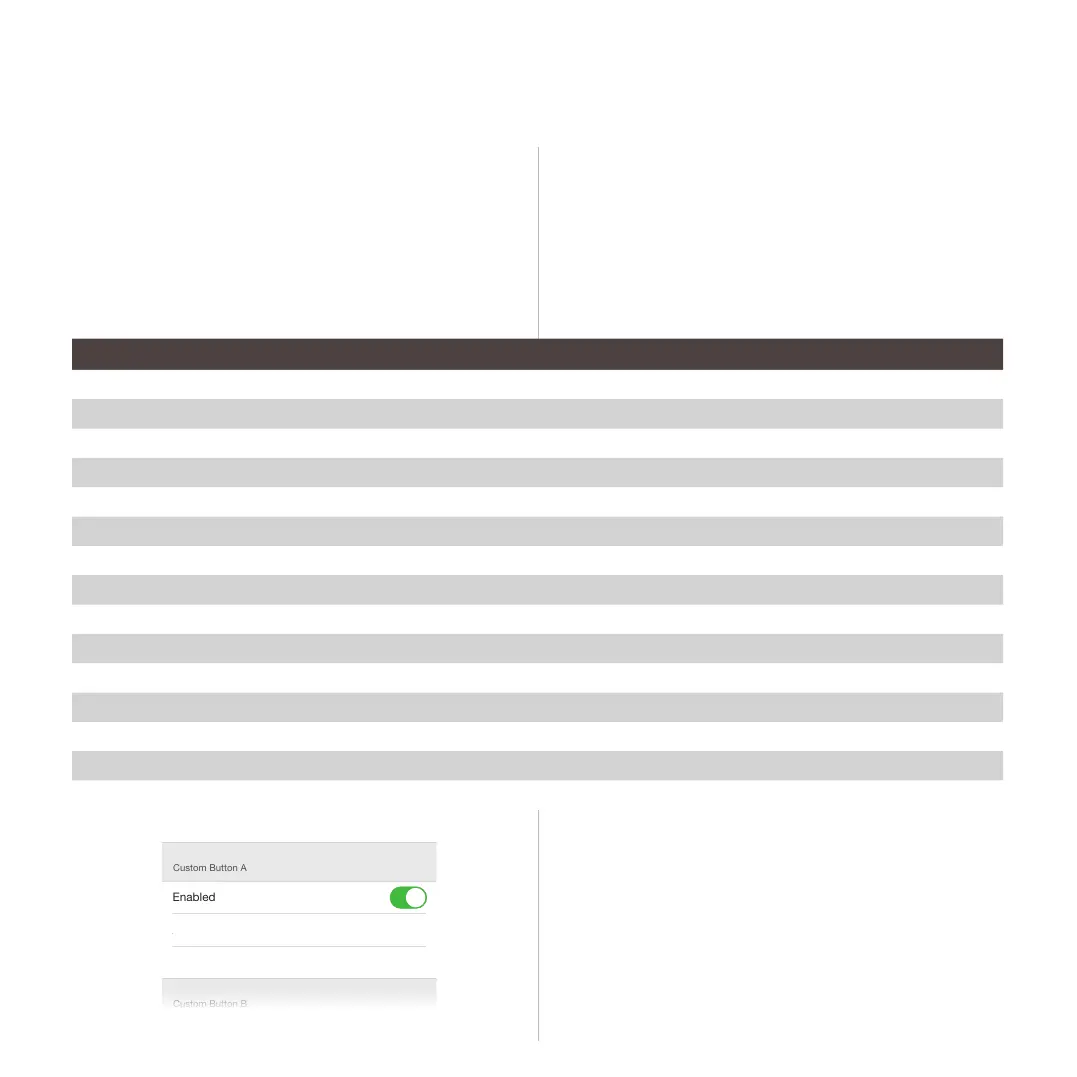
Custom Button A
Enabled
Action URL
PUT Data (leave empty for GET requests)
Custom Button B
Enabled
Action URL
PUT Data (leave empty for GET requests)
Custom Button C
Enabled
Action URL
In order to customize the action associated to the four
programmable buttons:
1. Select the button you want to program and set the proper action
among the one listed in the table below.
2. Some actions require you to define the argument of the setting (e.g. the
volume) in the PUT Data field. If not required, leave this field empty.
3. Enable the button to make it active.
Description Action PUT data
Mute ON /api/v1/dsp/main/mute {“mute”: true }
Mute OFF /api/v1/dsp/main/mute {“mute”: false }
Set volume at value # (span from -90 to 12) /api/v1/dsp/main/volume {“volume”: # }
Volume UP /api/v1/dsp/main/volume/up {}
Volume DOWN /api/v1/dsp/main/volume/up {}
Start playback /api/v1/player/play
Pause playback /api/v1/player/pause
Skip backward /api/v1/player/prev
Skip forward /api/v1/player/next
Set standby ON /api/v1/tas/standby {“mute”: true }
Set standby OFF /api/v1/tas/standby {“mute”: false }
Set the device as SLAVE in a local streaming network /api/v1/multiroom/slave {“slave”: true}
Release the device from the local streaming network /api/v1/multiroom/slave {“slave”: false}
Set the device as MASTER in a local streaming network /api/v1/multiroom/master {“master”: true}
Release the local streaming network /api/v1/multiroom/master {“master”: false}
You can eventually control a different device within the
network setting preceding the action string with the IP
address of the target device; e.g. pause playback of the
device with IP 192.168.10.100:
ht tp://192.16 8.10.10 0/a pi / v 1/p l a y e r/pa u se
Kommander -KA02
User Guide
/api/v1/tas/standby
{“mute”: true }



 To Next Page