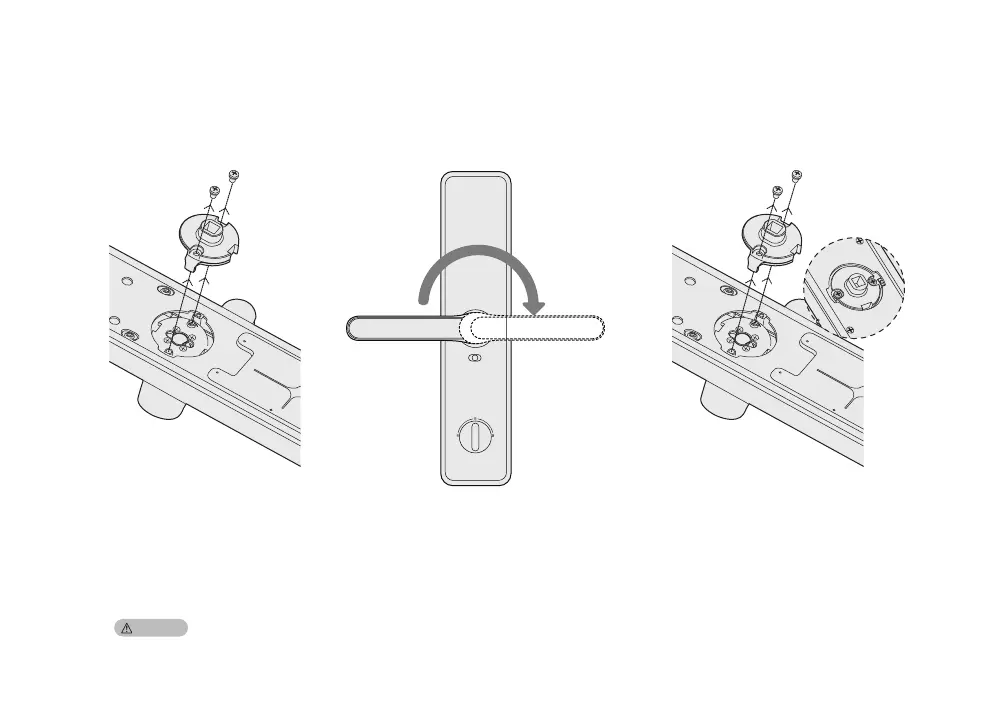
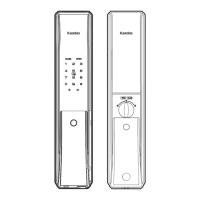
Change handle direction of back panel
Screws
Positioning disc
Screws
Positioning disc
1. Take out the 2 screws and the
positioning disc.
2. Rotating the handle to the other end.
3. Put the positioning disc and shield sleeve
back, and fasten the screws.
Please choose correct screw pack according to your door thickness. The default screw pack is for door thickness 38-60mm.
Caution:


 To Next Page