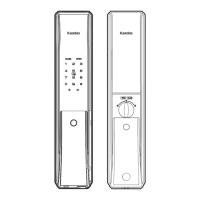
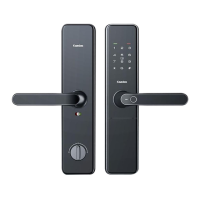
Change handle direction
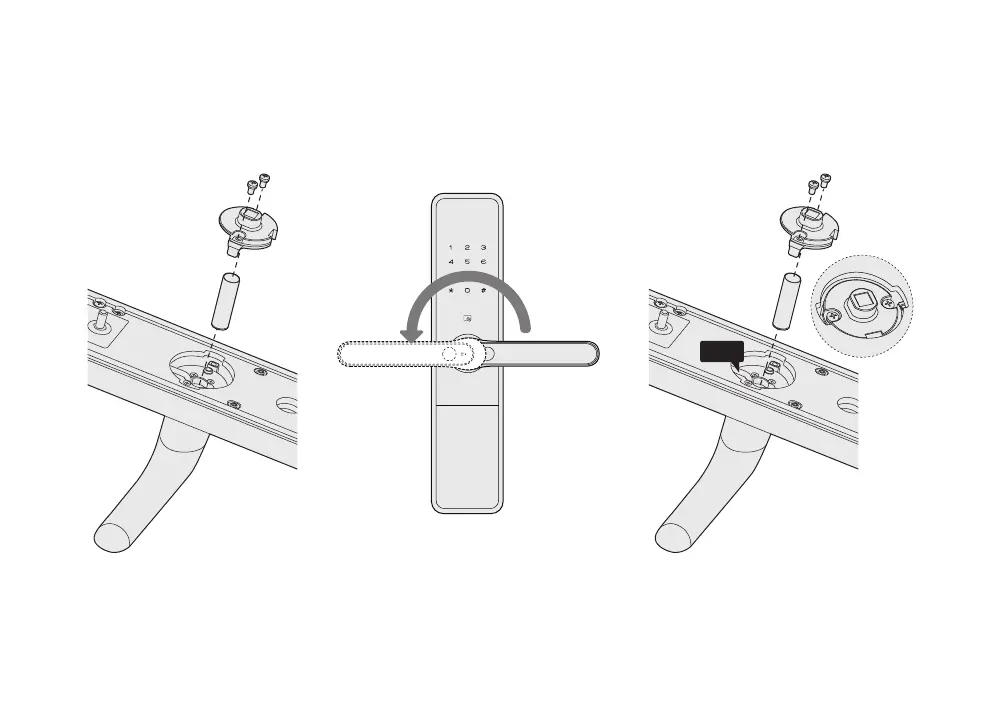
Change handle direction of front panel
Screws
Positioning disc
Shield sleeve
1. Take out the 2 screws, the positioning
disc and the shield sleeve.
2. Rotating the handle to the other end. 3. Reposition the sensor cable to the upper side,
then put the positioning disc and shield sleeve
back, and fasten the screws.
Screws
Positioning disc
Shield sleeve
Cable


 To Next Page