WWW.KAARTA.COM 104
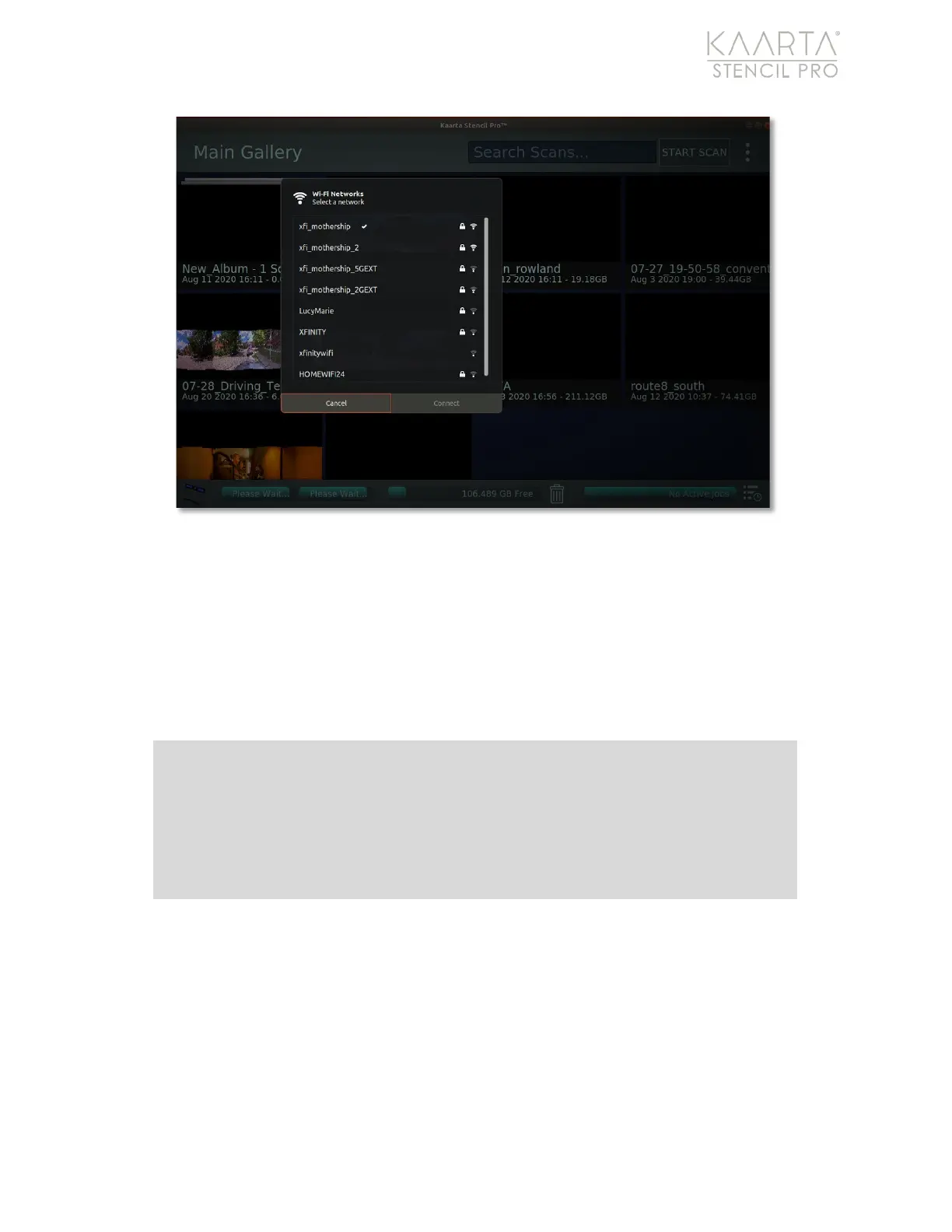
Figure 75: Select NTRIP internet source.
Trimble Administration
To configure the Trimble device for NTRIP, you will need to log in to the Trimble hardware
administration page. Open a web browser from the Stencil Pro desktop and proceed to
10.20.27.3 in the address (Figure 76). Take every precaution when changing settings on
the Trimble administration page; the system was configured to seamlessly integrate with
Stencil Pro’s PPK.
Note: Management of Stencil Pro’s integrated Trimble device is administered
through a local webpage. You can access configuration settings by opening a
web browser on Stencil Pro and typing in 10.20.27.3 in the web address. Use
the following credentials for login:
User:
admin
Password:
kaartastencil



 To Next Page