WWW.KAARTA.COM 105
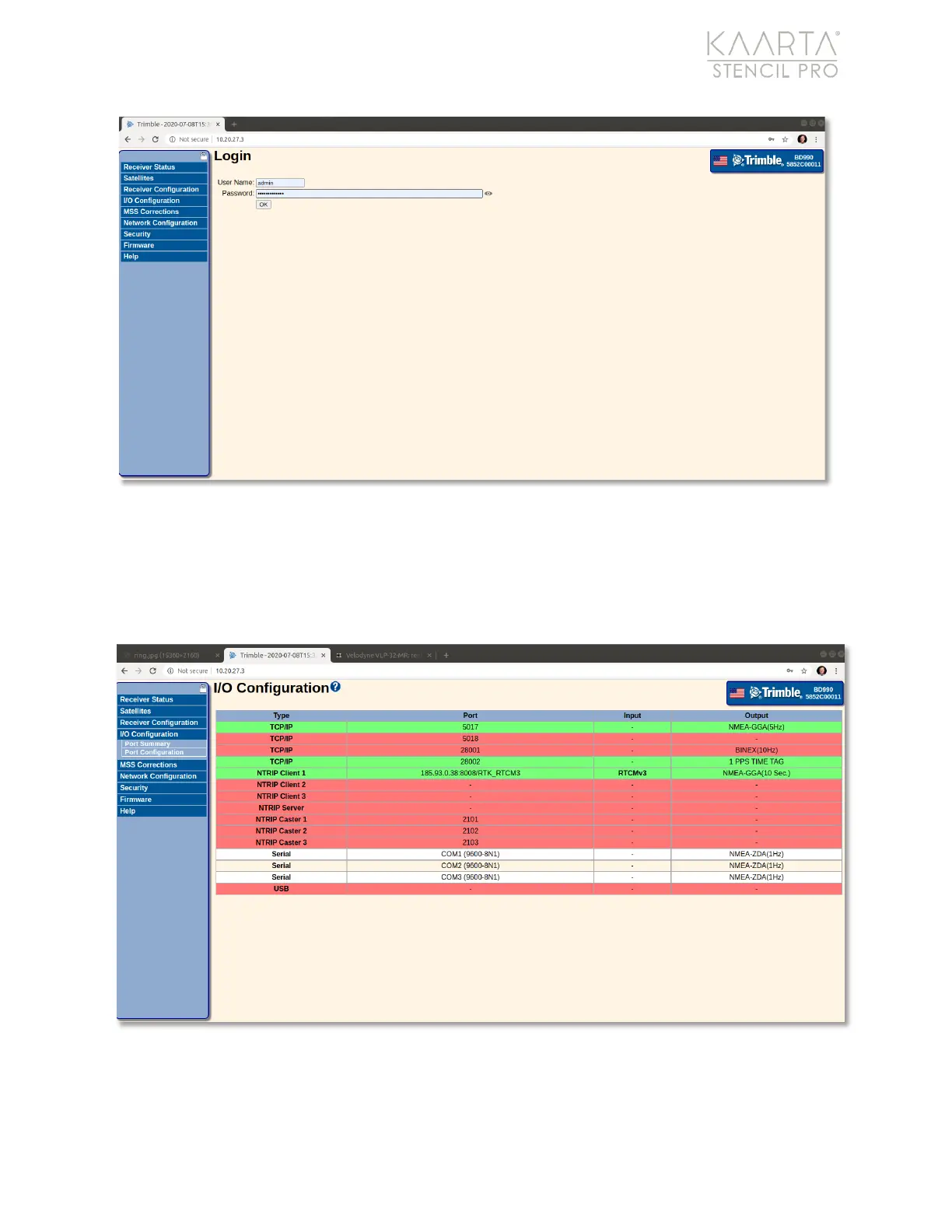
Figure 76: Trimble Admin page.
Select I/O Configuration in the main menu, along the left side of the screen. The I/O
Configuration page displays (Figure 77). From here, you will enter your NTRIP account
information. Click the NTRIP Client 1 heading under Type to display the settings (Figure
78).
Figure 77: I/O Configuration information on the Trimble admin page.



 To Next Page