WWW.KAARTA.COM 108
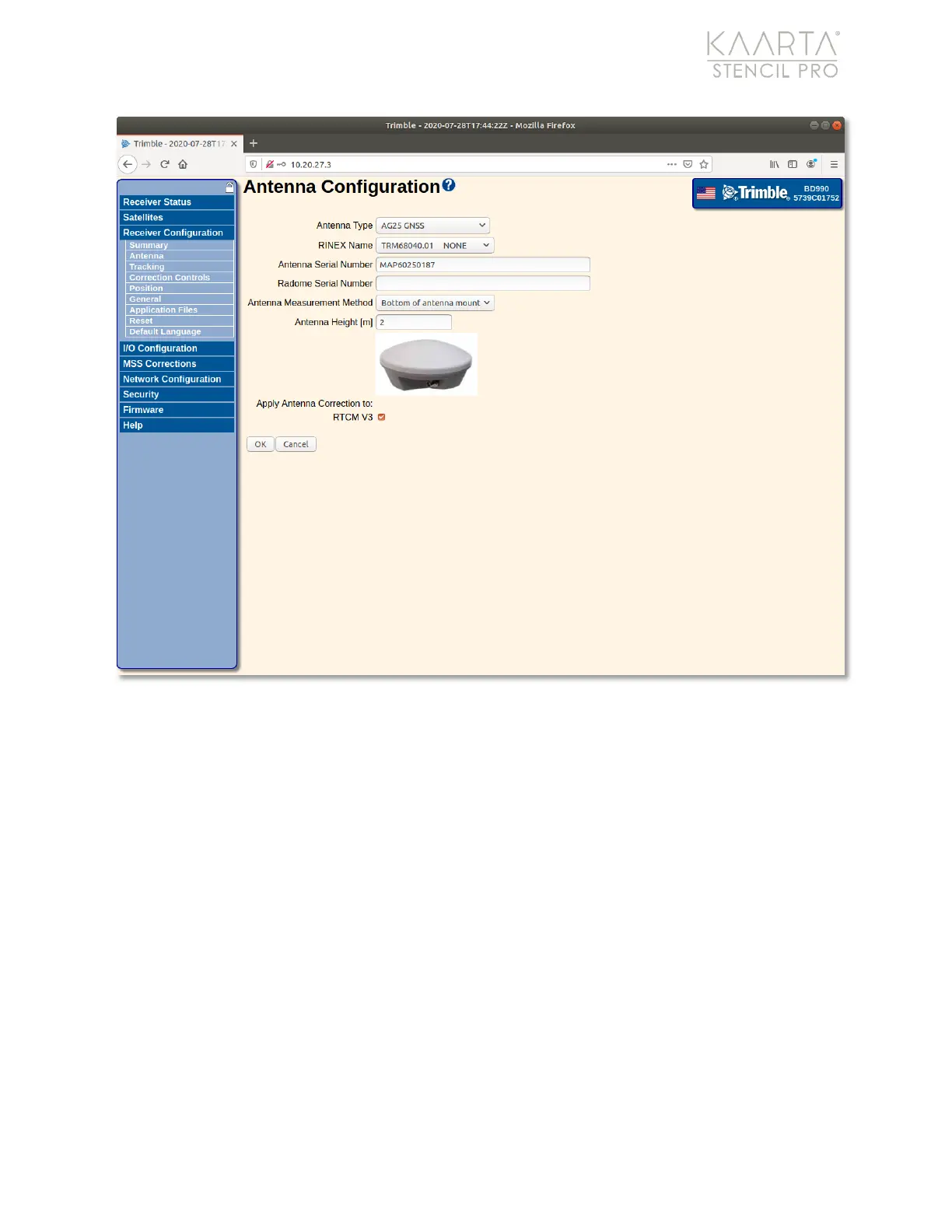
Figure 79: Antenna Configuration settings.
USING DATA FROM YOUR OWN BASE S TATION
The process for importing base station files to produce a PPK trajectory are the following:
Import Files to Stencil Pro
Ensure you are importing the correct base station observation and satellite navigation
files corresponding to the entire time period during which the scan was captured.
Depending on the origin of these files, file naming conventions may vary, but a common
form for plain RINEX hourly files is to indicate the hour of the day (in UTC) via a letter at
the end of the file name base (not extension). For example, “a” indicates hour 0 (i.e.
midnight through 1am UTC), “b” indicates hour 1 (i.e. 1am through 2am UTC), and so on. If
available, base stations files that cover an entire day can simplify this process when a scan
crosses an hour boundary. When selecting base station files, be sure to consider your
local time zone and its offset from UTC, including possible seasonal adjustments (e.g.
daylight savings time) in your area.



 To Next Page