WWW.KAARTA.COM 107
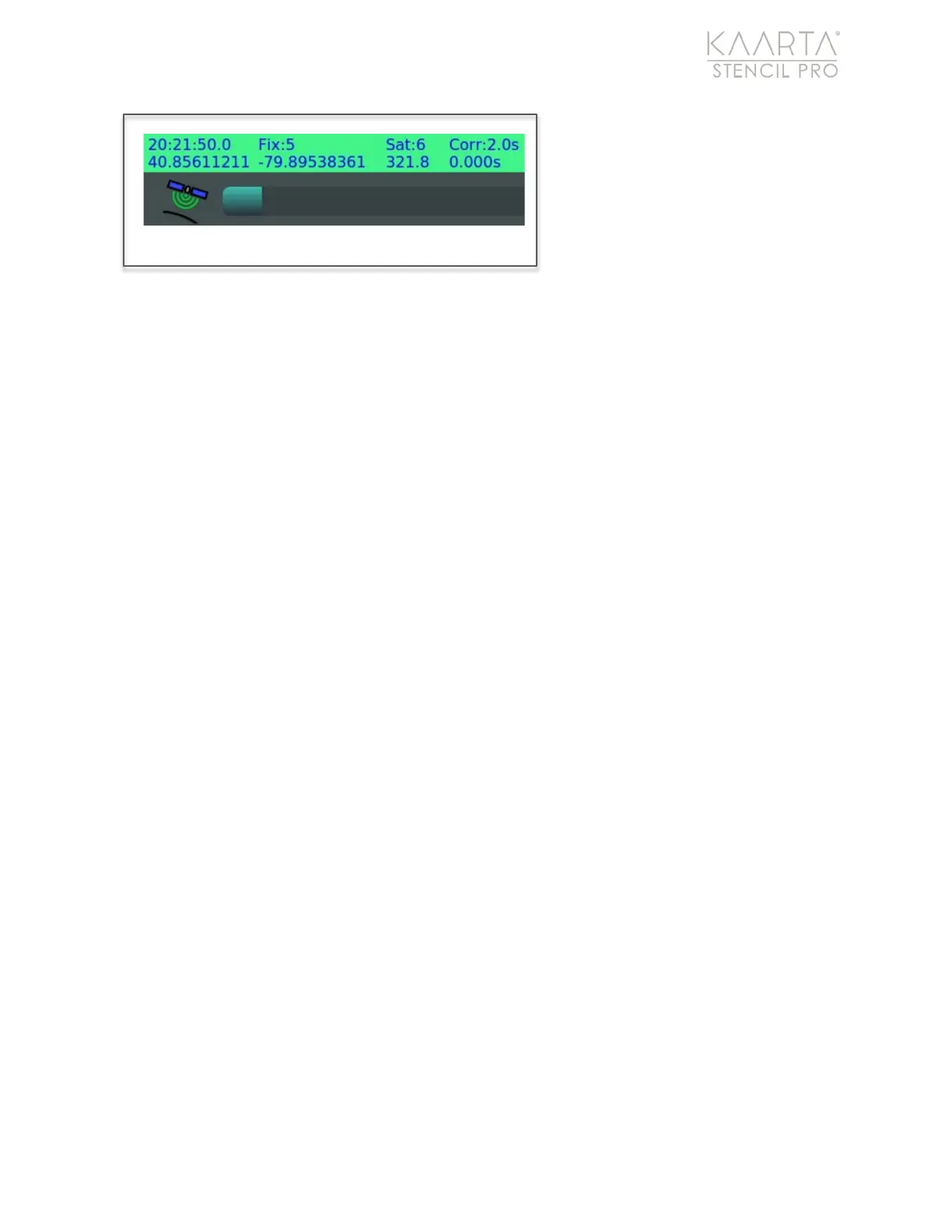
Click OK to commit NTRIP
changes and exit out of the
Trimble admin page. The GNSS
status window in the lower left-
hand corner of the Stencil Pro UI
should change to green and
populate with the real-time GNSS
information.
CHANGING THE TRIMBLE A NTENNA
Stencil Pro integrates the Trimble BD-990 receiver with the AV-28 antenna. However, the
system supports a range of other third-party GNSS antennae, including the AG-25.
Although the hardware can typically be swapped out through traditional “plug and play,”
you will need to double-check the settings on the Trimble administration page for
antenna when switching components.
Antenna Configuration
Log into the Trimble administration page. Open a web browser from the Stencil Pro
desktop and proceed to 10.20.27.3 in the address (see Figure 78 above; see Trimble
Administration on page 104 for information about user/password).
Under Receiver Configuration in the main menu, select Antenna to open the Antenna
Configuration settings (Figure 79). Select new device in the Antenna Type dropdown
menu; if changes to the Measurement Method and Antenna Height are needed, be sure
to adjust the settings. Click OK to accept.
GNSS Status Window: NTRIP real-time information.



 To Next Page