WWW.KAARTA.COM 110
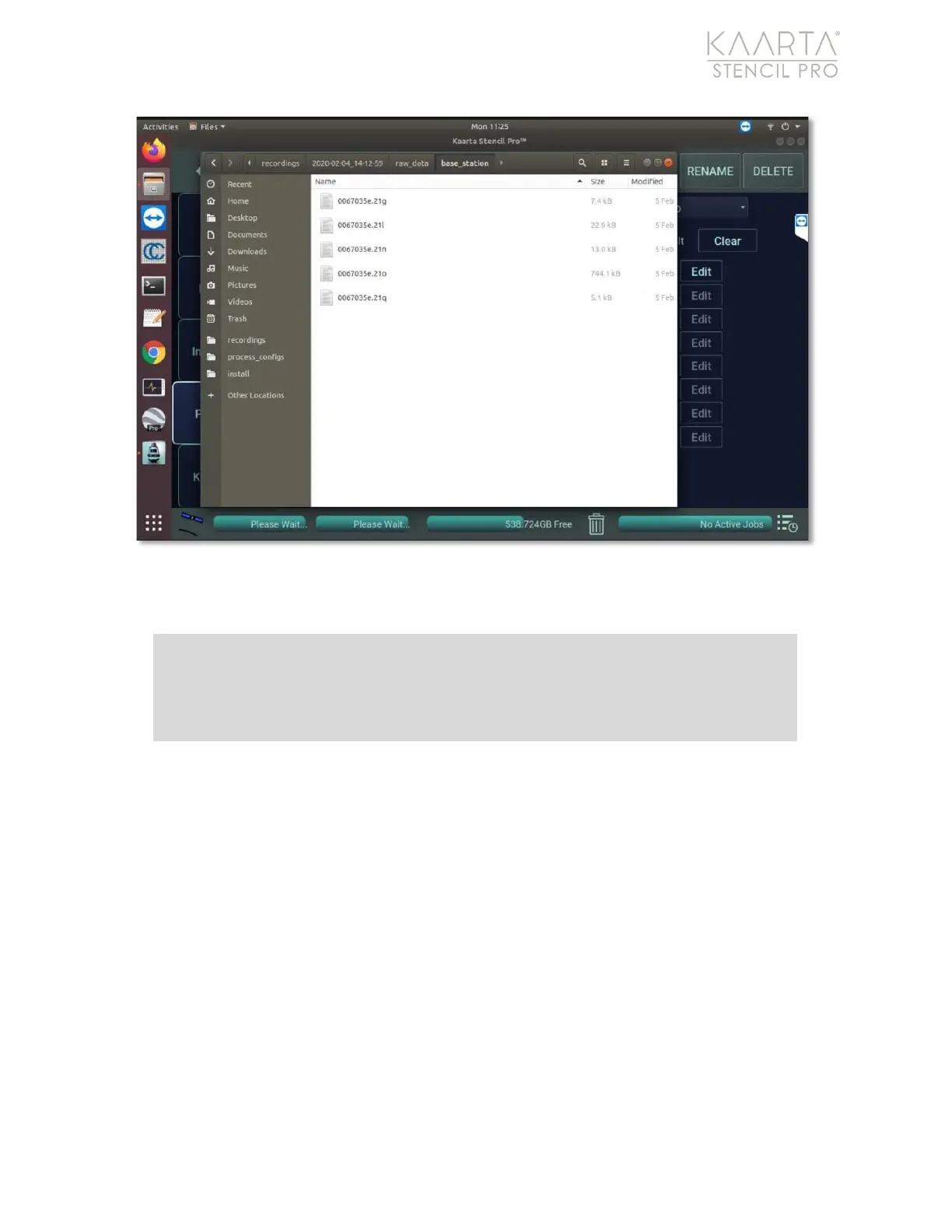
Figure 81: Imported base station files.
Run GNSS Correct & Align Processes
First, process the imported data using GNSS Correct. See GNSS Correct on page 72 for
details instructions about using this process and its various presets and. If the base
station files are already extracted, select USER_PLAIN as the preset. If the files are not
extracted, use the USER_RINEX or USER_BINEX preset, depending on the base station file
output.
Once GNSS Correct step is complete, review the resulting PPK output and run the Align
process based on the quality of the results. Adjust fix quality and HDOP/VDOP values as
needed to produce the best alignment results. See Align on page 76 for more details
regarding the alignment process for Stencil Pro.
Note: Not all base station files are identical and Kaarta has not tested with all
formats or manufacturers. Please contact Kaarta if there are any issues or
questions with files from your base station.



 To Next Page