WWW.KAARTA.COM 111
CHAPTER 7
TROUBLESHOOTING
VERIFY SCANNER IS RECEIVING IMAGES
Prior to mapping, verify that the scanner is receiving images. Using the iPad, mouse, and
keyboard, open an Ubuntu browser on the Stencil desktop. The web browser should open
to the images page by default. If it does not, either refresh your browser or enter the
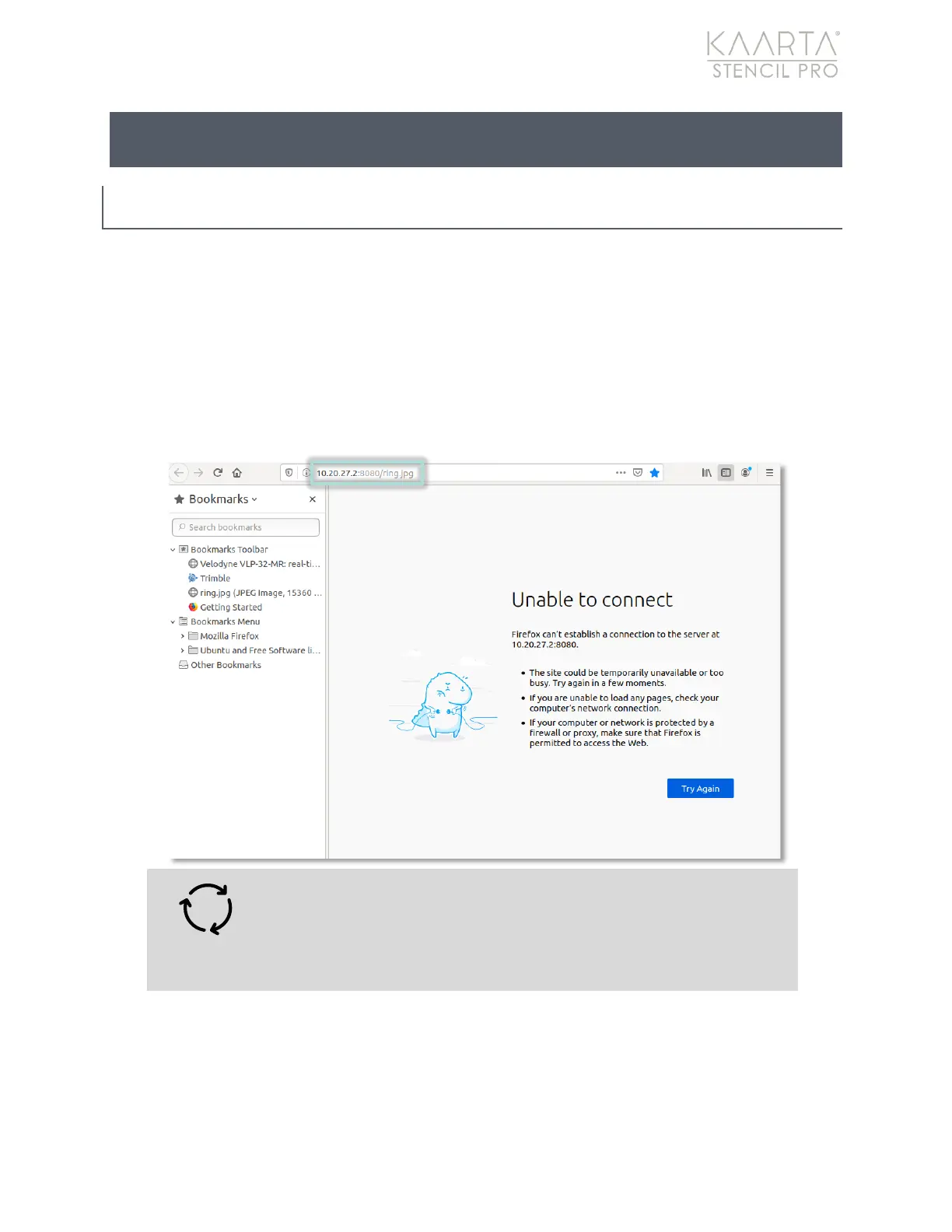
following IP address to verify a connection: 10.20.27.2:8080/ring.jpg. You should see a
panoramic image after pressing Enter. If browser shows a black strip or “Unable to
Connect,” then no images are being received.
Warning: If no images are being received, the scanner needs to
be restarted. Power cycle the scanner by unplugging the power
connection from the controller. It may be necessary to power
cycle the scanner more than once.



 To Next Page