WWW.KAARTA.COM 21
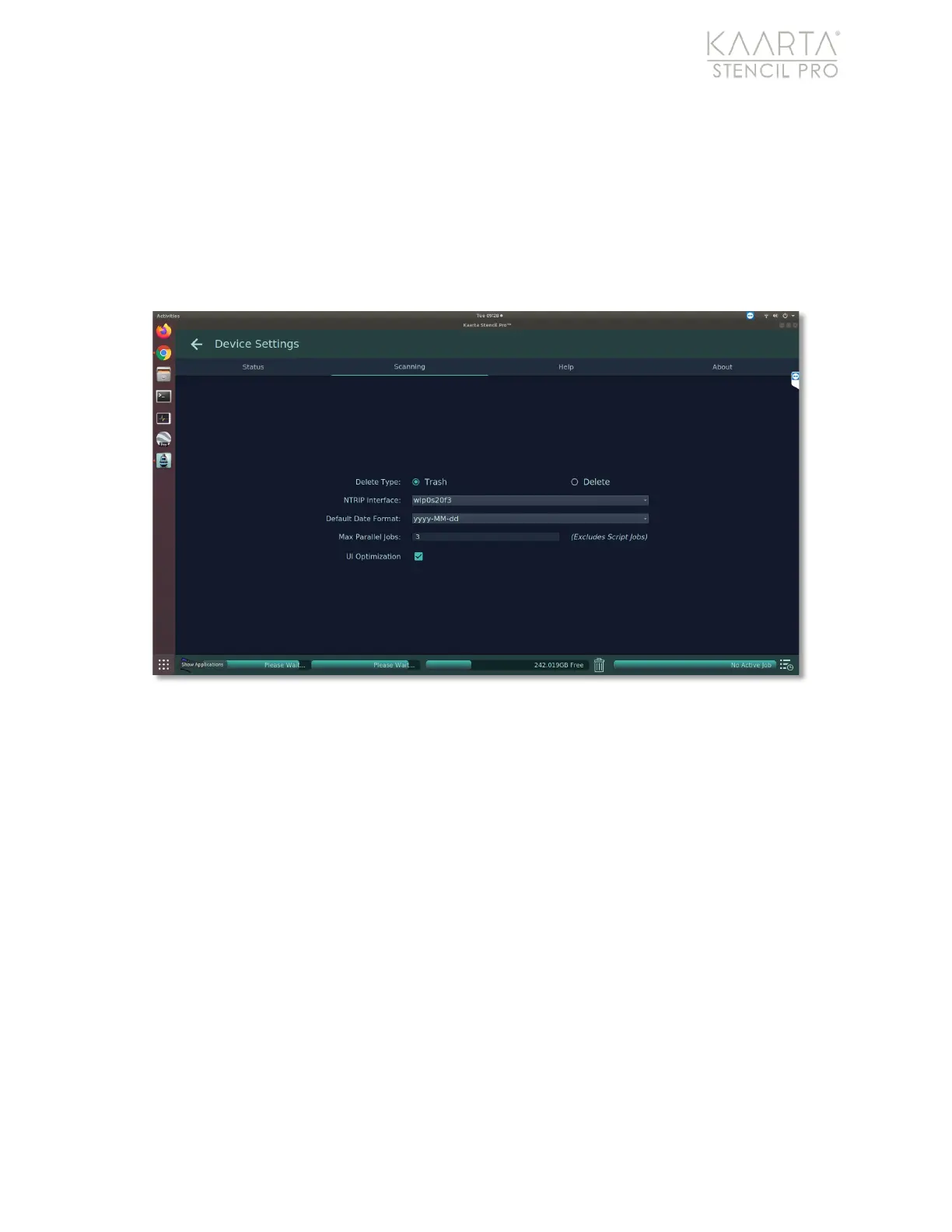
• Default Date Format allows you to choose from three variations of date formats as
your system standard.
• Max Parallel Jobs sets the maximum number of jobs (up to 10) that you can run in
parallel on Stencil Pro. Script jobs, such as processing, cannot be run in parallel.
However, tasks such as uploading and copying can be set to run concurrently.
• UI Optimization when selected prevents the screen from freezing by prioritizing
functionality.
Figure 7: The Scanning tab of Stencil Pro Device Settings.
HELP
The Help tab provides useful information about the device and technical support,
including links for this user manual (or an updated version), tutorial videos, Kaarta’s
support team contact information, and remote support capability (Figure 8).



 To Next Page