WWW.KAARTA.COM 52
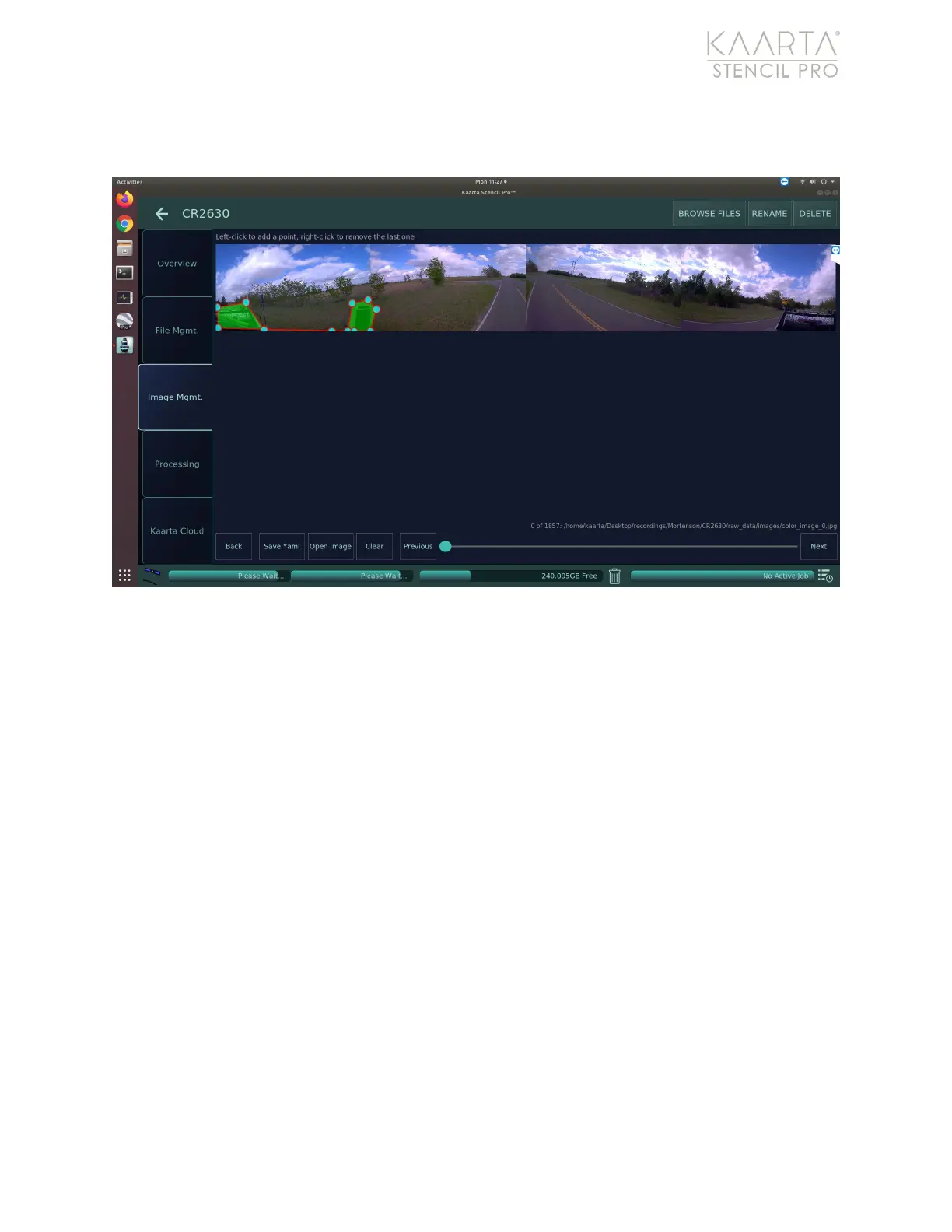
last point. Once the exclusion zone is completed, select Save Yaml to formalize the
polygon to yaml for use during processing.
Figure 35: Create image exclusion zone.
Once the areas to remove are highlighted, select Save Yaml to define the polygonal area
for exclusion from processing. You can overwrite a current yaml file by selecting it in from
the selection menu (Figure 36). To create a new yaml file, you will need to copy a current
file and rename it using the Ubuntu file explorer prior to saving.



 To Next Page