WWW.KAARTA.COM 60
Configurations for some processes and presets can be further edited. Default
presets are not editable.
Check or uncheck box to toggle from Advanced to
. See
Standard View on page 95 for more details.
Runs the processing of a scan according to the selected options above.
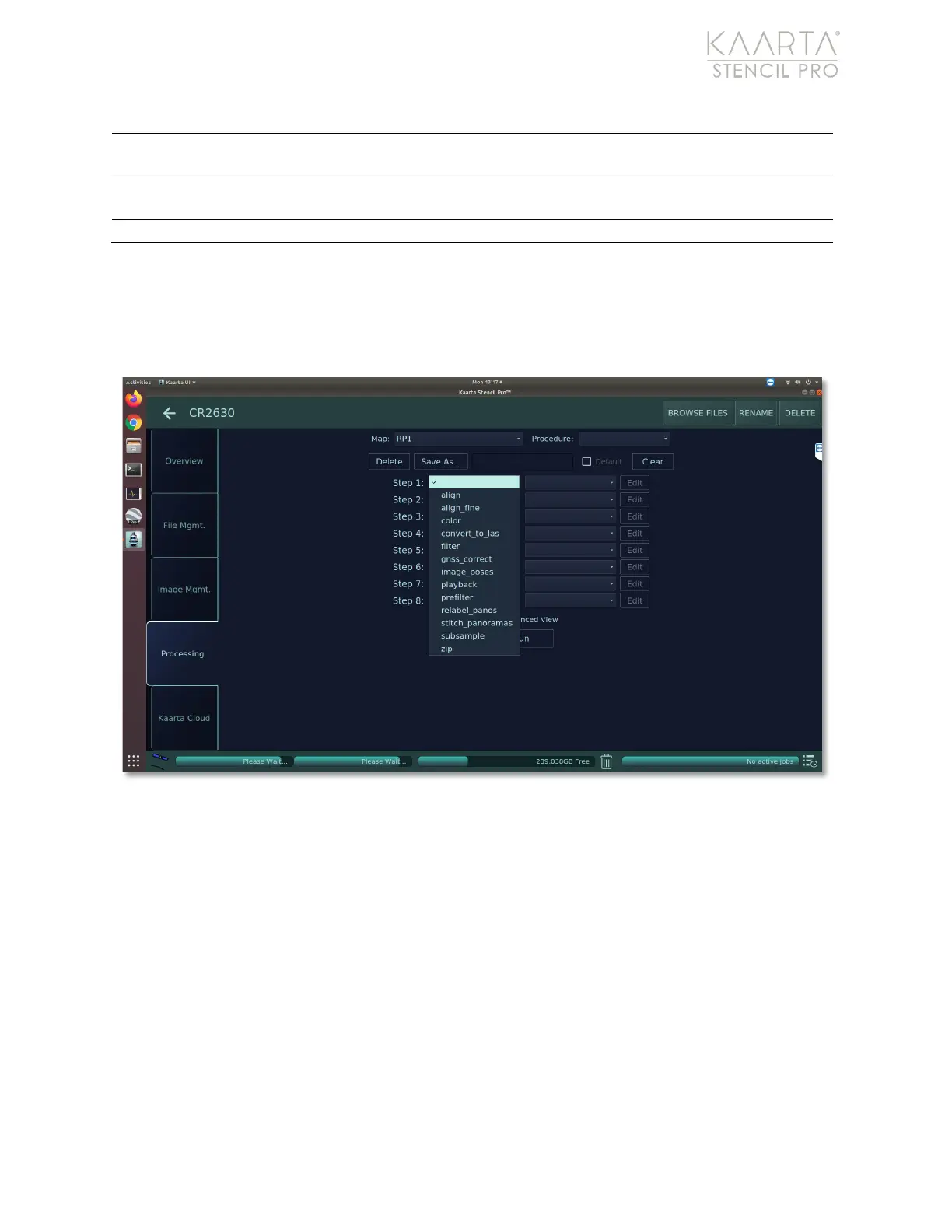
Processes available on Stencil Pro include align, fine align, color, convert to LAS, filter,
GNSS correct, create image poses, playback, prefilter, relabel panoramas, stitch
panoramas, subsample, or zip. Detailed descriptions of each process are given within this
chapter. The following table provides a general overview of available functionality.
Figure 42: Available Processes on Stencil Pro.



 To Next Page