WWW.KAARTA.COM 67
If you adjusted any of the default configuration settings while on the Edit Preset screen,
you have the option to either save the settings as a new preset (to be run again at a later
time) or, if you do not want to save the current configuration, you can discard the
parameter settings and return to the Advanced View screen to initiate the processing
task. Both options are outlined below.
TEMPORARY SETTING
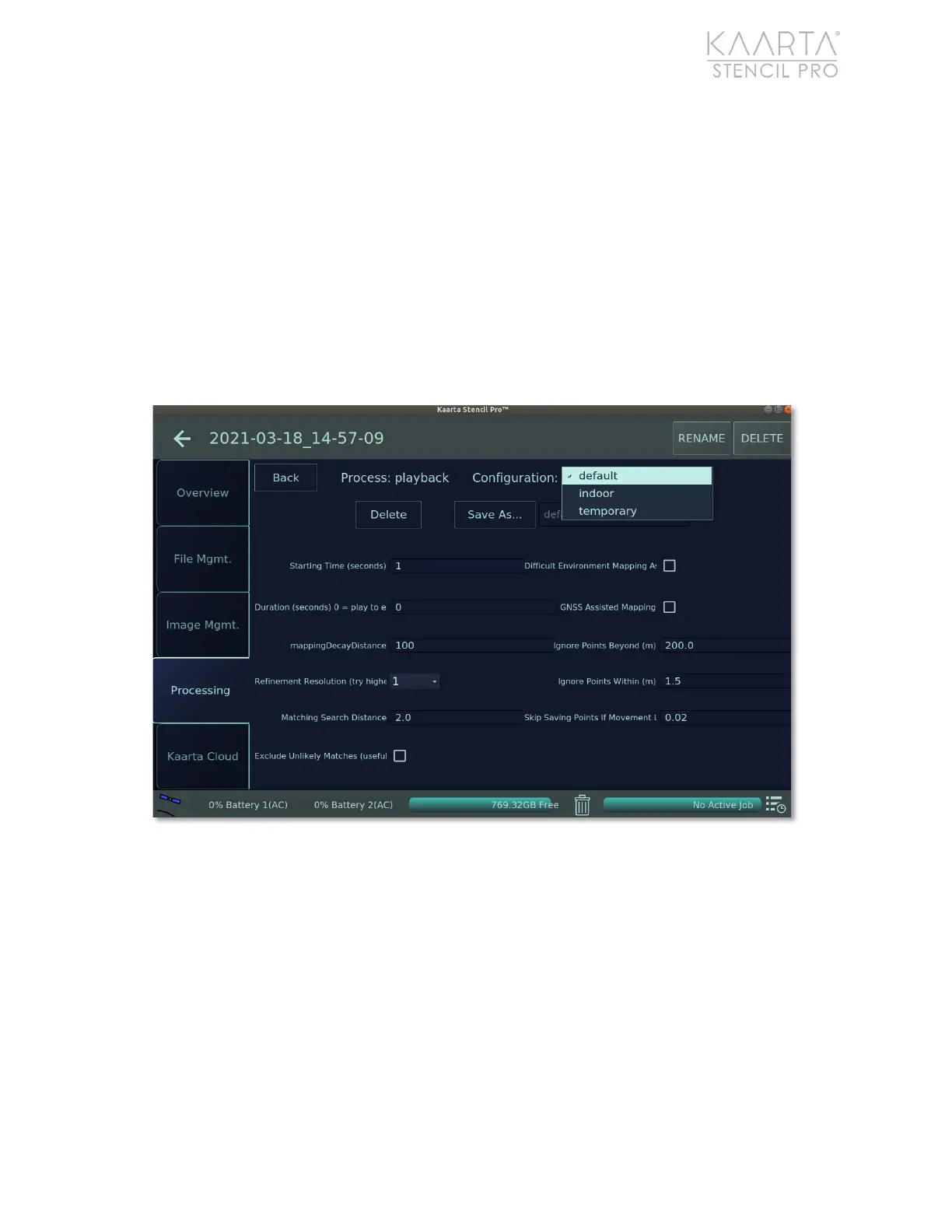
To return to Advanced View without saving edits, select the “temporary” setting from the
Settings dropdown menu on the Edit Preset screen (Figure 45). Click the Back button in
the upper left of the screen to return to Advanced View. From the Advanced View screen,
click Run at the bottom of the UI to start playback.
Figure 45: Using the temporary setting.
CREATE A NEW PRESET
If you made changes to settings and would like to save the values to use later, you can
commit the settings as a new preset. From the Edit Preset screen, make any changes
needed to parameter values. Name the new setting by typing into the textbox at the top
of the screen. Click Save As to the left of the textbox to preserve the preset (Figure 46).



 To Next Page