WWW.KAARTA.COM 69
Having returned to the Advanced View Processing screen, click Run at the bottom of the
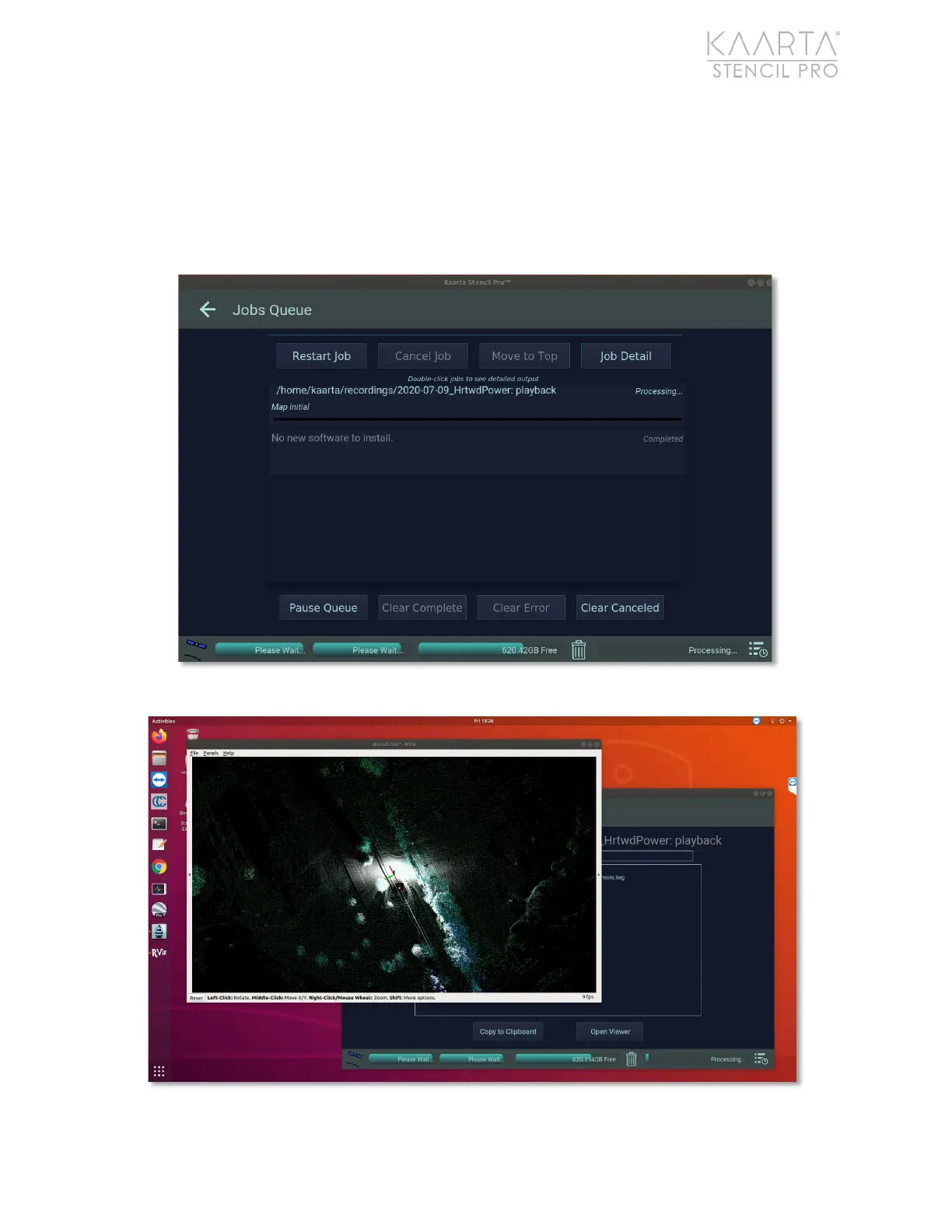
UI to start playback. After playback is initiated, the Jobs Queue displays, showing the
progress of your processing (Figure 48). If GNSS data was collected during initial scanning,
the GNSS status of the playback is shown in the GNSS Status window. You can visualize
the playback of your scan by double-clicking the playback task in the Jobs Queue; the map
preview opens to visualize playback (Figure 49).
Figure 48: Progress of playback in Jobs Queue.
Figure 49: Map preview visualization of playback.



 To Next Page