WWW.KAARTA.COM 88
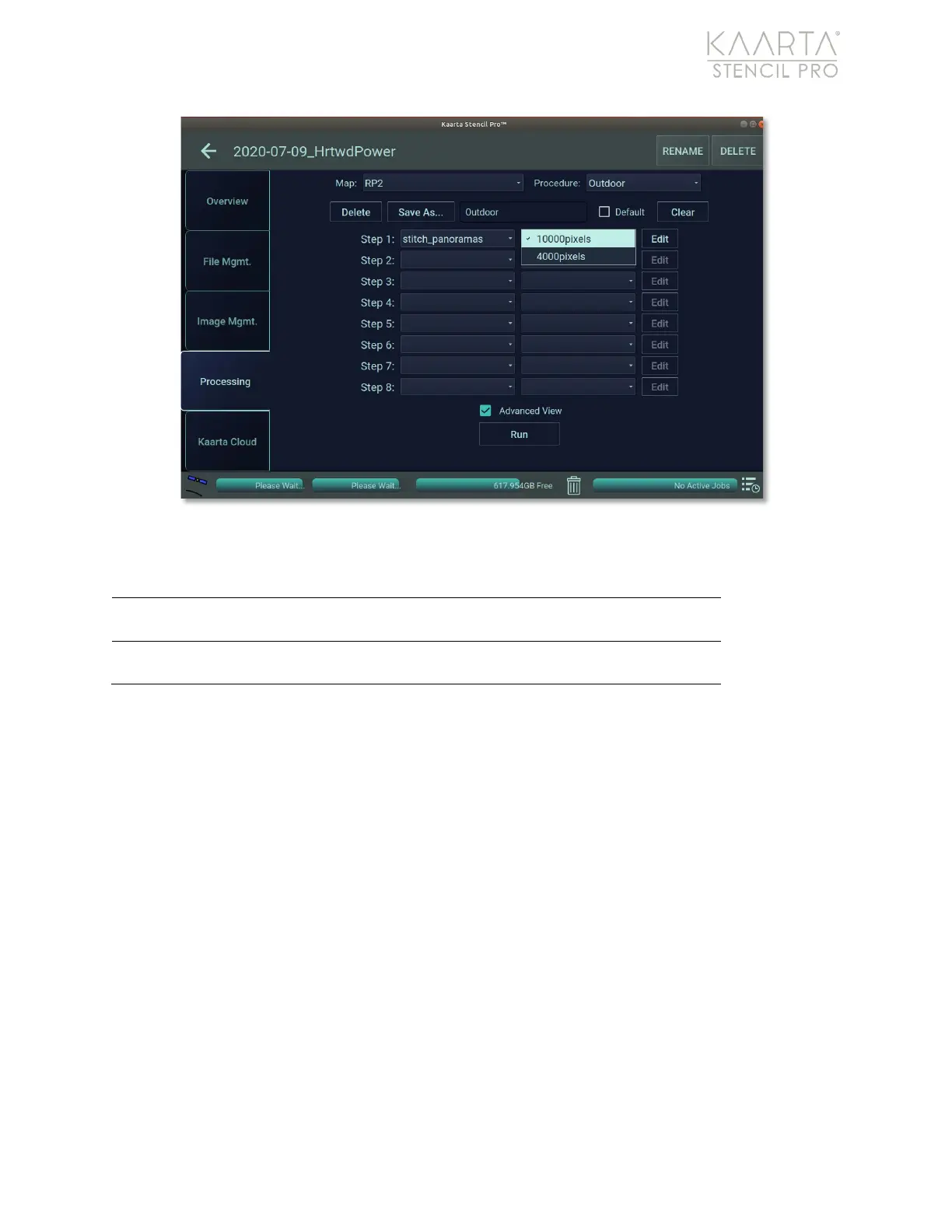
Figure 60: Stitch Panoramas presets.
STITCH PANORAMAS PRESETS
Width of stitched images can be set to 10,000 pixels
(with a corresponding height of 2000 pixels).
Width of stitched images can be set to 4,000 pixels
(with a corresponding height of 800 pixels).
In addition, you can manually adjust the Width/Height pixels in the Stitch Panoramas
settings, along with decreasing the Horizontal and Vertical Field of View, which will
narrow the field of view for the resultant panorama. By adjusting the horizontal or vertical
field, you can eliminate obstructions (like the camera mount) from imagery. The
Horizontal Field of View Offset sets the horizontal field of view offset, which is a fixed
angular offset used to adjust the image center of the output pano image. You could use
this if you would like to center on the rear camera. The Projected Sphere Radius controls
the radius of the simulated sphere which is used to create the equirectangular pano
image. You should not set this too low (default value is 5.0 meters); the value should not
be set lower than 0.5 meters. Seam Blending Threshold is used to blend away stitching
artifacts between cameras. A value of 0 will result in no blending. Do not set the threshold
larger than the angular overlap between two adjacent cameras (Figure 61).
If you make changes to any default settings, you will be prompted to either save the
changes as a new preset or use the temporary setting to discard the values after usage.
See Temporary Setting on page 67 and Create a New Preset on page 67 for more details.



 To Next Page