MDM2010 – ILB3210 Installation Guide
20 | Page
3.4 Terminal Testing
3.4.1 Modem to Laptop Connection
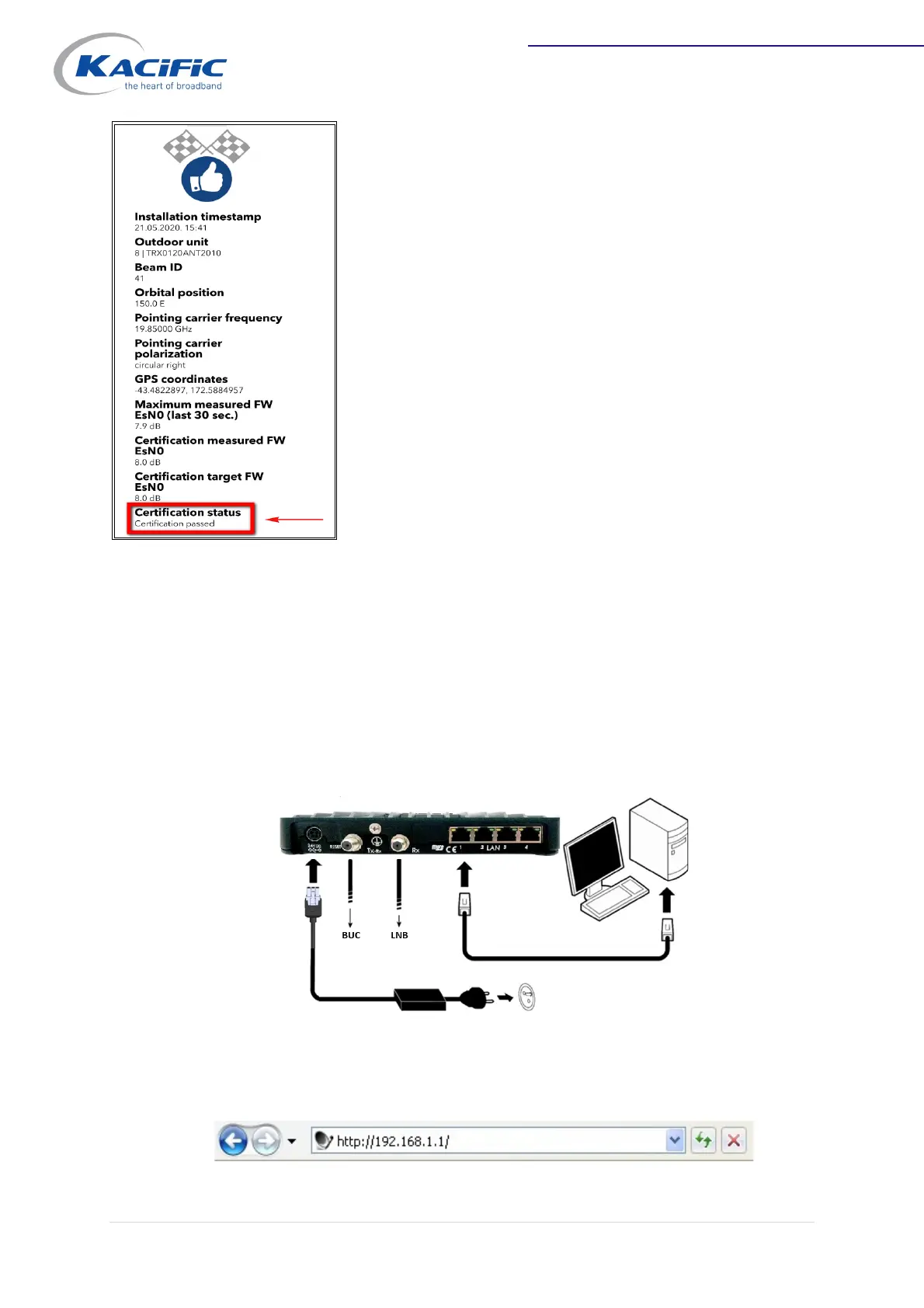
Connect your laptop to the modem with the Ethernet cable.
Check that your laptop IP setting is set to DHCP to be able to receive an IP address
from the modem.
Open the browser, then type the modem address 192.168.1.1 in the browser's
address bar to be directed to the terminal status page.


 To Next Page