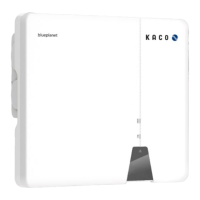
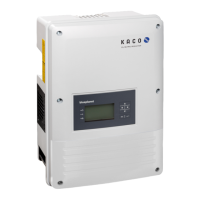
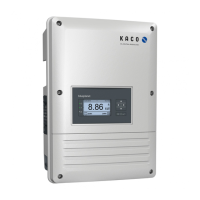
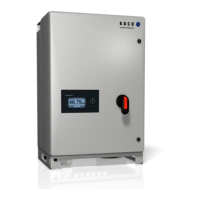
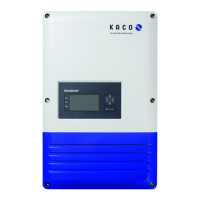
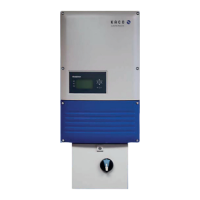
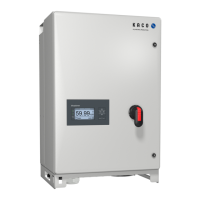
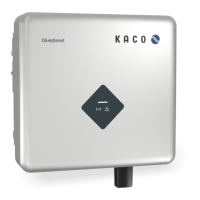
KACO blueplanet 3.0 NX1 M2 KACO blueplanet 3.7 NX1 M2 KACO blueplanet 4.0 NX1 M2 KACO blueplanet 5.0 NX1 M2 Page 2
NOTE
The tool app doesn't use these permissions to record user's phone data. Please grant these permissions to
tool app.
1.2 Network configuration
Network configuration setting as below:
Network configuration setting.
1 Open the tool app and click the ”INSTALLATION” button (The tool app will open the phone’s camera
).
2 Scan the QR code label on Wi-Fi stick. then the tool app will automatically connect to Wi-Fi stick’s hotspot.
3 Click the “Select network” button, choose the Wi-Fi SSID of the nearby router provides Internet network to Wi-Fi
stick. You can also manually enter the router SSID.
4 Fill in the password of SSID selected, click the “Ok” button to start the network configuration.
5 Wait for the result of the network configuration.
» Proceed with changing another router, if the router Wi-Fi stick connected to does not work.
Fig. 6: Home page Fig. 7: Scan QR code
Fig. 8: Network configuration Fig. 9: Successful configuration


 To Next Page
 Loading...