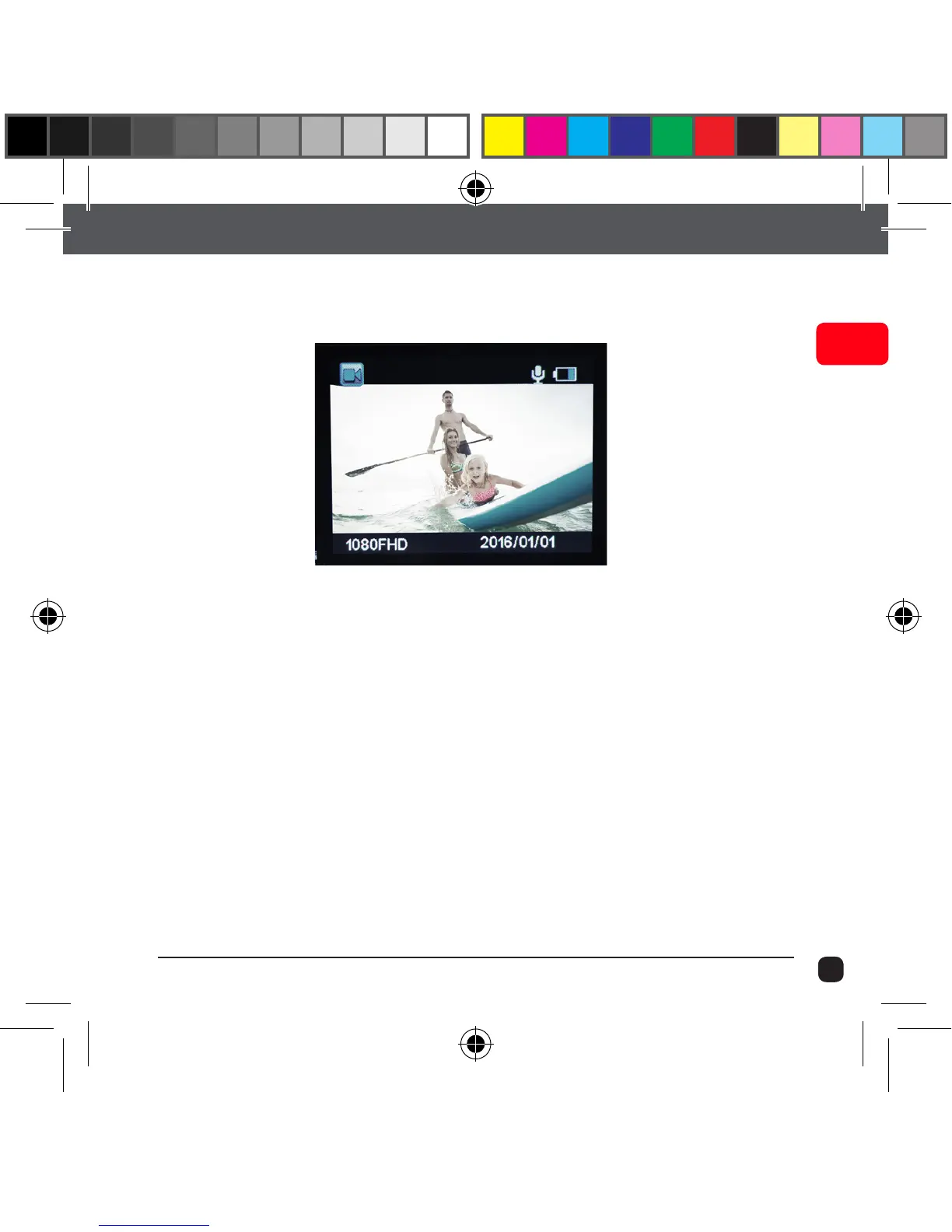
Video Mode
Once the X90 is turned On, Video Mode is selected by default. Press
the Record Button to start recording.
When the recording starts, you will notice the status indicator light
on the X90 flashing. To end recording, press the Record button again.
Tip: Use Up/Down button for zooming in/out



 To Next Page