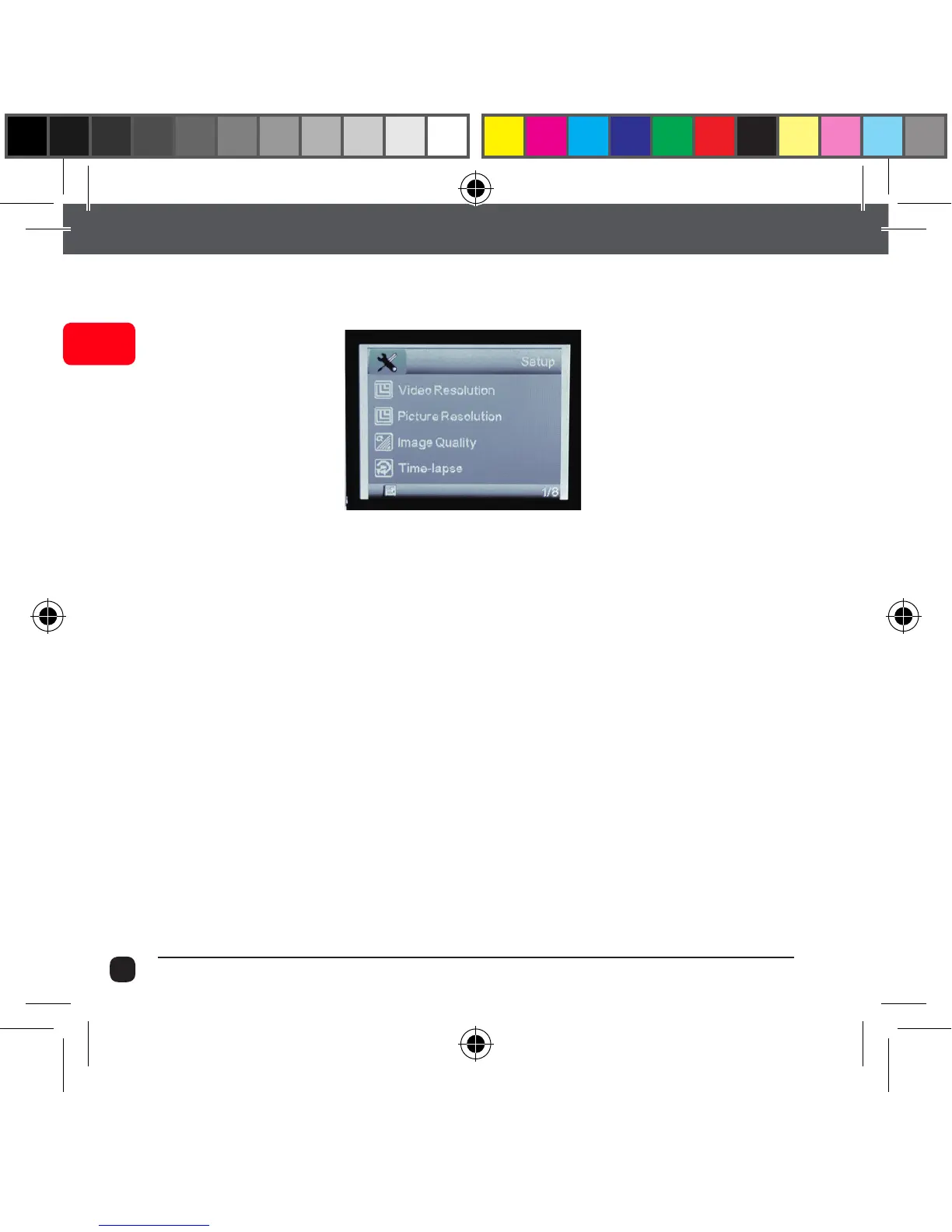
Setup Mode
Press Menu (M) button to access the Setup Menu.
Use Up/Down button to scroll through and press the Record Button
to confirm your selection.
Video Resolution
This allows you to set the video recording resolution:
• 1080P 30fps • WVGA 848x480
• 720P 60fps • VGA 640x480
• 720P 30fps
Picture Resolution
This allows you to set the image resolution to capture Photos.
• 12M • 5M • VGA
• 10M • 3M • 1.3M
• 8M • 2M



 To Next Page