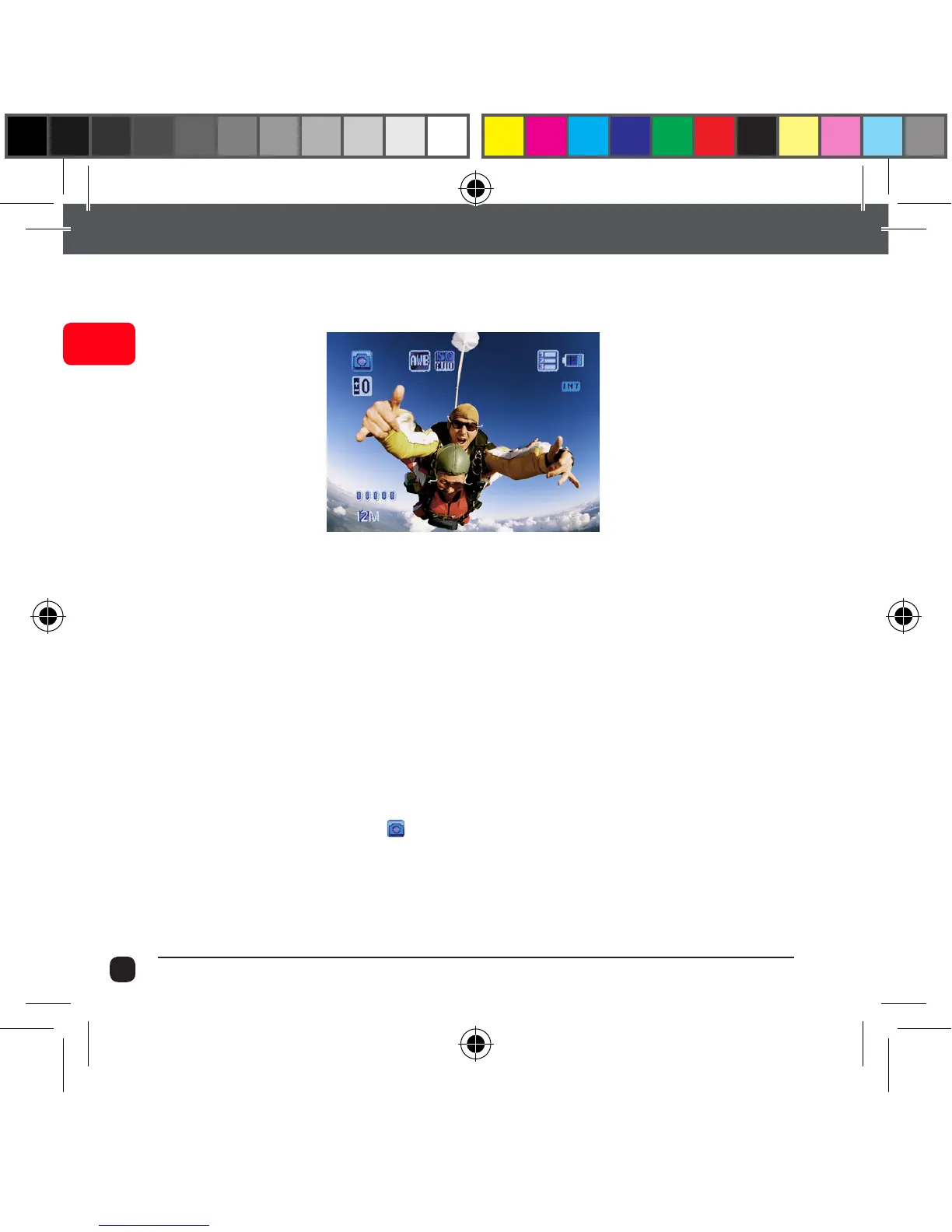
Picture Mode
This mode will allow you to take snapshots.
To activate this mode:
Turn the X90 On.
Once it is ON, Press and Release the Power button. This will switch
the camera from Video Mode to Picture Mode.
Note: Do not hold the Power button as it will turn the camera off.
You will notice this icon ( ) on top left corner of the screen.
Press the Record button to capture snapshots.
Tips: Use Up/Down button for zooming in and zooming out.



 To Next Page