43KaCool D02.02.2017
Installation and Connection
Control overview
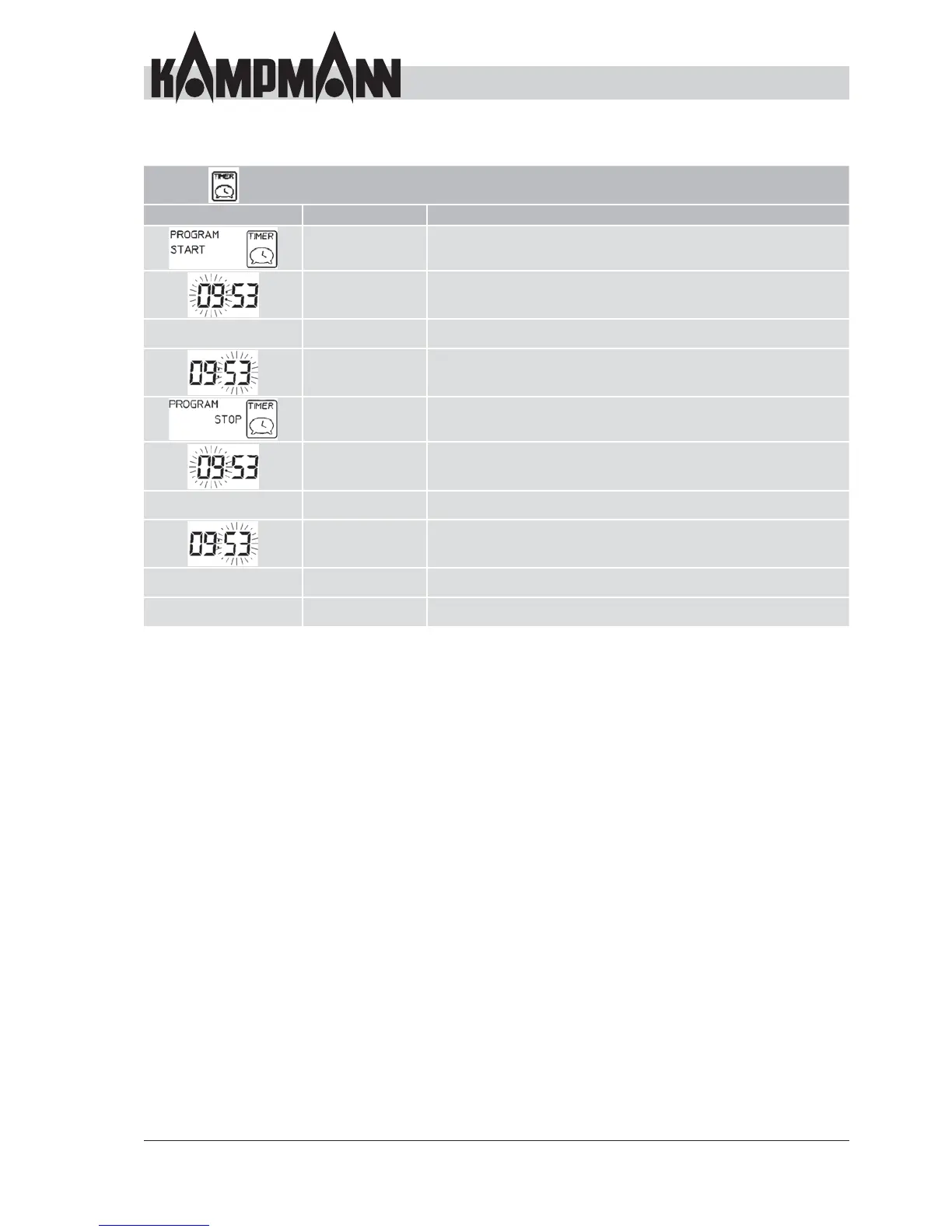
Timer mode setting
Display Action Description
Press Select 2x Show "Program & Start" on the display
Press +/- Set the desired hour of time
– – – Press Select 1x Confi rm the hour, change to minute
Press +/- Set the desired minute of time
Press Select 1x Show "Program & Stop" on the display
Press +/- Set the desired hour of time
– – – Press Select 1x Confi rm the hour, change to minute
Press +/- Set the desired minute of time
– – – Press Select 1x Confi rm the entry
– – – On/Send Save the changed data



 To Next Page