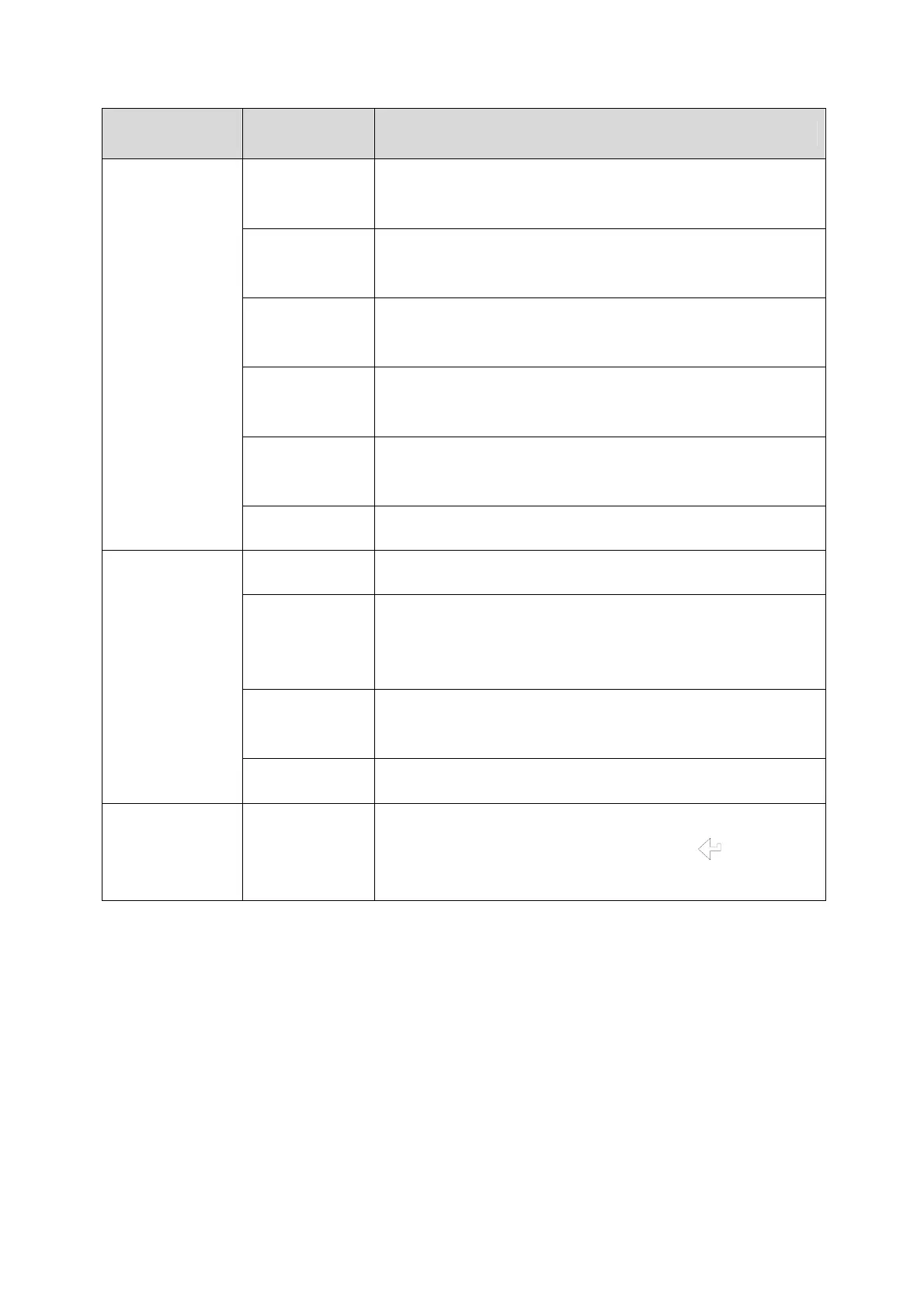
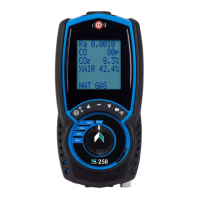
KANE425 manual Page 22
MAIN
MENU
SUB MENU OPTIONS / COMMENTS
REPORT COMB’N
Stored combustion tests:
VIEW, DEL ALL, EXIT
PRESSURE
Stored pressure tests:
VIEW, DEL ALL, EXIT
TIGHTN’S
Stored tightness tests:
VIEW, DEL ALL, EXIT
TEMP
Stored differential temperature tests:
VIEW, DEL ALL, EXIT
ROOM CO
Stored room CO tests:
VIEW, DEL ALL, EXIT
EXIT
SCREEN
CONTRAST Factory setting is 04
AUX
Enables users to customise the parameters on the
AUX display:
LINE 1, LINE 2, LINE 3, LINE 4, EXIT
HEADER
Printout header, 2 lines, 20 characters per line:
HEADER 1, HEADER 2, EXIT
EXIT
SERVICE CODE
Password protected for authorised service agents
only. Leave set to 0000 then press
four
times to exit the SERVICE menu
NOTE: To EXIT the MENU at any time simply move the rotary switch to
any position other than “Menu”. Any changes that have not been
“entered will be ignored.


 To Next Page