KANE425 manual Page 23
6. USING THE KANE425 AS A THERMOMETER &
PRESSURE METER
With the KANE425 switched off, press and hold down the
button and
then press and release
. Release after MANO_MOD is displayed
on top line.
The KANE425 will now operate as a fixed display thermometer/pressure meter
with the pump off and inhibited.
The display will show:
P 0.00
→ Real time pressure reading
T1 21.3
→
Use the T1 connection for the flow
temperature sensor
T2 21.3
→
Use the T2 connection for the return
temperature sensor
∆T 0.0
→
Real time temperature difference
The rotor display indications will now be locked apart from MENU. Readings
can be printed but not stored. Exit this mode by switching the KANE425 off.
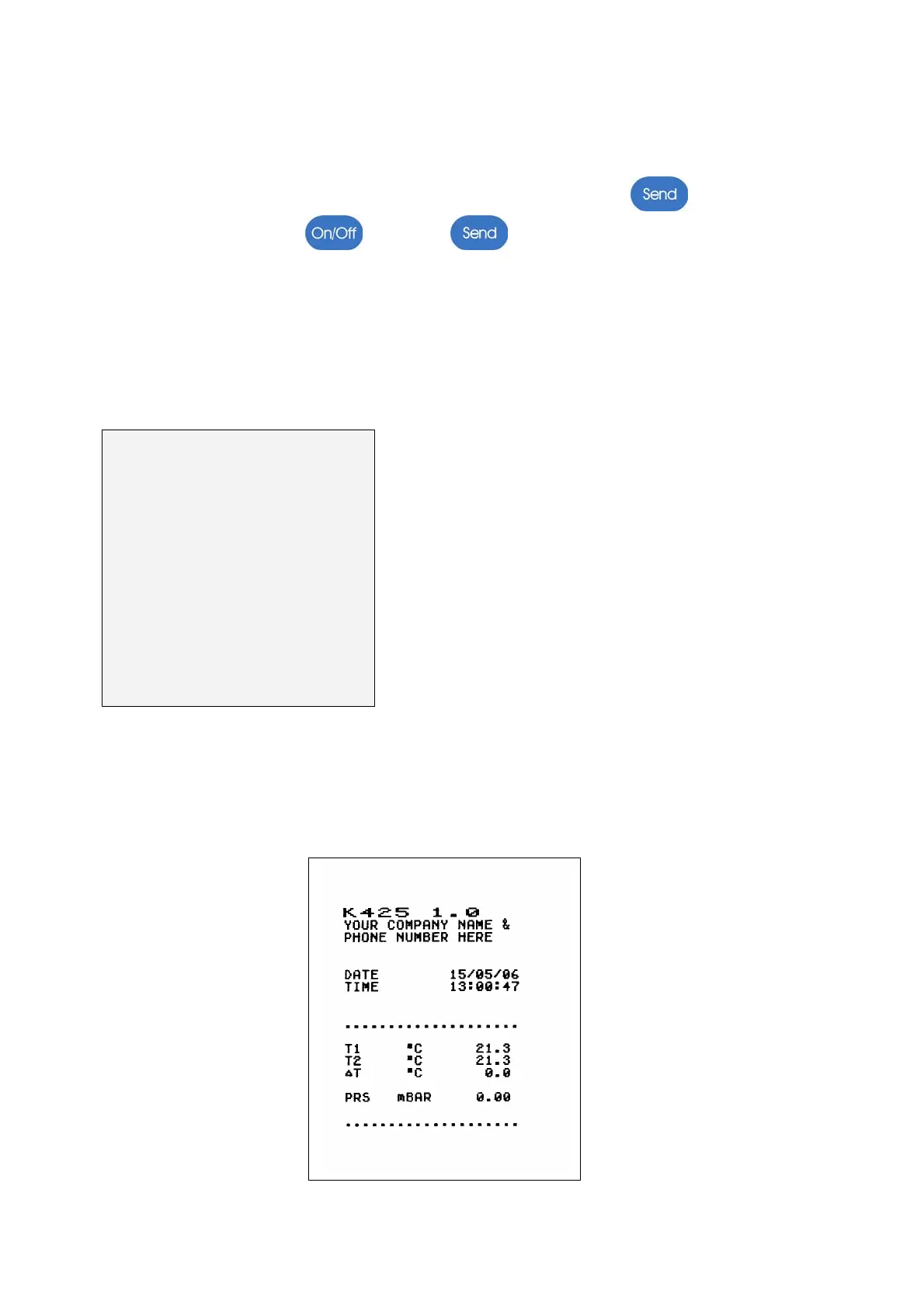
The standard printout for this mode is as follows:


 To Next Page